66
3. INPUT/OUTPUT SETTINGS
3-17 Illumination Lights
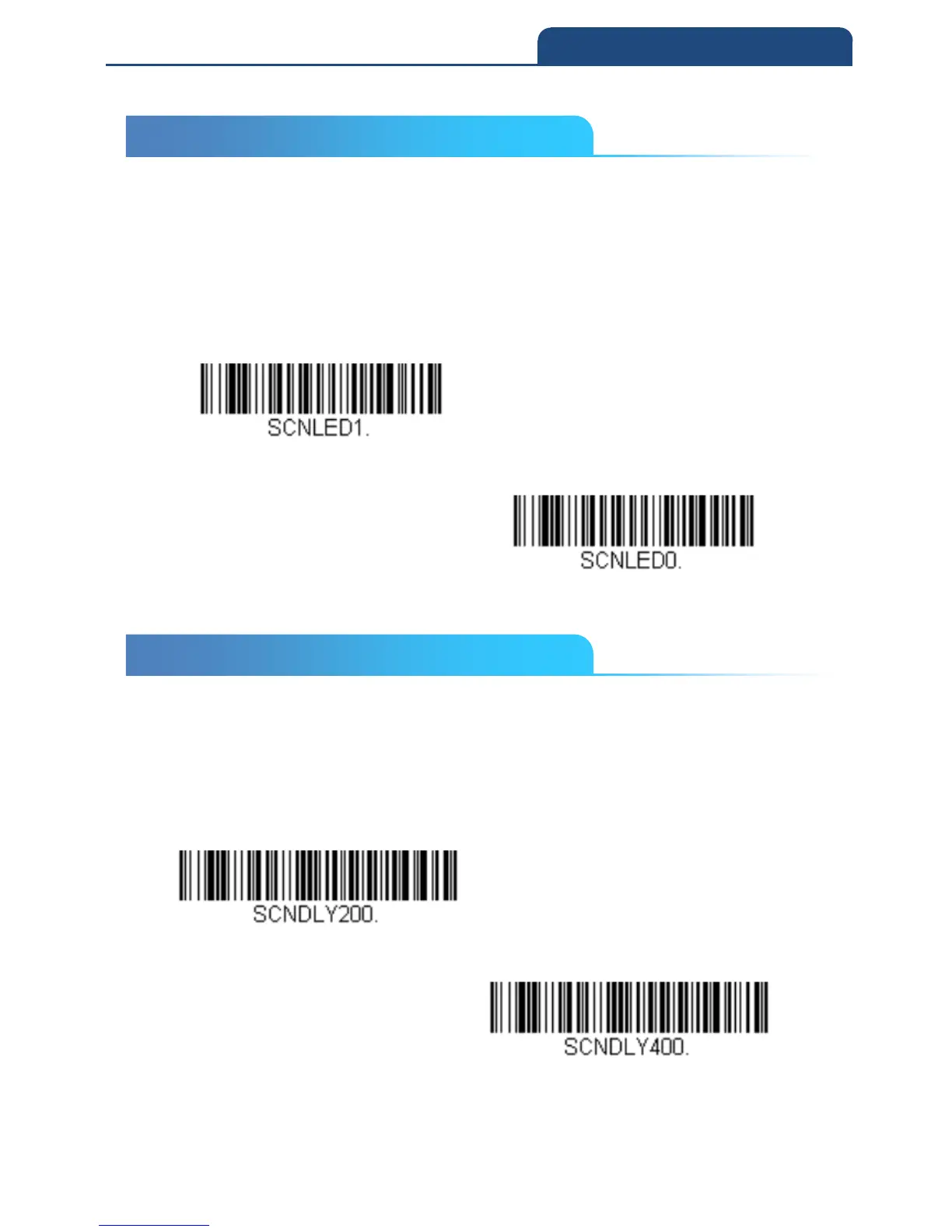
If you want the illumination lights on while reading a bar code, scan the Lights
On bar code, below. However, if you want to turn just the lights off, scan the
Lights Off bar code.
Default = Lights On
Note: This setting does not affect the aimer light. The aiming light can be set
using Aimer Mode.
Light On
Light off
3-18 Aimer Delay
The aimer delay allows a delay time for the operator to aim the scan engine
before the picture is taken. Use these codes to set the time between when the
trigger is pulled and when the picture is taken. During the delay time, the
aiming light will appear, but the LEDs won’t turn on until the delay time is over.
Default = Off



 To Next Page