55
3. INPUT/OUTPUT SETTINGS
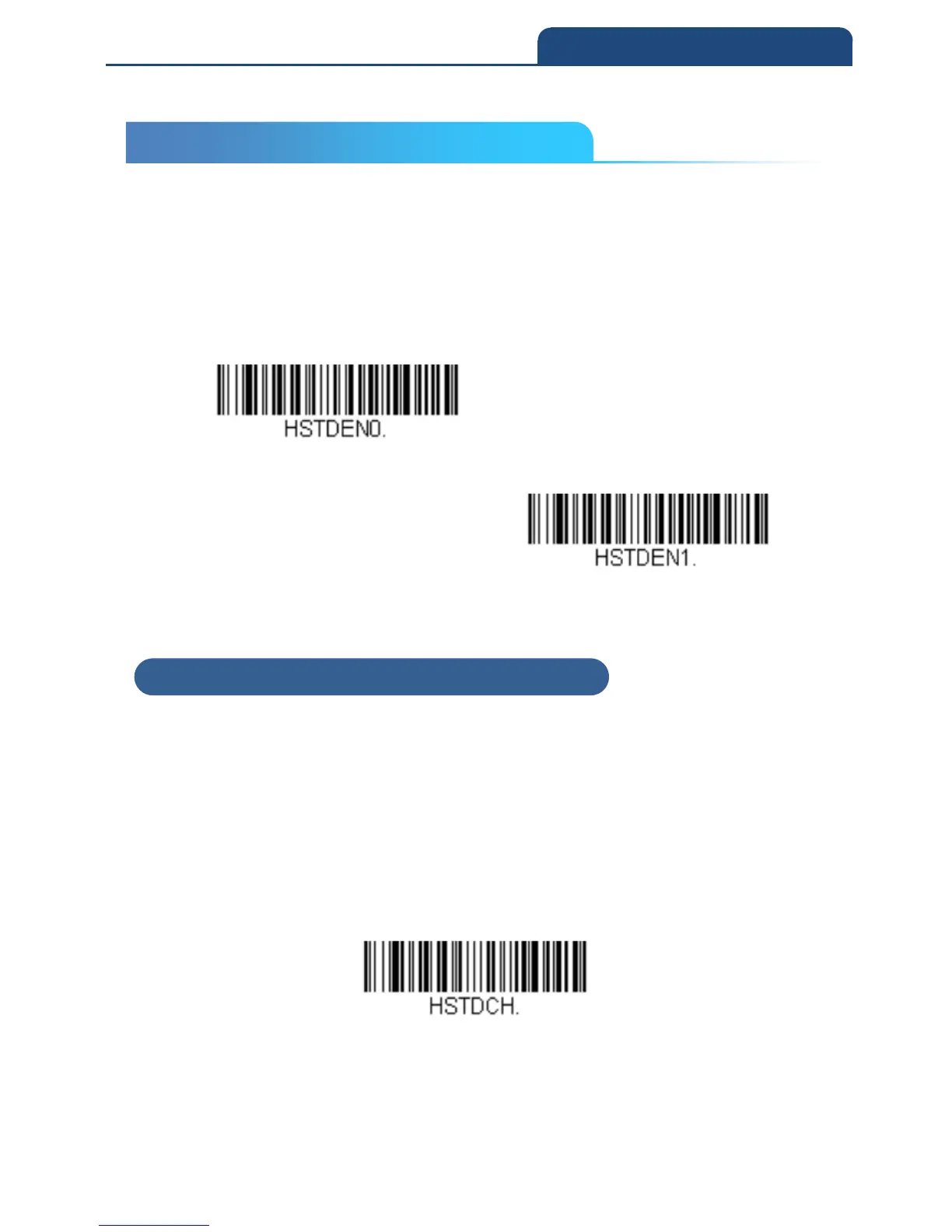
3-7 Character Deactivation Mode
If you have sent a character from the host to trigger the scanner to begin
scanning, you can also send a deactivation character to stop scanning. Scan
the following On bar code to use character deactivation, then use Deactivation
Character (following) to select the character you will send from the host to
terminate scanning.
Default = Off
Off
On
3-7-1 Deactivation Character
This sets the character used to terminate scanning when using Character
Deactivation Mode. On the ASCII Conversion Chart (Code Page 1252), find
the hex value that represents the character you want to use to terminate
scanning. Scan the following bar code, then use the Programming Chart inside
the back cover of this manual to read the alphanumeric combination that
represents that ASCII character. Scan Save to finish.
Default = 14 [DC4]
Deactivation Character
3-7 Character Deactivation Mode
3-7-1 Deactivation Character



 To Next Page