128
6. SYMBOLOGIES
Off
6-12-3 Code 128 Message Length
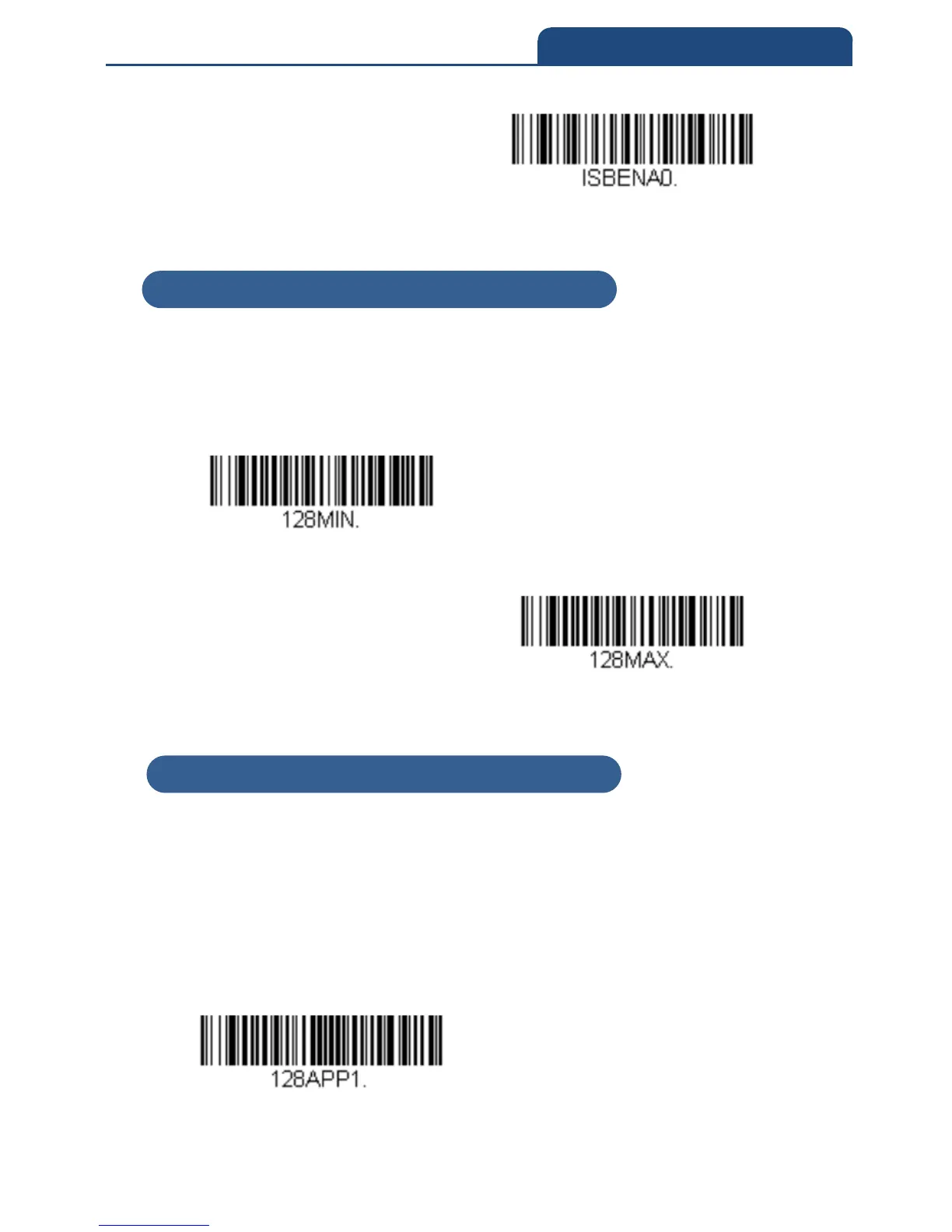
Scan the bar codes below to change the message length. Refer to Message Length
Description for additional information. Minimum and Maximum lengths
= 0-80.
Minimum Default = 0 Maximum Default = 80
Minimum Message Length
Maximum Message Length
6-12-4 Code 128 Append
This function allows the scanner to append the data from several Code 128 bar
codes together before transmitting them to the host computer. When the
scanner encounters a Code 128 bar code with the append trigger character(s),
it buffers Code 128 bar codes until it reads a Code 128 bar code that does not
have the append trigger. The data is then transmitted in the order in which the
bar codes were read (FIFO). Default = On
On
6-12-3 Code 128 Message Length
6-12-4 Code 128 Append



 To Next Page