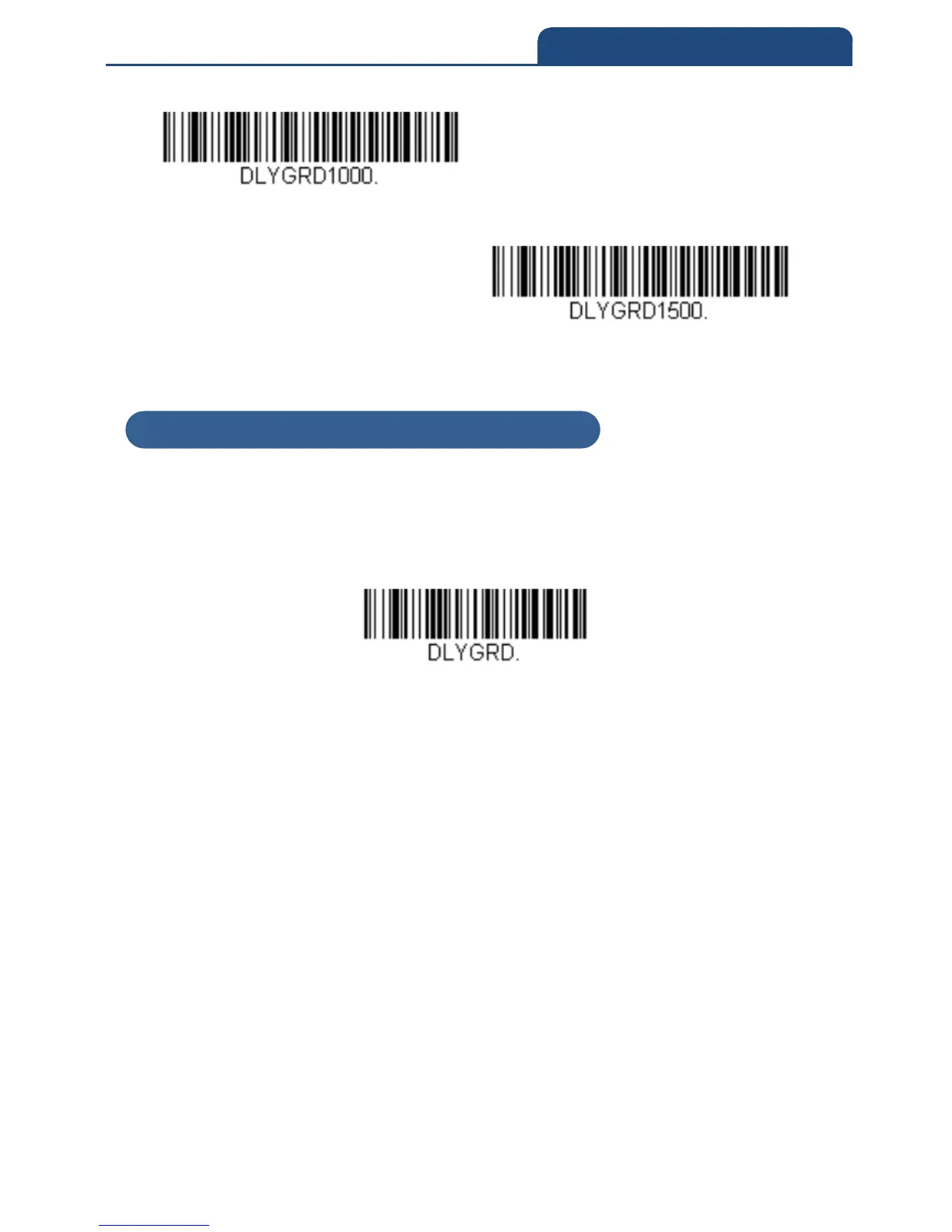
Long delay,(1,500ms)
3-4-10 User-Specified Good Read Delay
If you want to set your own length for the good read delay, scan the bar code
below, then set the delay (from 0-30,000 milliseconds) by scanning digits from
the inside back cover, then scanning Save.
User-Specified Good Read Delay
Example) When setting the delay time to 10 seconds, scan in the following
order.
「User-Specified Good Read Delay」→「1」「0」「0」「0」「0」→「Save」
3-4-10 User-Specified Good Read Delay



 To Next Page