40
2. PROGRAM THE INTERFACE
2-8-5 RS232 Timeout
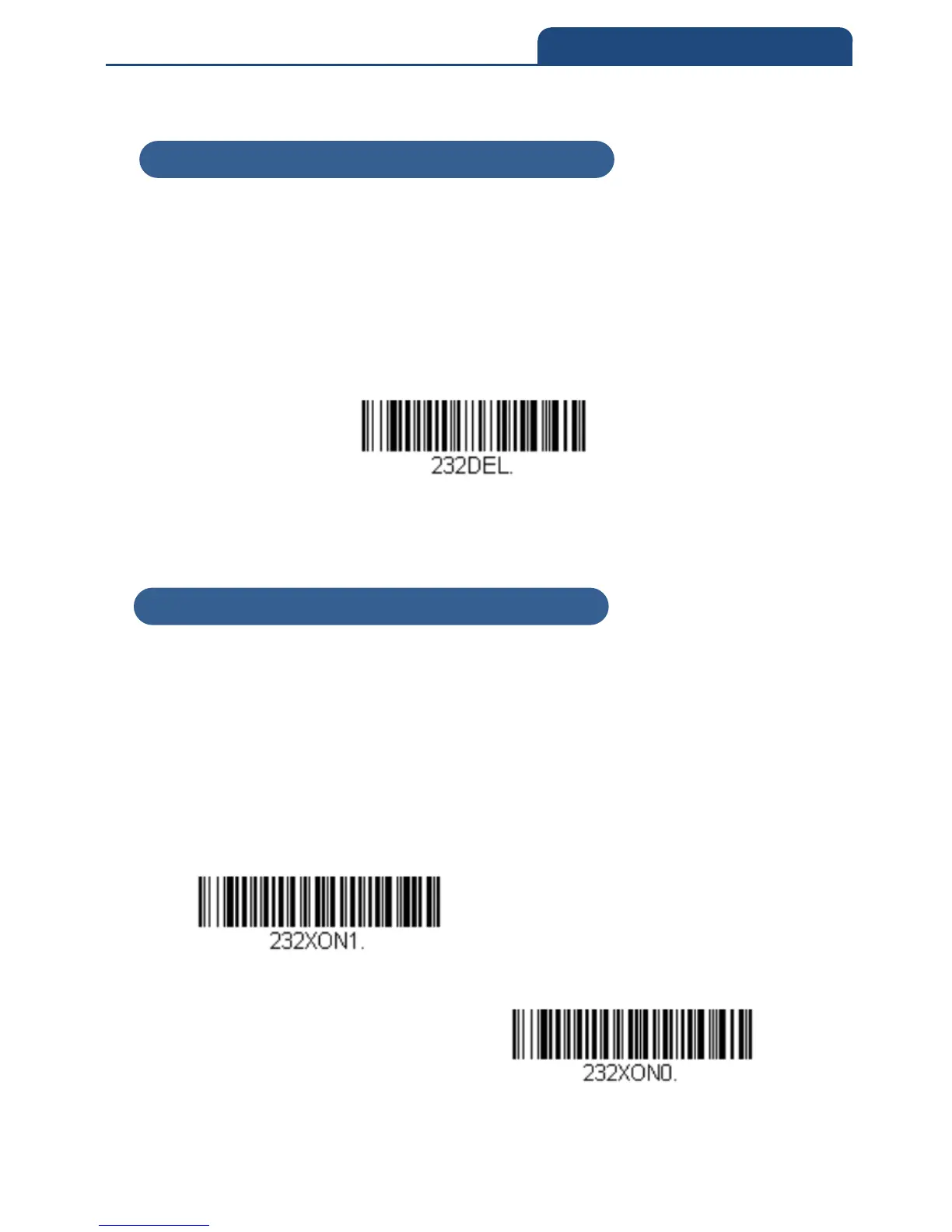
When using Flow Control with Timeout, you must program the length of the
delay you want to wait for CTS from the host. Set the length (in milliseconds)
for a timeout by scanning the bar code below, then setting the timeout (from
1-5100 milliseconds) by scanning digits from the inside back cover, then
scanning Save.
RS232 Timeout
2-8-6 XON/XOFF
Standard ASCII control characters can be used to tell the scan engine to start
sending data (XON/XOFF On) or to stop sending data (XON/XOFF Off). When
the host sends the XOFF character (DC3, hex 13) to the scan engine, data
transmission stops. To resume transmission, the host sends the XON
character (DC1, hex 11). Data transmission continues where it left off when
XOFF was sent.
Default = XON/XOFF Off
XON/XOFF ON
XON/XOFF OFF
2-8-5 RS232 Timeout
2-8-6 XON/XOFF



 To Next Page