69
3. INPUT/OUTPUT SETTINGS
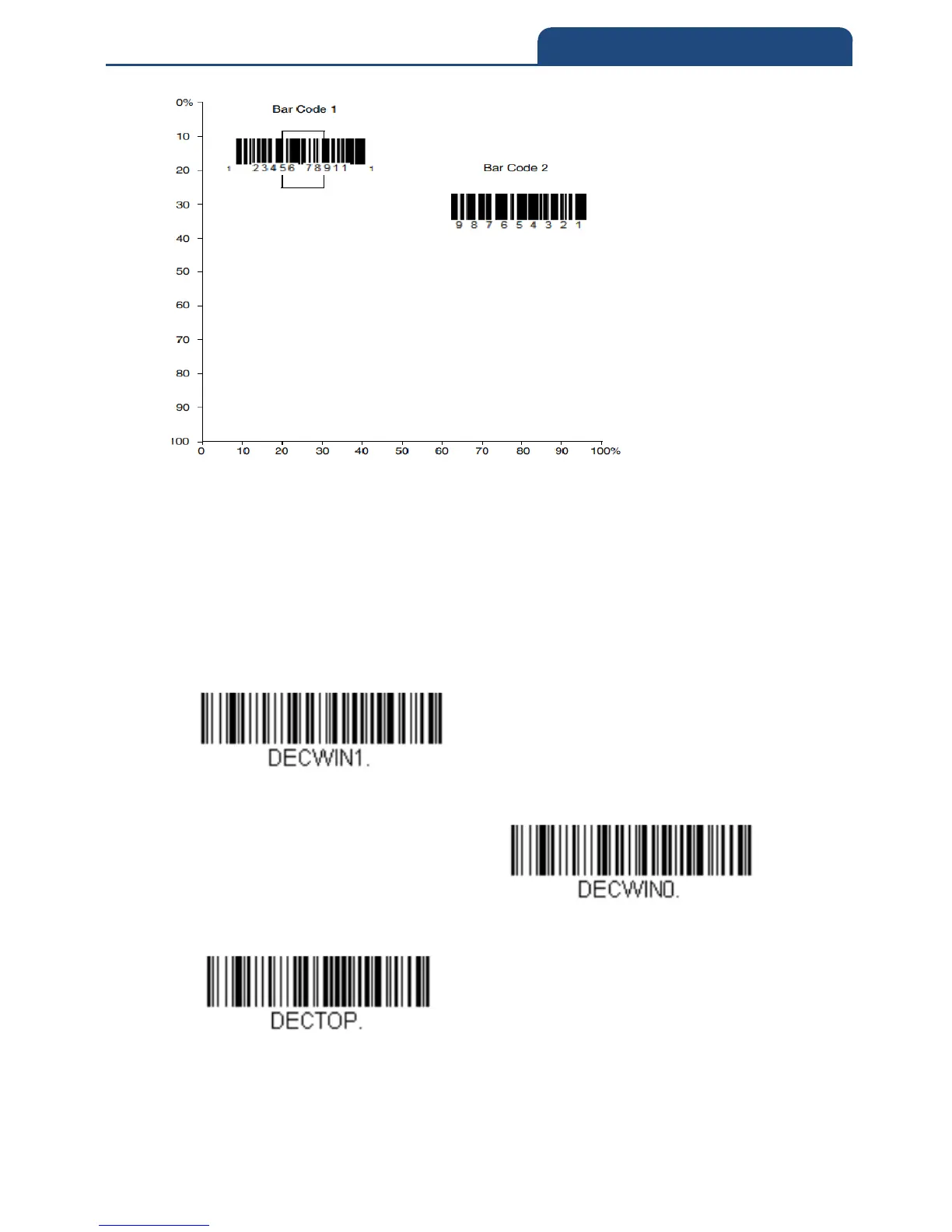
A bar code needs only to be touched by the centering window in order to be
read. It does not need to pass completely through the centering window.
Scan Centering On, then scan one of the following bar codes to change the top
and bottom of the centering window. Then scan the percent you want to shift
the centering window using digits on the inside back cover of this manual.
Scan Save.
Default Centering = 40% for Top, 60% for Bottom
Centering On
Centering Off
Top of Centering Window



 To Next Page