33
2. PROGRAM THE INTERFACE
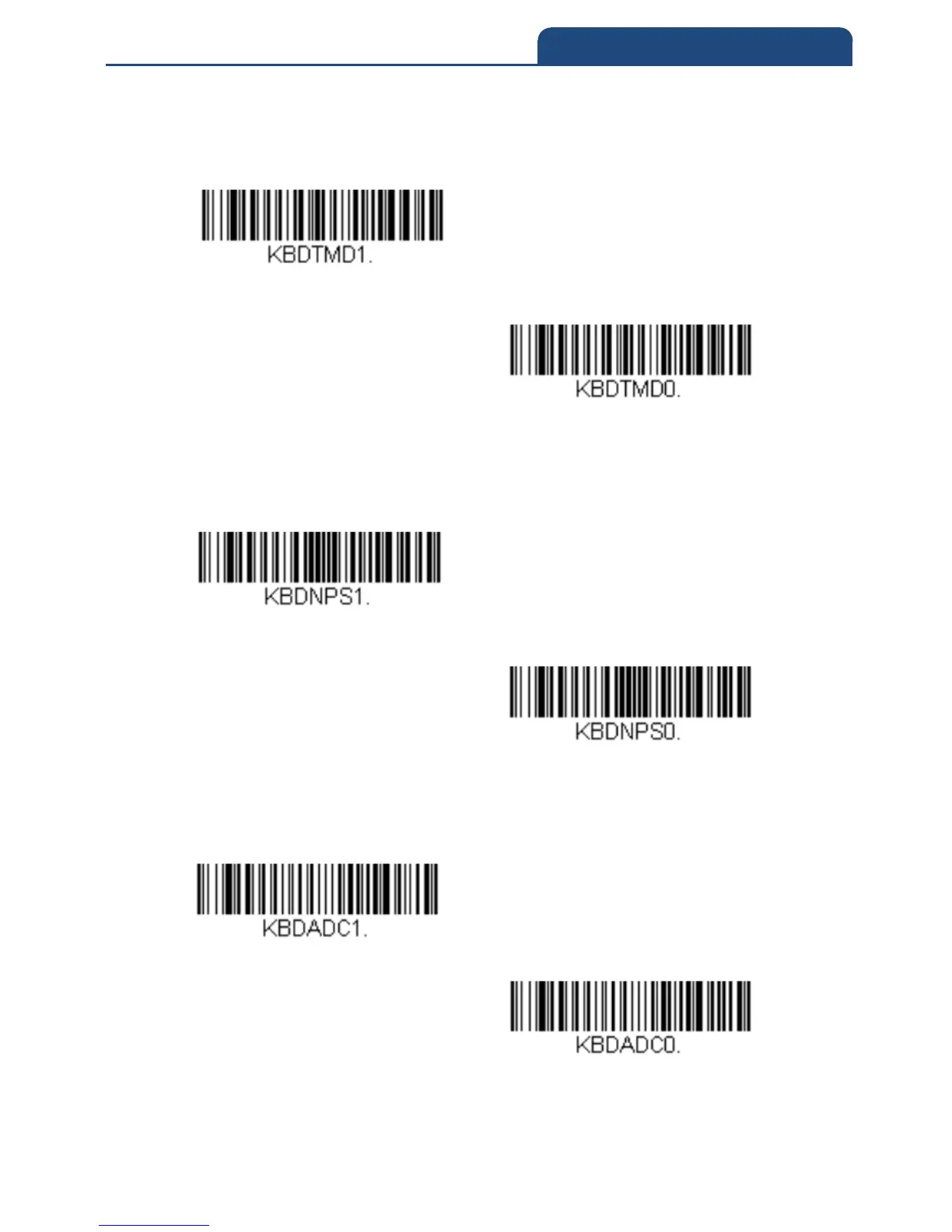
Turbo Mode: The scan engine sends characters to a terminal faster. If the
terminal drops characters, do not use Turbo Mode. Default = Off
Turbo Mode On
Turbo Mode Off
Numeric Keypad Mode: Sends numeric characters as if entered from a
numeric keypad. Default = Off
Numeric Keypad Mode On
Numeric Keypad Mode off
Automatic Direct Connect Mode: This selection can be used if you have an
IBM AT style terminal and the system is dropping characters. Default = Off
Automatic Direct Connect Mode On
Automatic Direct Connect Mode Off



 To Next Page