74 Chapter 7 Troubleshooting
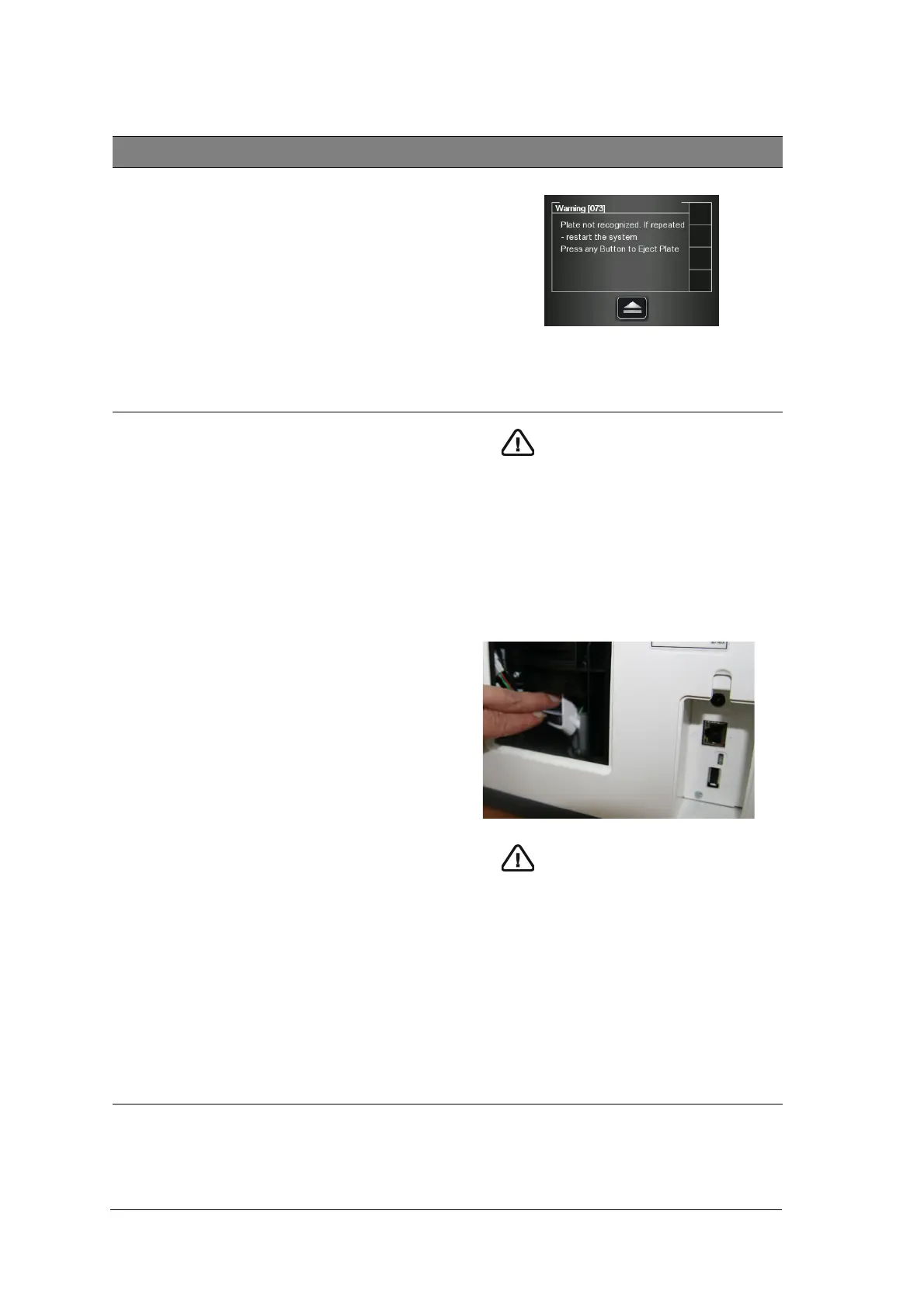
Scanner Error # 073
Imaging plate loading
failure.
• Press the middle function button to eject the
imaging plate and then reinsert the imaging plate
again.
• Replace imaging plate if reinsertion does not
work.
Scanner Error # 087
Imaging plate inserted
incorrectly
Important: Do not insert any tools
into the scanner. If any tool is
inserted into the scanner the
warranties are null and void.
To retrieve a fallen imaging plate, follow these
steps:
• Turn off the scanner and disconnect the
scanner from the mains power source.
• Disconnect the scanner from the network.
• Unscrew the crosshead screw which is holding
the rear service cover.
• Open the rear service cover, and put it to one
side.
• Gently insert your hand and remove the fallen
plate, as shown in picture below
Important: If the plate is not in the
location shown in the above picture,
do not continue to look for the
plate, call service.
• After the imaging plate has been removed,
replace the rear service cover and reinstall the
crosshead screw firmly so that there is no
possibility of light penetration.
• Connect the scanner to the mains power
supply.
• Reconnect the scanner to the network.
• Replace the cover over the network and power
sockets.
• Turn on the scanner.
• Wait for the “Insert Plate” message.
The scanner is ready for use
• In case Error 41 appears, check that the
rear service cover is closed properly.
Table 1 Quick Troubleshooting (Continued)
Malfunction Possible Cause Action











 To Next Page