103
12.1.2 Load job from storage medium
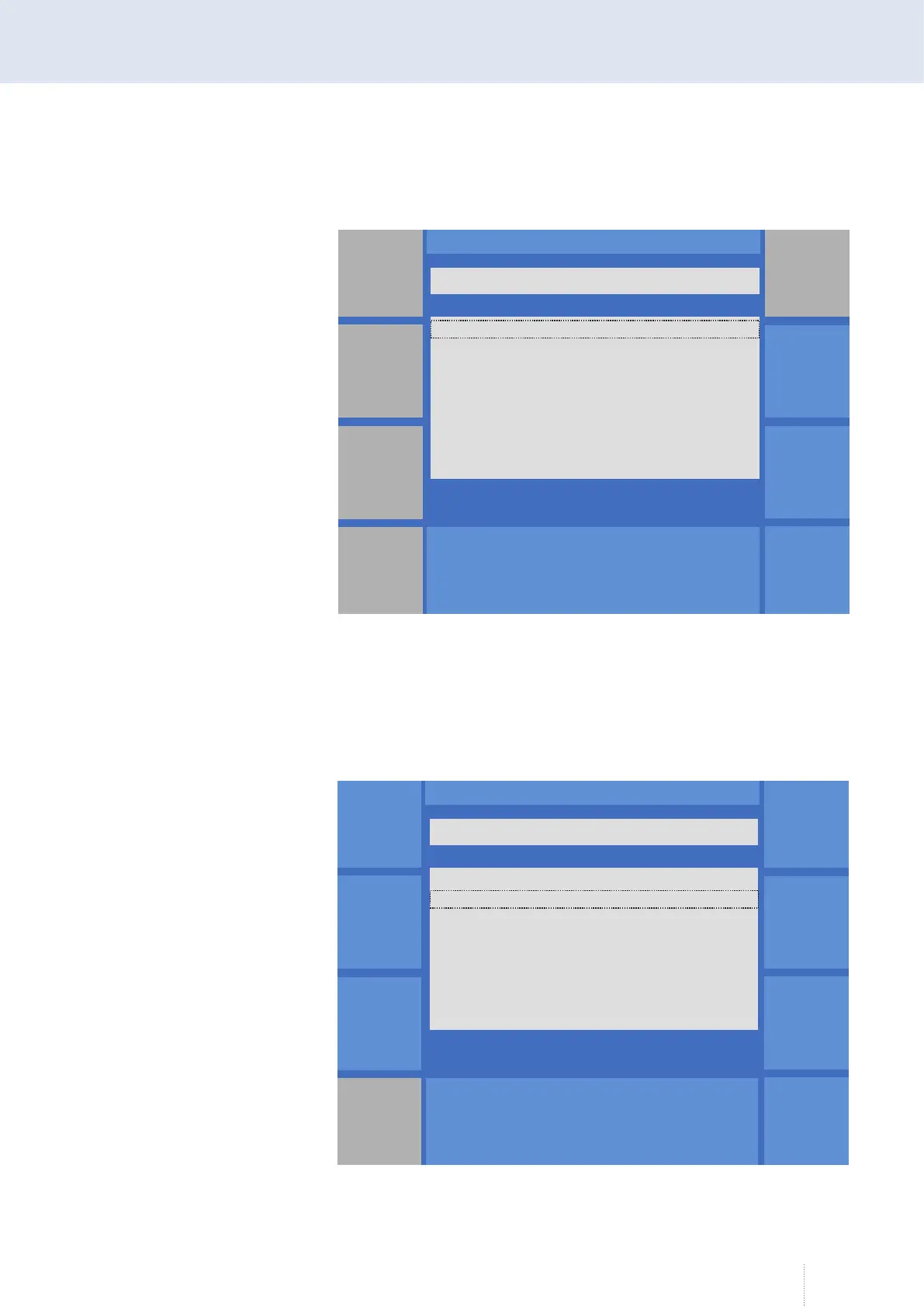
All jobs in the "Job" file folder on the storage medium are displayed.
Load selected jobs
Select the requested job by means of the middle rotary knob. Confirm the
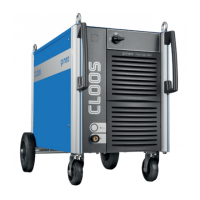
selection by pressing the "Select" button. Multiple selection is possible.
Once you have selected all the jobs you want to load into the welding pow-
er source from the storage medium, press the "Load" button.
The jobs are saved in the job memory of the welding power source.
Datensicherung JOB Qineo NexT
V1.03.xx
Laden
Von Datei
Auswahl
Bis Datei
Details
Alle
auswählen
Puls 4 -Takt
V
A
1.2 mm Fe
82% Argon 18% Co
0.0
<DIR> ..
Job1
Job2
Job3
\Jobs\
Figure 93. "Data backup" - "Load job from storage medium" menu, without selection
Datensicherung JOB Qineo NexT
V1.03.xx
Laden
Von Datei
Auswahl
Bis Datei
Details
Alle
auswählen
Puls 4 -Takt
V
A
1.2 mm Fe
82% Argon 18% Co
0.0
<DIR> ..
Job1
Job2
Job3
\Jobs\
Figure 94. "Data backup" - "Load job from storage medium" menu, with selection


 To Next Page