50
MAIN - Programming
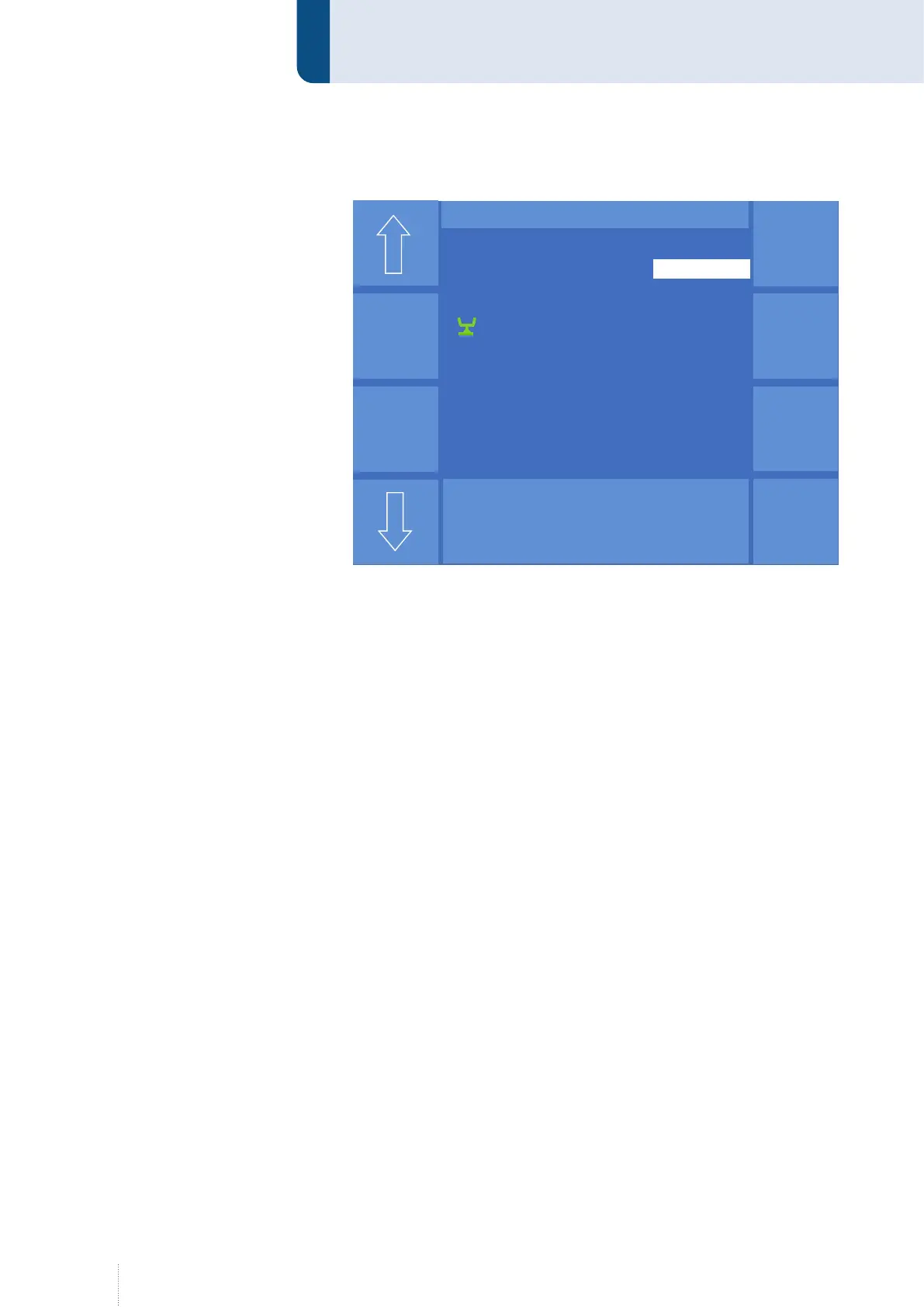
After activating the "Setting range" function, the following view appears.
Since the synergy characteristic curves already comprise predefined pa-
rameters , the minimum and maximum values for the start power and the
end crater power are entered as correction factor (-99 to +99).
The minimum and maximum main power are entered depending on the
display setting in the "MAIN" menu, see "8. MAIN - Display" on page 58.
The limit values can be displayed in m/min or V and A.
The values are input by means of the middle rotary knob. The active input
range is highlighted with a white field. Use the arrow keys to jump to the
next or previous input position.
Use the "Setting range Off" function to set the selected range to "Off". You
will return to the "MAIN" menu by pressing the "Esc" key or by pressing
again the rotary knob 3.
6.4.2 Prerequisite to use the setting ranges
As soon as setting ranges are configured, they are available for the "Pro-
grammer" or "Automatic" operating levels.
Activating the setting ranges for the "Automatic" operating level
To use setting ranges in the "Automatic" operating level, the following
settings must be activated:
• If the "Fine enable" function is active in the "Config - Access
management/User management - Options -> Rotary knob" menu, the
setting ranges for Arc length and Dynamics are active.
• If the "Power/Fine enable" function is active in the "Config - Access
management/User management - Options -> rotary knob" menu, the
setting ranges for Arc length and Dynamics and also the setting ranges
for Power are active, see Figure 17. All other adjustment parameters
are blocked.
Puls 4 -Takt
V
0
A
1.2 mm Fe
82% Argon 18% Co
2
0.0
S T E L L B E R E I C H
Hauptleistung
4.0 m/min
Max
Min
Stell-
bereich
Aus
Dyn.
6.5 m/min
Max
Min
Max
Min
- 10
15
Aus
Aus
In der Serienversion werden Min und Max
getauscht !! Max oben
Figure 16. "Programming" - "Setting range" menu



 To Next Page