74
MAIN (2) - Config (Configuration)
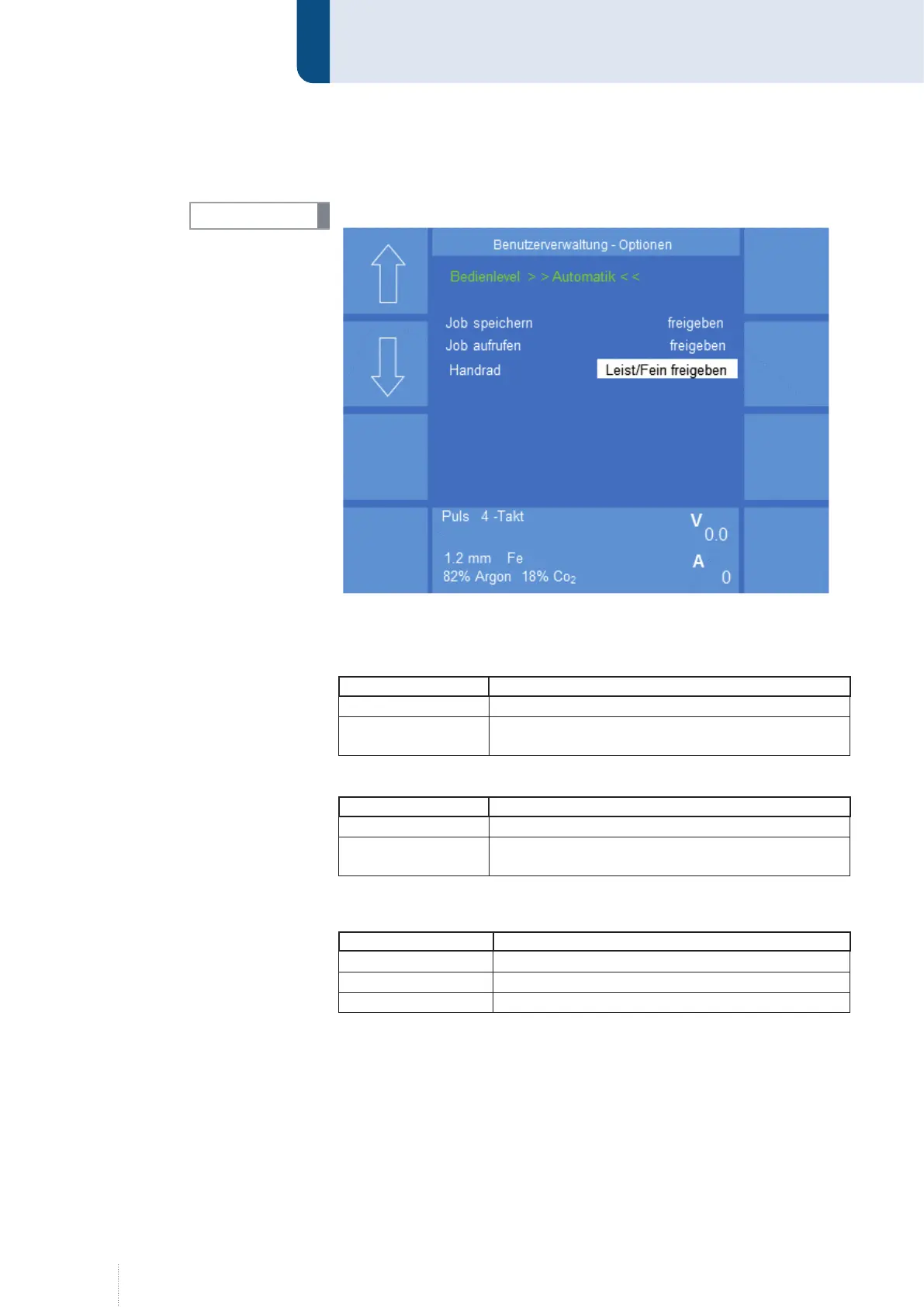
9.4.2.1 Config - User management - Options
The following 3 functions refer to the "Automatic" operating level.
Save job
In this menu item you can select the following functions:
Designation Function
Enable You can save jobs without login.
Lock
You can only save jobs after login with your
password or PAK.
Call job
Designation Function
Enable You can call jobs without login.
Lock
You can only call jobs after login with your
password or PAK.
Rotary knob
In this menu item you can select the following functions:
Designation Function
Enable Power / Fine You can change both parameters.
Enable Fine You can change the parameter "Fine adjustment"
Lock Power/Fine You cannot change both parameters.
INFO!
Figure 43. "Config" - "User management" - "Options" menu



 To Next Page