55
DuoPulse
On Off
DP mode
Energy Wire/Energ Wire
In the position "Ener-
gy" the 2nd parameter
set is generated by
the parameters which
can be selected in the
display (depending on
the process).
In the position "Wire/en-
erg" the 2nd parameter
set is generated from all
2nd parameters which
are shown in the display.
In the position "Wire"
the 2nd parameter
set is generated only
by modifying the wire
speed.
DP frequency:
The selected frequency is used to switch between the selected original
parameters and a 2nd parameter set so that an almost pulsating arc is
produced.
6.8 Main - Programming - Active QWD
In the menu "Programming - Active QWD" you determine which QWD is
actuated by the welding power source.
Precondition:
• All torches are connected with the welding voltage.
• The welding power source has recognised more than one QWD.
When a QWD is activated, wire is fed from the torch in the case of a weld-
ing start! There is a risk of:
• Injury by the sharp wire tip
• Electric shock when touching the wire
• Arc formation between wire and machine parts
6.9 Main - Programming - Welding circuit (from x.02)
4 memory spaces are available. Select a memory space which corresponds
to the corresponding welding circuit. To compare the values of the stored
welding circuits or to save new values, read chapter "9.3 Config - Compen-
sation" on page 69.
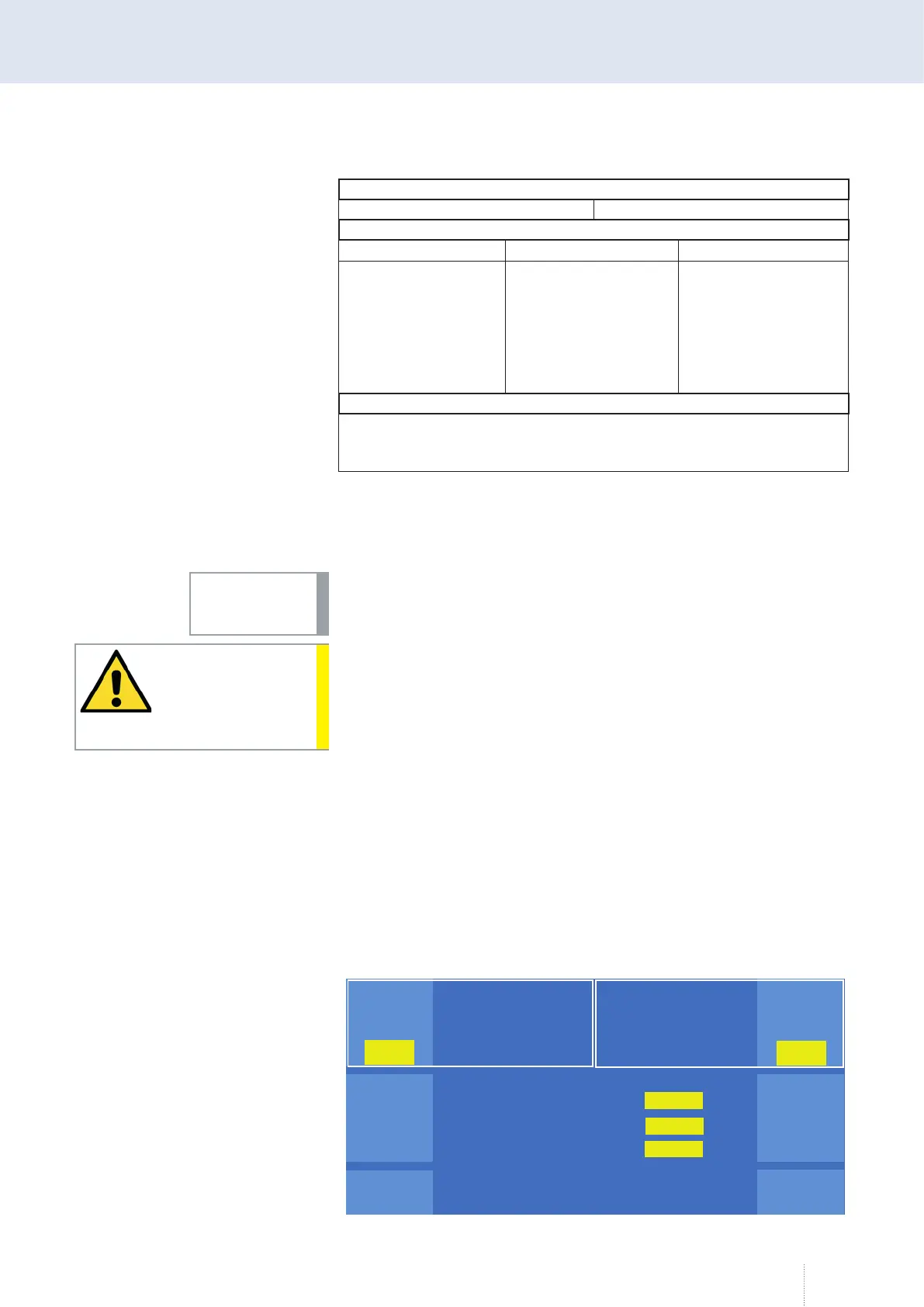
7. MAIN - Measured values
In the "Measured values" menu, the most important welding relevant
values are displayed.
INFO!
CAUTION!
Puls 4 -Takt
V
0
A
1.2 mm Fe
82% Argon 18% Co
2
0.0
Hold
0.0
0
V
A
Hold
0.0
Leistung
Pulsspannung
Grundspannung
0.0
0.0
kW
V
V
Betriebs
daten
Puls 4 -Takt
V
0
A
1.2 mm Fe
82% Argon 18% Co
2
0.0
Hold
0.0
0
V
A
Hold
0.0
Leistung
Pulsspannung
Grundspannung
Leistung
Pulsspannung
Grundspannung
0.0
0.0
kW
V
V
Betriebs
daten
Figure 23. "Measured values" menu with switched on Hold function



 To Next Page