85
10.3.3 Diagnostics VBC module
If the welding power source is equipped with a VBC module, the menu
item "VBC" is shown in the "Diagnostics" --> "Control" --> "I/O" menu.
A selection of active VBC modules appears. "Int" describes a module fitted
in the welding power source. "Ext" describes a module externally connect-
ed to the welding power source.
In the menu "Diagnostics" --> "Control" --> "I/O" --> "VBC" --> "ProfiNet" you
can select the menu items "Status I/O" and "Module Reset". The menu item
"Status I/O" indicates the status bits of the inputs and outputs of the VBC
module. Via the menu item "Module Reset" you reset the IP address and
the subnet mask of the VBC module to 000.000.000.000.
Diagnose - VBC
Puls 4 -Takt
V
0
A
1.2 mm Fe
82% Argon 18% Co
2
0.0
Int - ProfiNet
Ext - ProfiNet
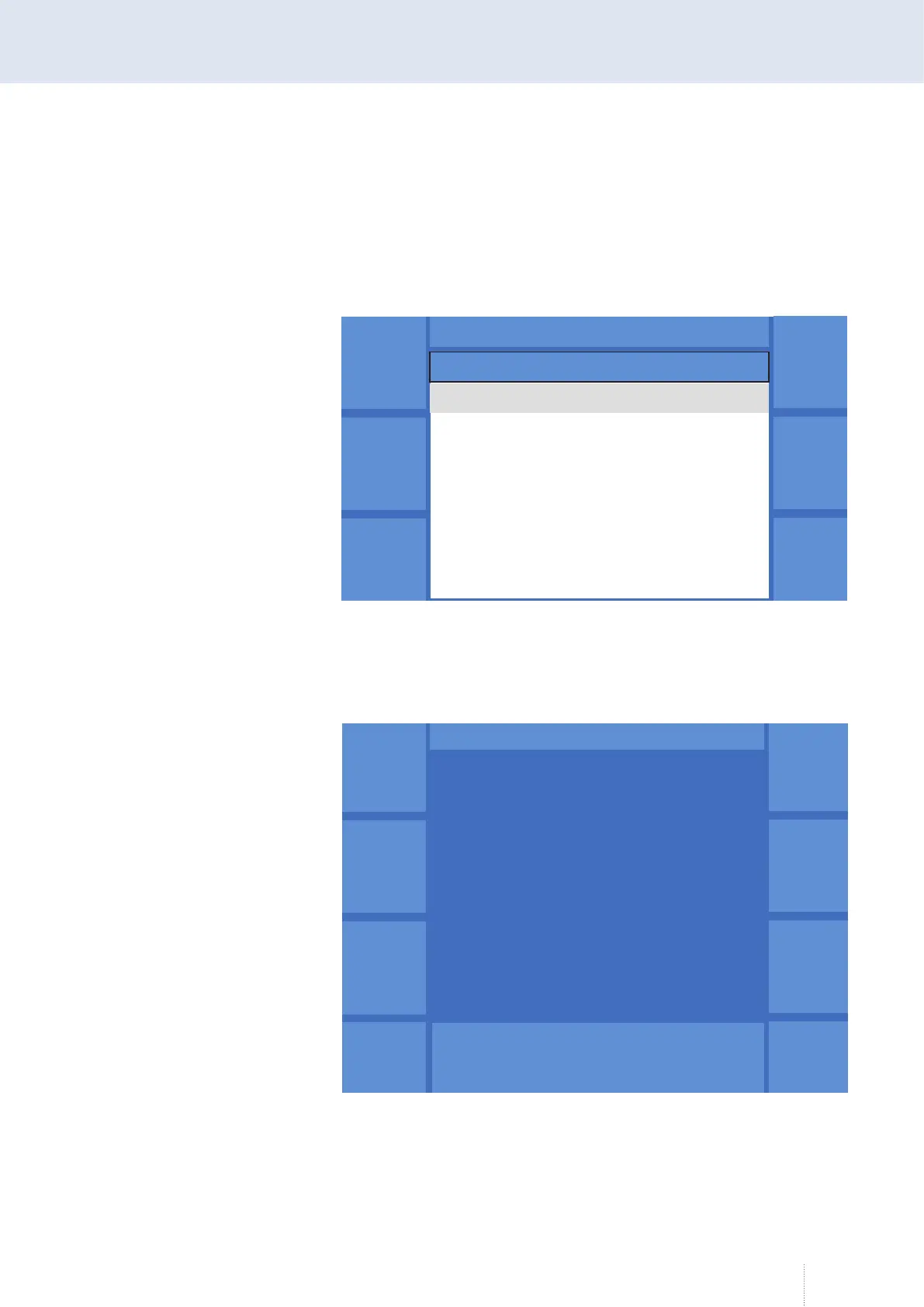
Figure 59. "Diagnostics" - "Control"- "I/O" - "VBC" menu
Puls 4 -Takt
V
1.2 mm Fe
0.0
Status
E/A
Modul
Reset
Station Name
Status Info
QINEO – EIN/Ausgangsbytes
Modul-Typ : ABCC-XX
Netz-Typ : ProfiNet IRT
Status : XXX
Firmware : V0.00.00
IP-Adresse : 000.000.000.000
Subnetzmaske : 000.000.000.000
Eingang : XXX
Ausgang : XXX
Figure 60. "Diagnostics" - "Control"- "I/O" - "VBC" - "ProfiNet" menu



 To Next Page