48
MAIN - Programming
By means of a defined frequency there is a switch-over between the two
parameter sets. The appearance of the weld seam surface can be formed by
the defined change of parameters. During root welding, defined cool-down
times can be reached depending on the setting. The "DuoPulse" function is
available for all gas/material combinations.
The characteristic curve is already provided with a 2nd parameter set
which is useful for welding. The display shows "- 0 - "and a corresponding
value for the wire speed in m/min. If you want to deviate from the base
setting, use the rotary knob 3 to enter a value between -99 and +99. The
appropriate absolute value changes as well.
DuoPulse frequency
This function is used to change the switching speed (frequency) of both
parameter sets.
The characteristic curve is already provided with a useful frequency for
welding.
The display shows "- 0 - "and an appropriate value for the frequency in Hz.
If you want to deviate from the base setting, use the rotary knob 3 to enter
a value between -99 and +99. The appropriate absolute value changes as
well.
6.3 Parameters in operating mode Spot Welding / Interval
If the operating mode "Spot welding" is active, you have to enter the values
for the parameters "Spot welding time" and "Pause time" (sec).
Function Correction value
Gas pre-flow Off, +/- 99
Inching-in +/- 99
Start time Off, +/- 99, tor
Starting power +/- 99
Upslope Off, +/- 99
Main power Absolute value m/min
DuoPulse modulation* +/- 99
DuoPulse frequency* +/- 99
Step modulation +/- 9.9 m/min
Number of steps Off, 1-10
Downslope Off, +/- 99
End crater filling time Off, +/- 99
End crater power +/- 99
Wire burnback +/- 99
Gas post-flow Off, +/- 99
Spot welding time Absolute value 0-99.9 sec
Interval time Absolute value 0-99.9 sec
* Display only if the function is active!
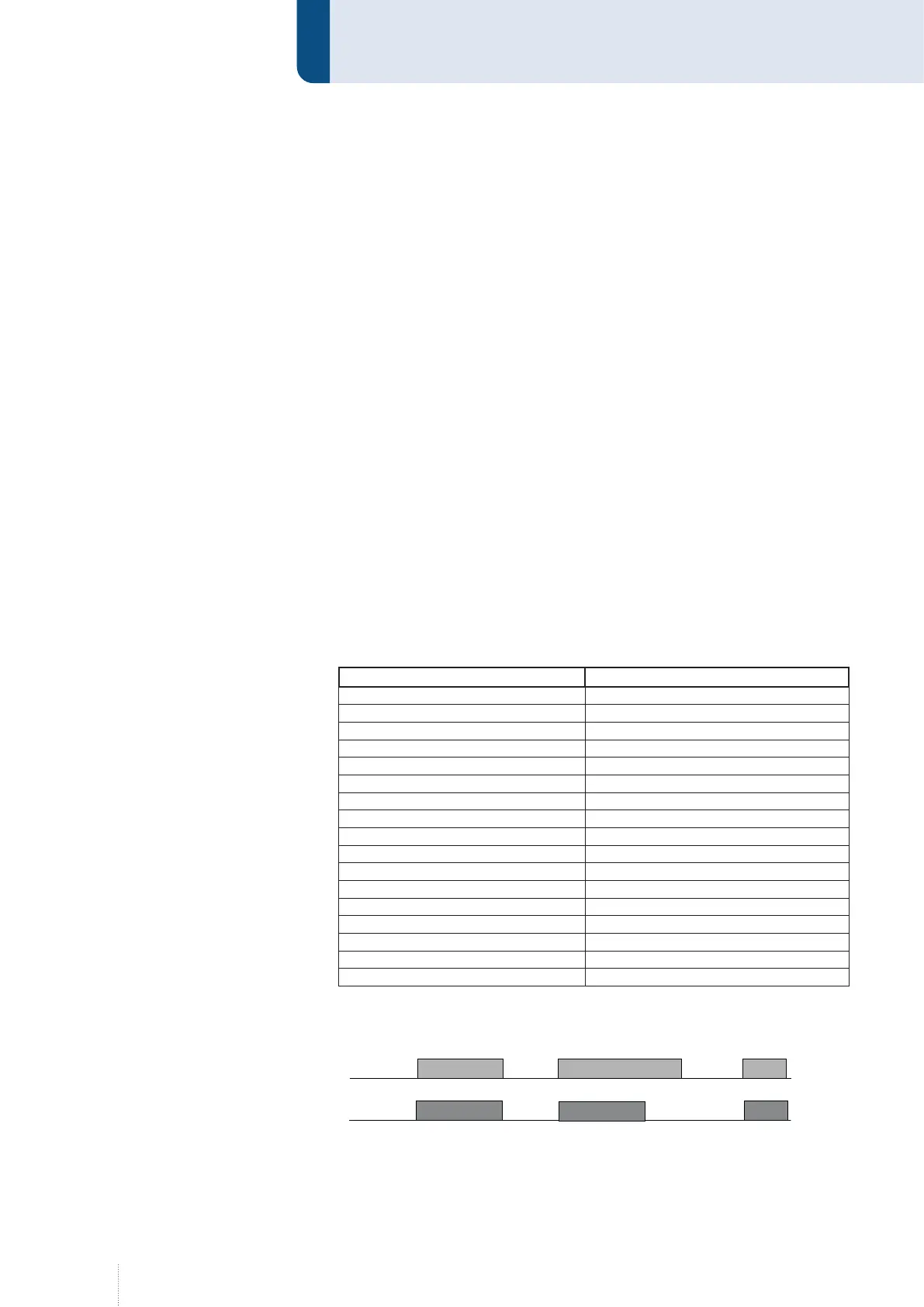
A "Spot welding time" between 0...99.9 s can be selected with rotary knob 3.
1,5 s 2,0 s 0,8
1,5 s
0,8 s
Brenner
Tastendruck
1,5 s
Punktzeit
Punktzeit
Punktzeit
Durch fr
ü
heres L
ö
sen der Brennertaste
wird der Schweißvorgang abgebrochen !
Schweißzeit
Punktzeit = 1,5 s
1,5 s 2,0 s 0,8
1,5 s
0,8 s
Brenner
Tastendruck
1,5 s
Punktzeit
Punktzeit
Punktzeit
Durch fr
ü
heres L
ö
sen der Brennertaste
wird der Schweißvorgang abgebrochen !
Schweißzeit
Punktzeit = 1,5 s
Figure 13. Spot welding time



 To Next Page