95
10.6 Diagnostics - Wire drive unit
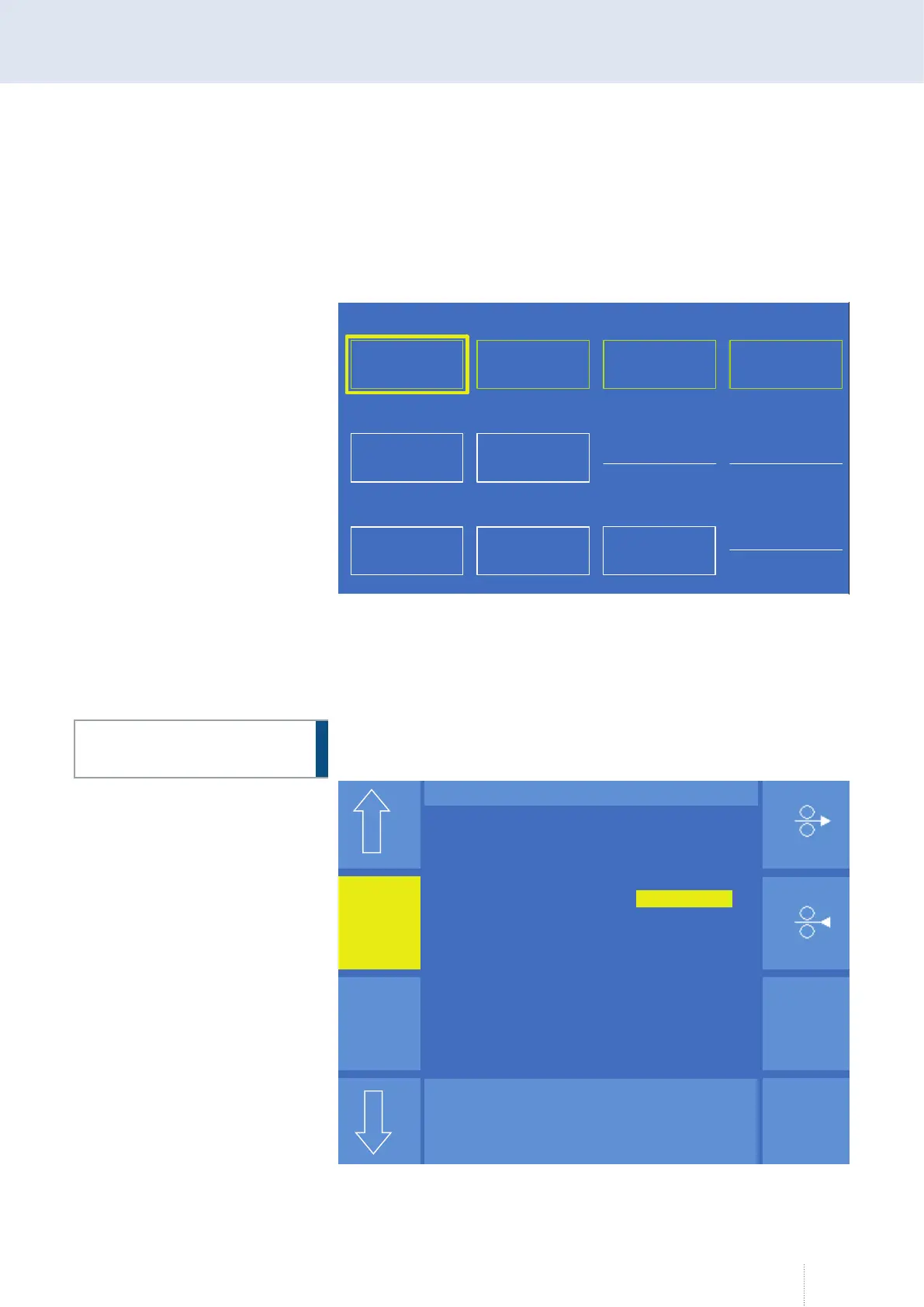
The "Diagnostics - QWD" menu shows the most important signal states on
all wire drives of a wire section. Turn the middle rotary knob to select a
device. Press the middle rotary knob to query the status of the device
selected. Only the status of the device belonging to an active wire section
can be queried. An active wire section is shown green.
10.6.1 Diagnostics - Wire drive unit - MD
In this menu, the forwards and backwards motion of the MD can be ana-
lysed for diagnostic purposes. During this process, the other nodes along
the wire section remain inactive.
Before starting with diagnosis, ensure that either no wire is inserted or
the pressure rollers are open. Otherwise erroneous wire control will result
inside the MCU.
Diagnose Drahtantriebe v3.x.x
<<<<< Drahtstrecke 1 <<<<<
MD
QWD
CDD
QWD-MD
QWDB2_1
QWD
QWDB1_1
<<<<< Drahtstrecke 2 <<<<<
<<<<< Drahtstrecke 3 <<<<<
<<<<< Drahtstrecke 4 <<<<<
QWDB3_1
Figure 80. "Diagnostics" - "Wire drive unit" menu
ATTENTION!
Modus
Vor
Zurück
Diagnose - MD
Puls 4 -Takt
V
A
1.2 mm Fe
0.0
Software-Version 00.00.88
MD – Modus Diagnose
Vorwärts 3.0 m/min
Rückwärts 3.0 m/min
Mittelwert Draht 0.0 m/min
Diagnose Drahtantriebe MD v3.x.x
Figure 81. "Diagnostics" - "Wire drive unit" - "MD" menu



 To Next Page