124
Operation
4.1.4 Operating mode Spot welding/Interval
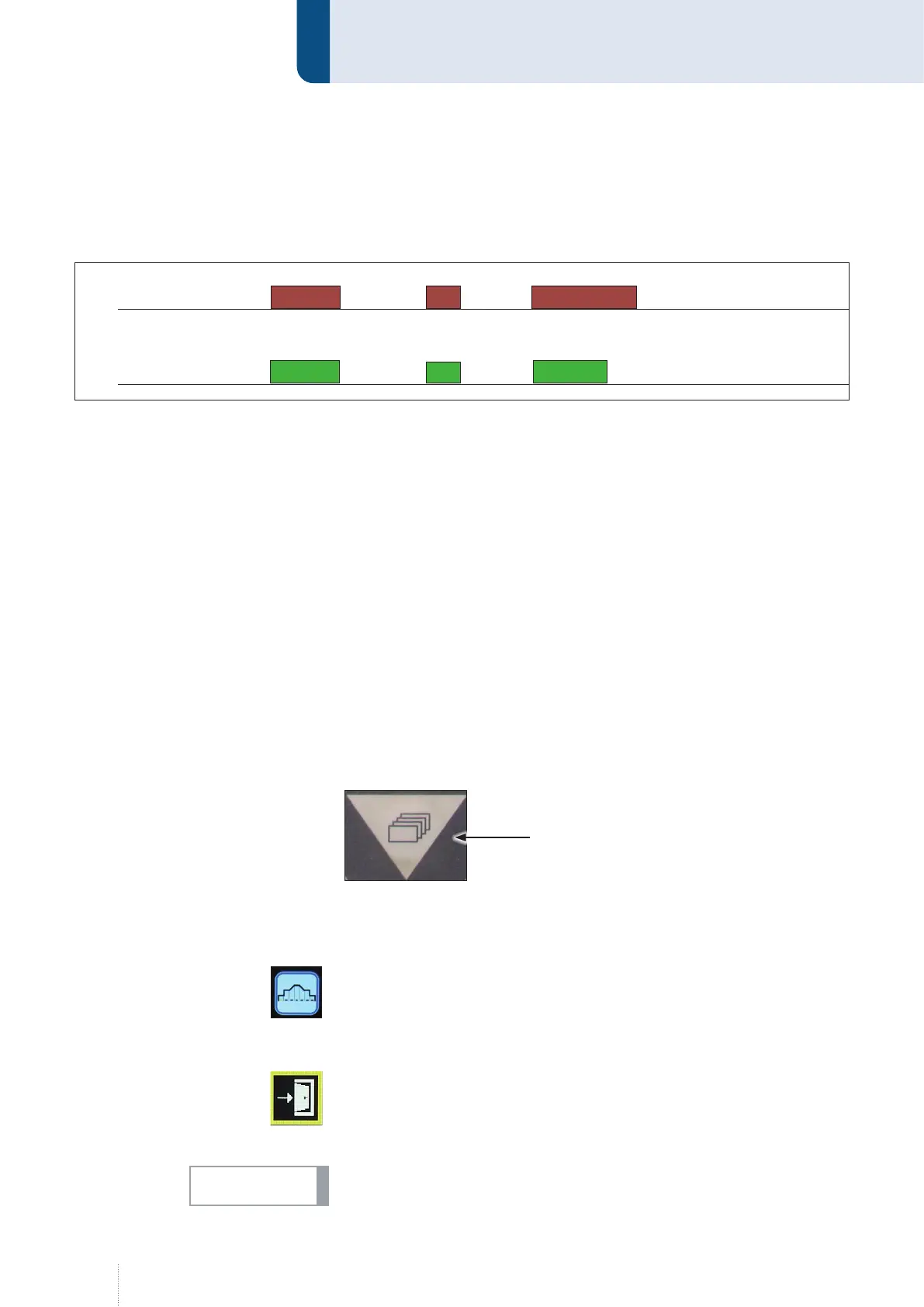
The function "Spot welding/Interval" allows spot welding for a defined
time.
Press and hold torch trigger
• Solenoid valve for shielding gas opens
• Welding voltage is applied on wire electrode
• Wire drive unit starts
• Arc ignites, welding current flows
• Welding process stops automatically after expiration of the defined
time.
Release torch trigger during the spot time
• The welding process is immediately stopped
4.2 Configuration of characteristic curve
The QINEO welding power sources always use the existing synergy
characteristic curves. These default values can be adjusted in the secondary
parameters menu.
4.2.1 Adjusting secondary parameters
1. Press the menu button.
2. Use the left rotary knob to select the menu for the secondary parame-
ters for the characteristic curve and confirm it by pressing the knob.
3. Select the desired parameter by turning the left rotary knob and con-
firm your selection by pressing the knob.
4. Turn the rotary knob to change the default value and confirm the cor-
rection value by pressing the knob.
5. To exit the menu, select the exit symbol by turning the rotary knob and
confirm by pressing the knob.
The correction values are added to the original values. The parameters of
the original characteristic curve are not changed.
2 s
Torch
Keystroke
1 s 3 s
2 s 2 s
1 s
Welding
time
Menu button
INFO!



 To Next Page