44
MAIN - Function
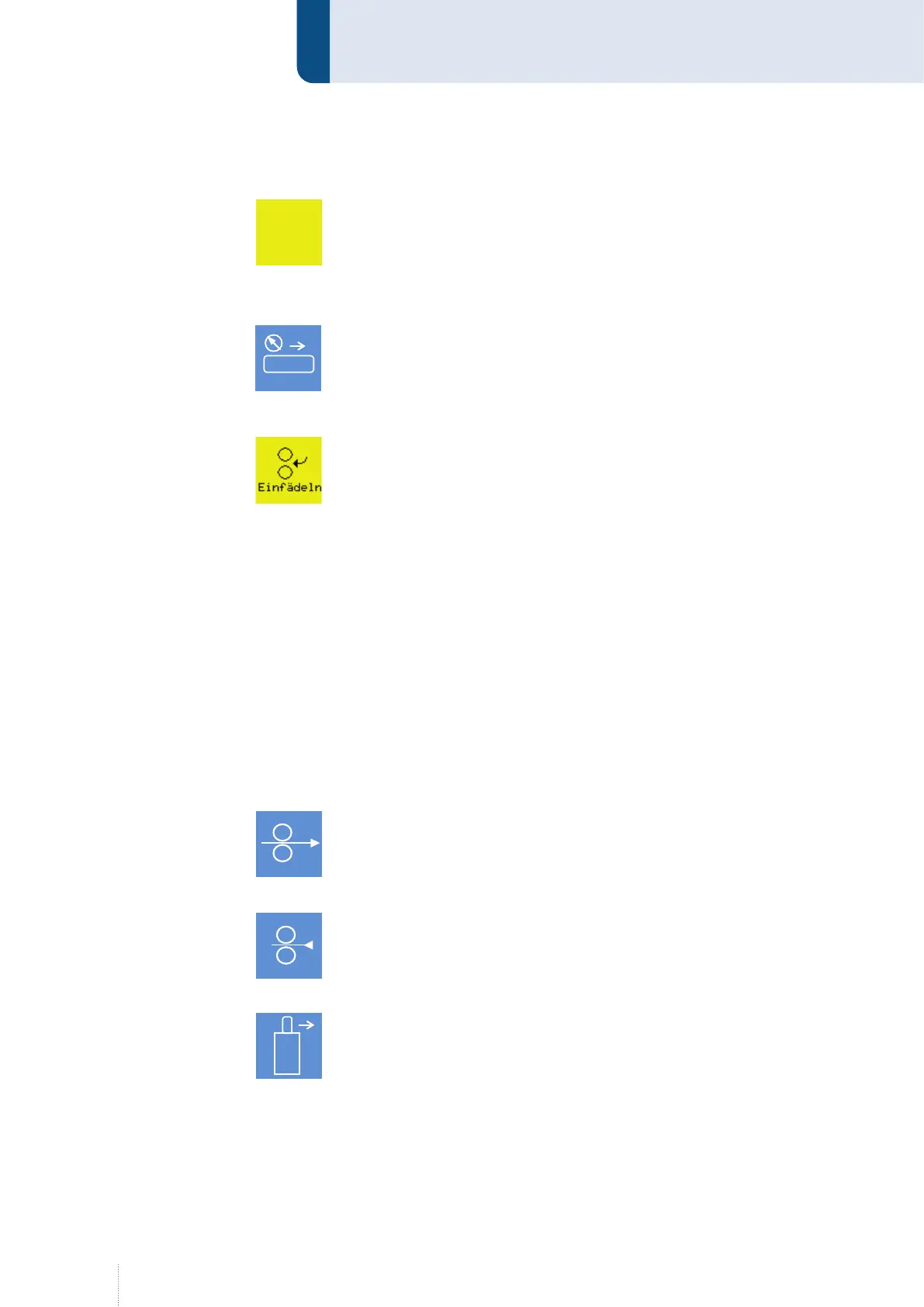
5.2 CleanStart
Clean Start is a special ignition routine which ensures a reliable and low
spatter arc ignition. The complete ignition routine runs in the millisec-
ond range. This results in an exceptionally low spatter ignition process. Is
always active in combination with MoTion process.
5.3 Blow through
With this function the blow through valve gas/air in the QWD wire drive is
manually operated.
This function is only active as long as the button is pressed.
5.4 Threading (only in connection with MoTion Equipment)
If the function is active, the thread speed from configuration menu "9.1.7
Config - General - QWD" on page 64 applies for the "Wire forward" func-
tion on the operating module. Wire monitoring in the MCU is ignored here.
If a MoTion system is connected, the thread speed from the above menu
always applies for the "Wire forward" function on the QWD-A. Wire moni-
toring in the MCU is ignored here.
A thread speed of 5 m/min. is recommended.
Only use the "Thread" function on the operating module or the "Wire for-
ward" function on the QDW-A until the wire has reached the MoTion drive.
Then disable the "Thread" function or use the "Wire forward" function on
the torch cable to take into account wire monitoring in the MCU when the
wire is fed further.
For the "Wire forward" function on the torch cable assembly, the wire
speed from the above menu always applies. Wire monitoring in the MCU is
taken into account here.
5.5 Wire forward
With this function the wire feed is switched on manually.
This function is only active as long as the button is pressed.
5.6 Wire backward
This function is used to manually retract the wire electrode.
This function is only active as long as the button is pressed.
5.7 Gas manually
The function is used for an exact setting of the gas flow (gas control cone,
pressure reducer).
With this function the gas valve is switched on manually.
The function is activated/deactivated by a short key press. If the button is
pressed for more than 0.5 s, the function is only active as long as the but-
ton is pressed.
F U N K T I O N E N
Puls 4 -Takt
V
0
A
1.2 mm Fe
82% Argon 18% Co
2
0.0
Clean
Start
Air
F U N K T I O N E N
Puls 4 -Takt
V
0
A
1.2 mm Fe
82% Argon 18% Co
2
0.0
Clean
Start
AirAir
F U N K T I O N E N
Puls 4 -Takt
V
0
A
1.2 mm Fe
82% Argon 18% Co
2
0.0
Clean
Start
Air
F U N K T I O N E N
Puls 4 -Takt
V
0
A
1.2 mm Fe
82% Argon 18% Co
2
0.0
Clean
Start
AirAir
F U N K T I O N E N
Puls 4 -Takt
V
0
A
1.2 mm Fe
82% Argon 18% Co
2
0.0
Clean
Start
Air
F U N K T I O N E N
Puls 4 -Takt
V
0
A
1.2 mm Fe
82% Argon 18% Co
2
0.0
Clean
Start
AirAir
F U N K T I O N E N
Puls 4 -Takt
V
0
A
1.2 mm Fe
82% Argon 18% Co
2
0.0
Clean
Start
Air
F U N K T I O N E N
Puls 4 -Takt
V
0
A
1.2 mm Fe
82% Argon 18% Co
2
0.0
Clean
Start
AirAir
F U N K T I O N E N
Puls 4 -Takt
V
0
A
1.2 mm Fe
82% Argon 18% Co
2
0.0
Clean
Start
Air
F U N K T I O N E N
Puls 4 -Takt
V
0
A
1.2 mm Fe
82% Argon 18% Co
2
0.0
Clean
Start
AirAir



 To Next Page