53
The operation in "Expert Mode" is not possible without a correct character-
istic curve!
As the processor in the welding power source is in charge of further
parameter and regulator settings for the "Expert Mode", the selection of a
convenient characteristic curve is indispensable.
6.7.1 Expert Mode - Reset to synergy values
To edit the parameters from the synergy characteristic curve in the "Expert
Mode", press the button "Reset to synergy values" in the "Expert Mode"
menu. Only then all parameters have been transferred to the "Expert
Mode".
If there is a change between Synergy mode and "Expert Mode", the
changed parameters are retained in the respective mode.
6.7.2 Main parameters in the "Expert Mode"
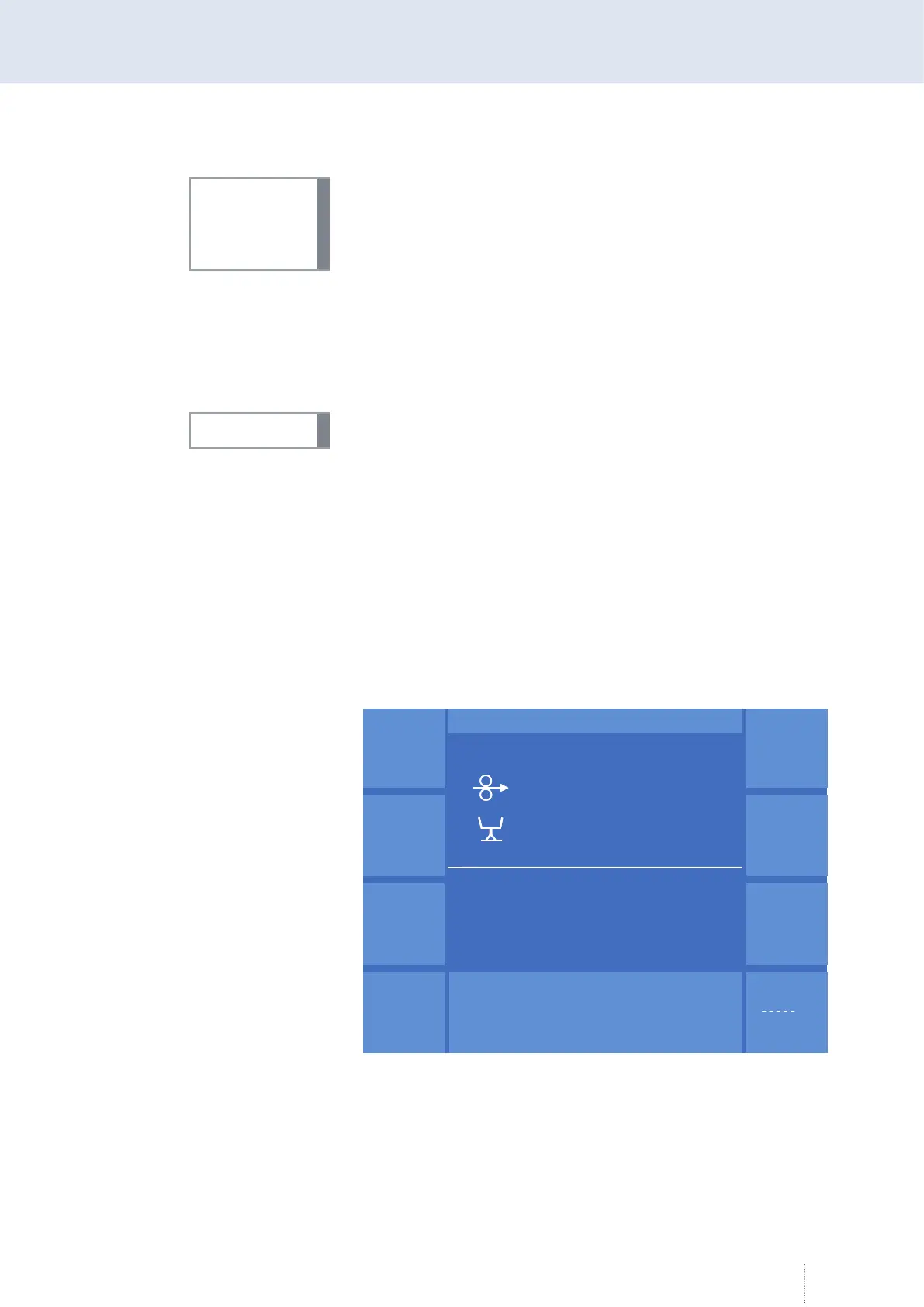
For setting the main parameters, use the "MAIN" or "Esc" buttons with
active "Expert Mode". You are now in the "MAIN" menu.
Always use rotary knob 1 to set the wire speed.
Use rotary knob 2 to set the most important electrical parameters depend-
ing on the process. Depending on the selected process, the parameters
voltage, frequency or the arc length are selected.
Use rotary knob 3 to select further welding relevant parameters depending
on the process. By pressing rotary knob 3 you reach the next parameter, see
Figure 21.
INFO!
INFO!
Synergie
Betr.
Verfahren
Funktion
M A I N
Progr.
Messwerte
S
-Puls 4 -
Takt
12.6 m / min
V
0
A
1.2 mm Fe
82% Argon 18% Co
2
0.0
C - Start
Pulszeit
2.0 ms
Pulsspannung 38.5 V
Grundstrom 60 A
265 Hz
Synergie
Betr.
Verfahren
Funktion
M A I N
Progr.
Messwerte
S
-Puls 4 -
Takt
12.6 m / min
V
0
A
1.2 mm Fe
82% Argon 18% Co
2
0.0
C - Start
Pulszeit
2.0 ms
Pulsspannung 38.5 V
Grundstrom 60 A
265 Hz
Figure 21. "MAIN" "Expert Mode" function active



 To Next Page