71
The user must register with an 8-digit code number.
Access code for operating level
In this menu, a code number can be entered for the "Programmer" and
"Configurator" operating levels.
Input of the code number
The code number consists of an 8-digit number sequence. You can assign a
number between 0...7 to each digit.
This input does not need to be saved separately.
Operating level after switching on
This menu item enables you to determine the preset operating level after
switching on the welding power source. You can select between "Automat-
ic", "Programmer" and "Configurator". The access options are described at
the beginning of this paragraph.
Automatic log off of configurator
To protect the welding power source against unauthorised access, you
have the option to reset same after a defined time to the "Operating level
when switching on".
You can select between "Off "and "Log out after 1 to 30 min".
Access management - Option
In this menu, the following access rights can be set for the "Automatic"
operating level:
Welding enable / lock
Job call enable / lock
Rotary knob
Enable Power / Fine
Enable Fine
Enable Power / Fine
"Power", "Fine" = Fine adjustment / ArcLength
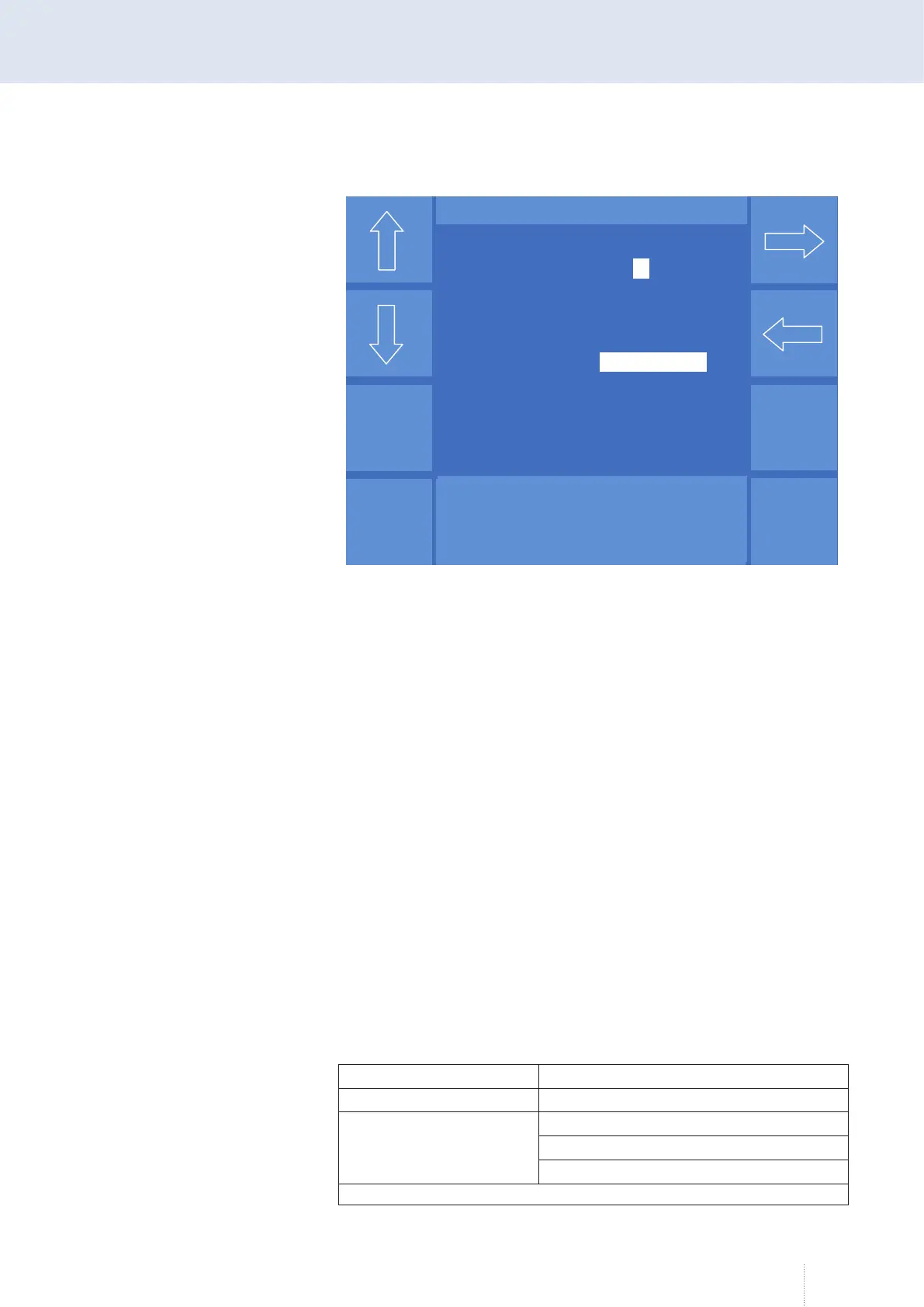
Figure 41. "Config" - "Access management" menu
Puls 4 -Takt
V
0
A
1.2 mm Fe
82% Argon 18% Co
2
0.0
Konfig - Zugangsverwaltung
Zugangscode für Bedienlevel
Programmierer 3 0 0 3 2 0 1 0
Konfigurator 2 2 2 0 0 2 2 2
Bedienlevel nach dem Einschalten
Level
Konfigurator
Konfigurator automatisch Abmelden
nach (min) Aus
Optionen
Puls 4 -Takt
V
0
A
1.2 mm Fe
82% Argon 18% Co
2
0.0
Puls 4 -Takt
V
0
A
1.2 mm Fe
82% Argon 18% Co
2
0.0
Konfig - Zugangsverwaltung
Zugangscode für Bedienlevel
Programmierer 3 0 0 3 2 0 1 0
Konfigurator 2 2 2 0 0 2 2 2
Bedienlevel nach dem Einschalten
Level
Konfigurator
Konfigurator automatisch Abmelden
nach (min) Aus
Optionen



 To Next Page