USING THE WIZARD
USING THE WIZARD
26 ENVOY™ TRANSCEIVER GETTING STARTED GUIDE
Adding a Message call
To continue with adding a Message call:
1 Press to move to the Selcall|ALE Address entry.
1 Enter the address of the station that you want to call.
1 Press to move to the Message entry, then press .
NOTE: If you want to be prompted to enter a message at
the time of the call, leave the value for the
Message entry as <Empty>.
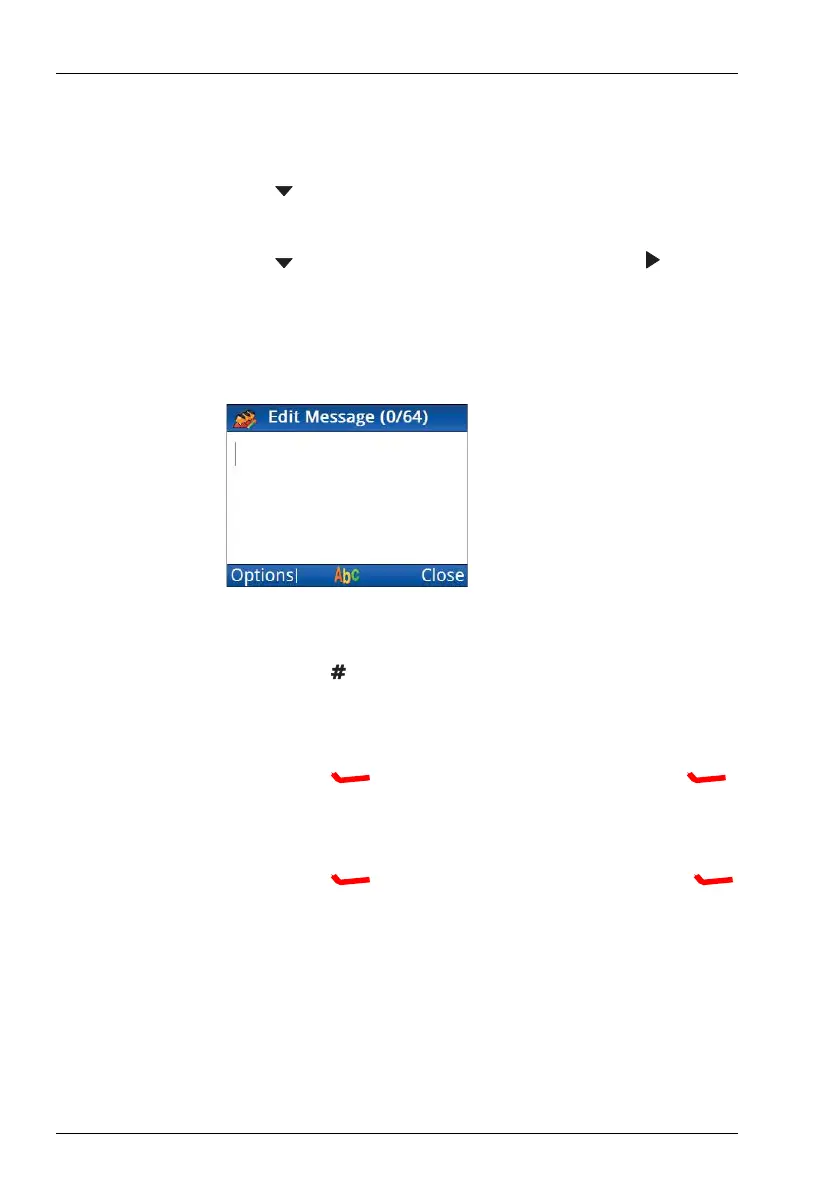
1 If you want to enter a message:
• Hold to select a different input language, if required.
• Start typing the message.
NOTE: Press OK to start a new line, if required.
•Press (Options), scroll to Save, then press
(Select) to add the message to the call.
1 If you want to select a message from a list of stored messages:
•Press (Options), scroll to Stored, then press
(Select).



 To Next Page