Setup procedures—Part 2
6-2 HF SSB transceiver reference manual
Display brightness
Setup code 311 (standard procedure)
This procedure is used to change the brightness of the
display.
You can also adjust the brightness of the display using the
On/Off
button on the control panel (refer to the HF SSB
transceiver user guide, Chapter 3, Adjusting the display
brightness).
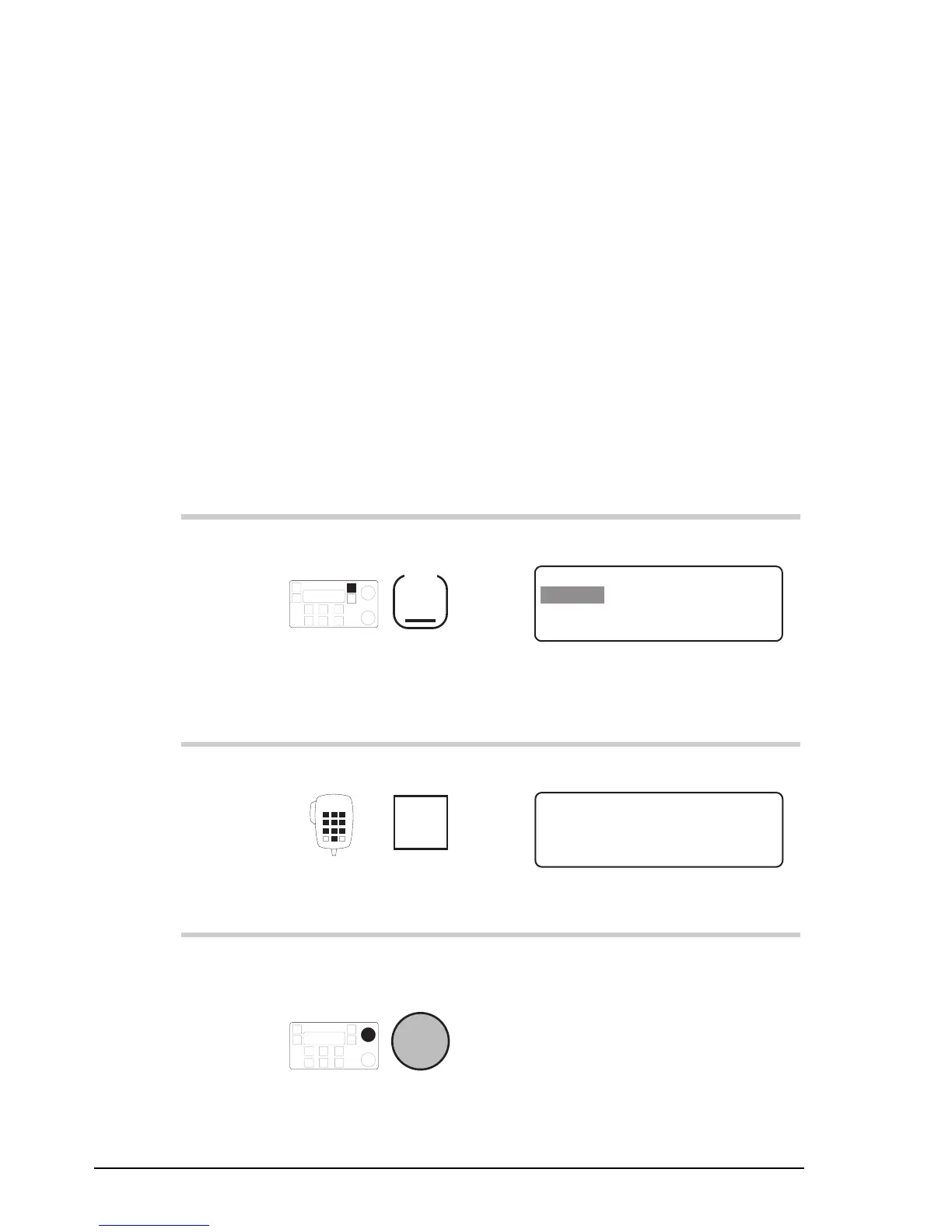
To adjust the brightness of the display:
Action Notes
1.
Repeatedly press
Mode
until you see the
display for Setup mode.
The display shows:
EXIT
SETUP MENU
1–Scan
2–Call
ENTER
3–Config
4–More
1/2
2.
Enter 311
numeral
button
The display shows:
ENTER
LCD Brightness
Adjust Brightness
With Select Knob.
EXIT
3.
To adjust the
brightness, rotate
Select
Setup procedures—Part 2
6-2 HF SSB transceiver reference manual
Display brightness
Setup code 311 (standard procedure)
This procedure is used to change the brightness of the
display.
You can also adjust the brightness of the display using the
On/Off
button on the control panel (refer to the HF SSB
transceiver user guide, Chapter 3, Adjusting the display
brightness).
To adjust the brightness of the display:
Action Notes
1.
Repeatedly press
Mode
until you see the
display for Setup mode.
The display shows:
EXIT
SETUP MENU
1–Scan
2–Call
ENTER
3–Config
4–More
1/2
2.
Enter 311
numeral
button
The display shows:
ENTER
LCD Brightness
Adjust Brightness
With Select Knob.
EXIT
3.
To adjust the
brightness, rotate
Select



 To Next Page