Setup procedures—Part 4
HF SSB transceiver reference manual 8-13
Selcall address size compatibility
Setup code 213
This procedure is used to select how you communicate with
stations that cannot use addresses longer than four digits.
You can select:
•
4-DIGIT-COMPATIBLE
•
6-DIGIT-ONLY
.
If some stations in your network are only capable of using
4-digit addresses and your address is longer than four digits,
select
4-DIGIT-COMPATIBLE
. This allows other stations
to call you by your last four digits. For example, if your
address is 123456, you can be called on 3456 as well as
123456.
If all the stations in your network are capable of using
6-digit addresses, select
6-DIGIT-ONLY
. This ensures you
can only be called by your full address. You will not receive
unwanted calls by chance matching of the last four digits.
To set the address size compatibility:
Action Notes
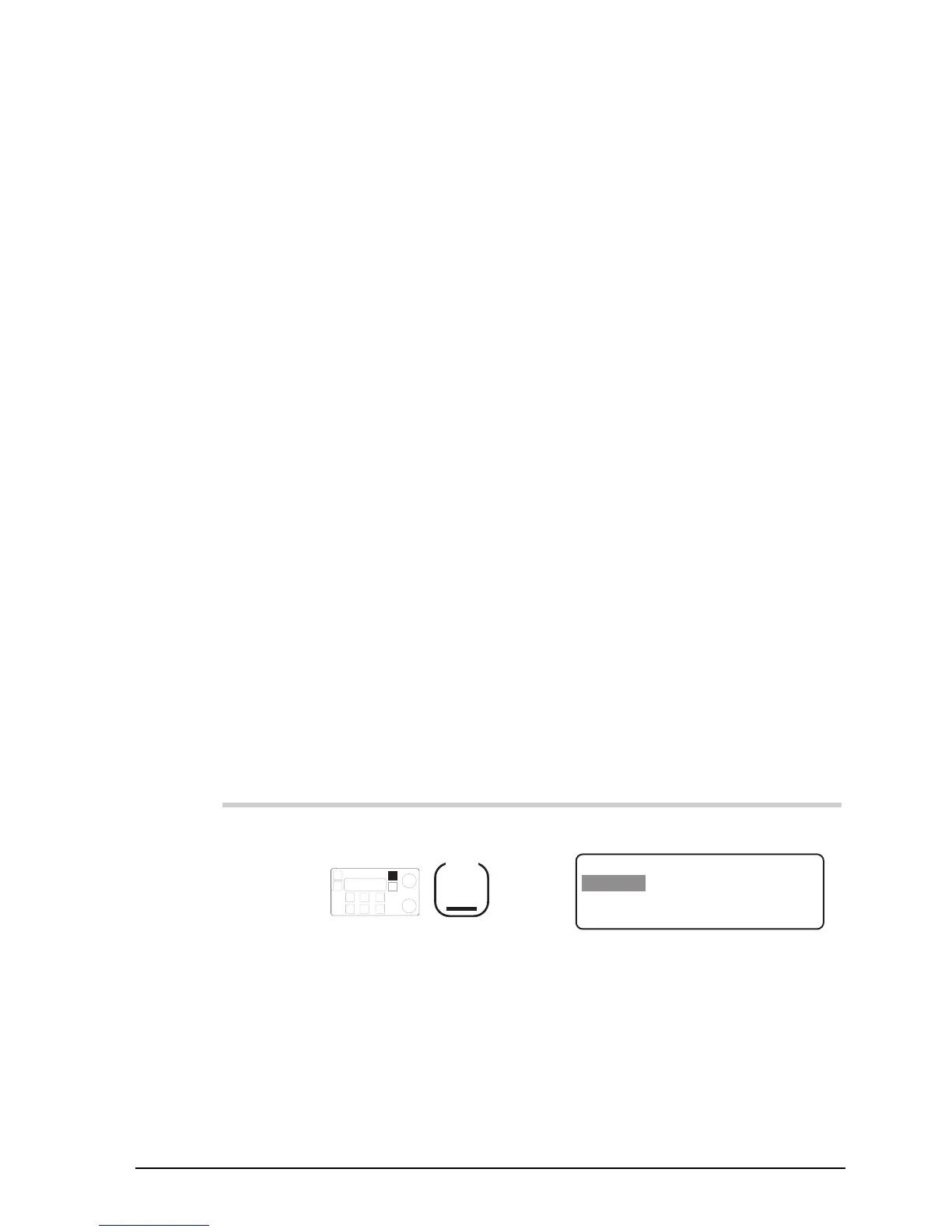
1.
Repeatedly press
Mode
until you see the
display for Setup mode.
The display shows:
EXIT
SETUP MENU
1–Scan
2–Call
ENTER
3–Config
4–More
1/2
Setup procedures—Part 4
HF SSB transceiver reference manual 8-13
Selcall address size compatibility
Setup code 213
This procedure is used to select how you communicate with
stations that cannot use addresses longer than four digits.
You can select:
•
4-DIGIT-COMPATIBLE
•
6-DIGIT-ONLY
.
If some stations in your network are only capable of using
4-digit addresses and your address is longer than four digits,
select
4-DIGIT-COMPATIBLE
. This allows other stations
to call you by your last four digits. For example, if your
address is 123456, you can be called on 3456 as well as
123456.
If all the stations in your network are capable of using
6-digit addresses, select
6-DIGIT-ONLY
. This ensures you
can only be called by your full address. You will not receive
unwanted calls by chance matching of the last four digits.
To set the address size compatibility:
Action Notes
1.
Repeatedly press
Mode
until you see the
display for Setup mode.
The display shows:
EXIT
SETUP MENU
1–Scan
2–Call
ENTER
3–Config
4–More
1/2



 To Next Page