InteliLite
NT
AMF26-P, SW version 2.4, ©ComAp – January 2016 159
AMF26-P-2.4 Reference Guide.pdf
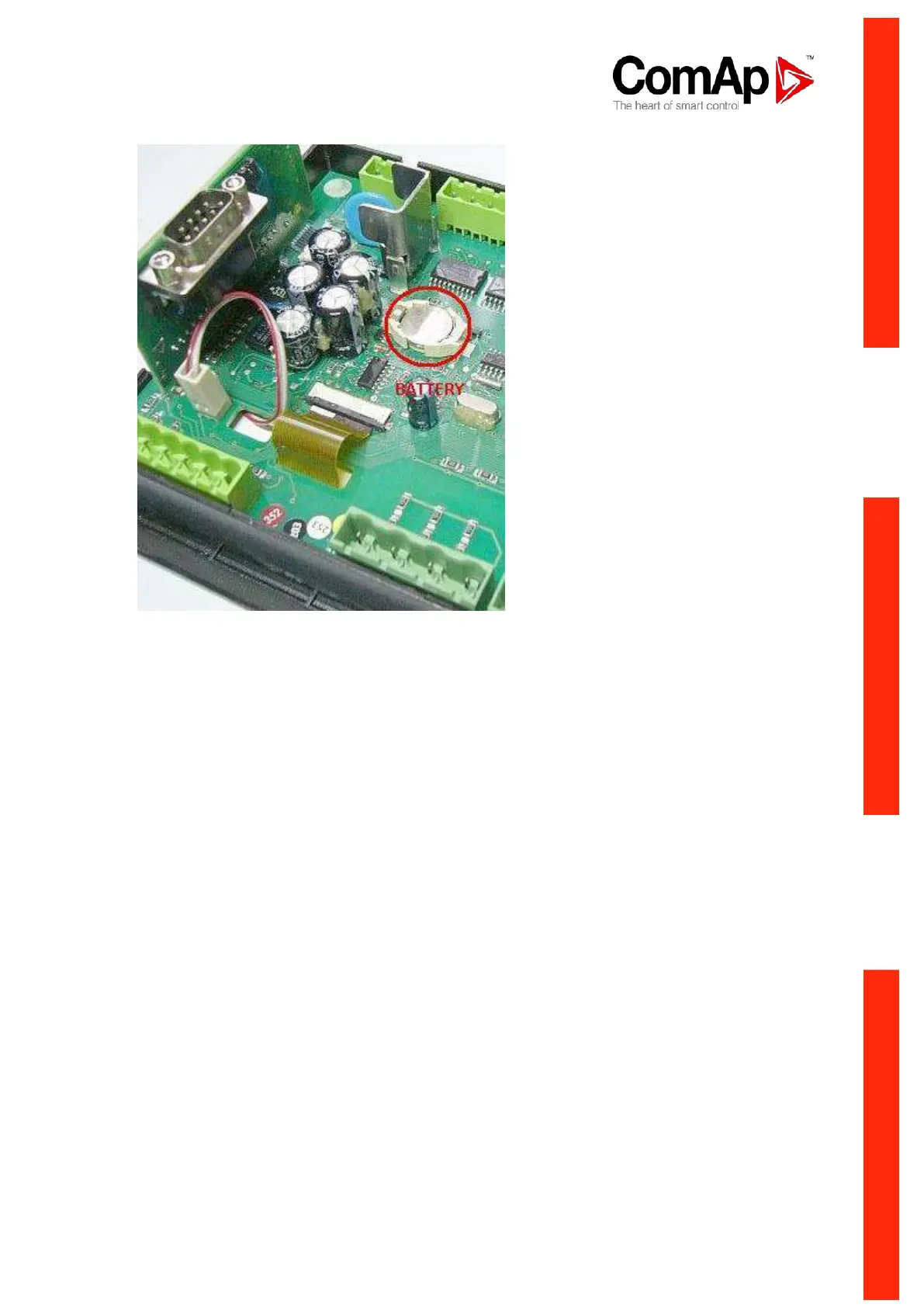
5. Put the rear cover back. Use slight pressure to lock the snaps into the housing. Pay attention
that the cover is in correct position and not upside down!
6. Plug the modules back into the slots.
7. Power the controller on, adjust date and time and check all setpoints.












 To Next Page