ComNav P4 Installation and Operation Getting Started
Document PN 29010100 V1r0 - 98 -
5. POS (Position) Source
ComNav GNSS GPS Compass is under this category.
6. COG (Course Over Ground) Source
ComNav GNSS GPS Compass is under this category.
7. SPD (Course Over Water) Source
8. Backup HDG (Heading) – Use for alarm only, not for a backup in case of lost
heading.
9. Mag-Var Source
NOTE: By default, the P4 Autopilot will select all of the above Data Sources automatically
available on the N2K network. If there is more than one same Data Source (PGN) on the
network, the P4 Autopilot will pick the first that is available. If there is none available, the
P4 Autopilot will do nothing. It is up to the user to confirm they are using the correct data
for navigations.
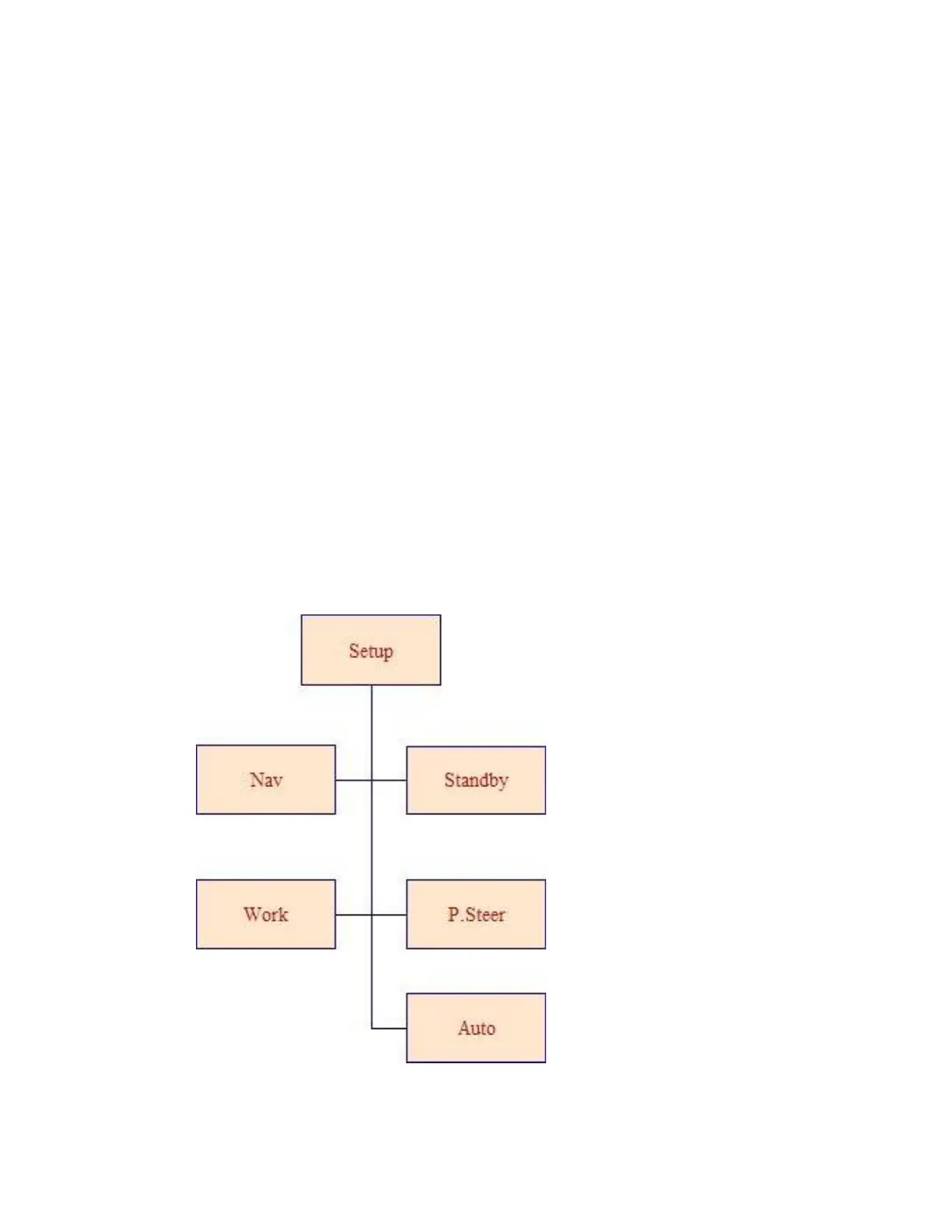
Setup Menu



 To Next Page