51
CONTROLLER
OPERATION
A
2.1.6.2 Irrigation Pump Operation
NOTE: Flow rate default setting for all
handpieces and attachment options is 100%.
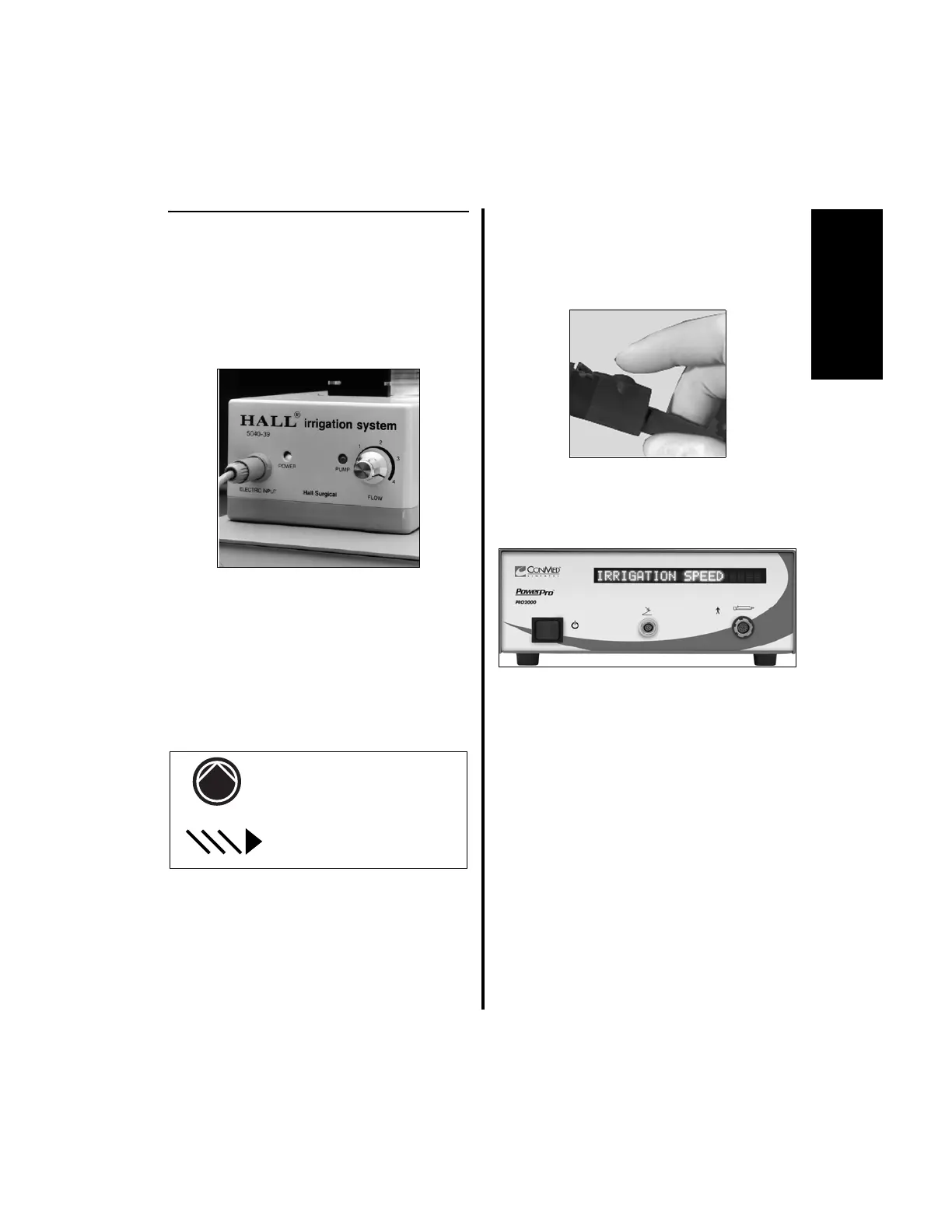
1. Turn the pump on. Rotate the “FLOW”
control dial to the maximum flow rate (4).
The controller will alternately display the
handpiece in use along with its operating
speed, with “IRRIGATION” and the
current irrigation flow rate “###%”.
Depending upon the Display mode, either
Text or Graphical, this information will be
displayed with text or symbology, as shown
on pages 51 or 52.
NOTES:
1. For an example, see the text and
symbology flow charts on page 53.
2. Step 2 does not apply to any of the APEX
Shaver Handpieces.
2. To change either the irrigation flow rate or
the handpiece speed, perform the following.
(a) Press the handpiece cord button twice
to enter the options menu.
(b) “IRRIGATION” and “SPEED” will
display with “IRRIGATION”
blinking.















 To Next Page