CONTROLLER
OPERATION
52
A
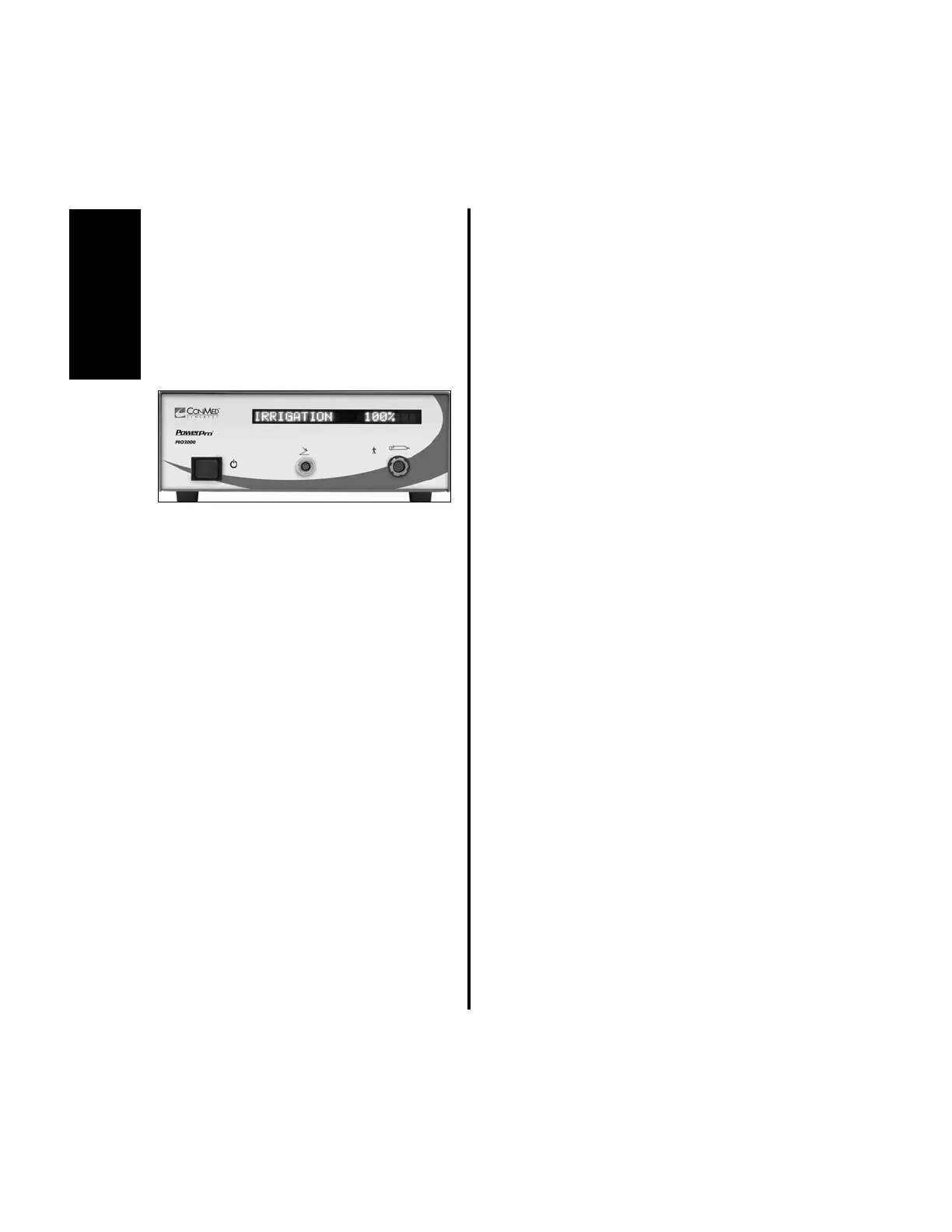
(c) If the irrigation flow rate is to be
changed, no action is needed. The menu
will default to the irrigation flow rate
menu. The word “IRRIGATION” will
be displayed along with “###%”
(“###” will be blinking). If only the
handpiece speed is to be changed and
not the irrigation flow rate, proceed to
step 2 (g).
(d) Press the handpiece cord button until the
desired flow rate displays. Stop
pressing. Next, the attached handpiece
I.D. and current operating speed will
display (the speed will be blinking).
(e) To change the operating speed, press the
handpiece cord button until the desired
speed is obtained. Stop pressing.
(f) The controller is now ready to operate at
the current settings. Go to step 3.
(g) If only the handpiece speed is to be
changed without a change to the
irrigation flow rate, depress the
handpiece cord button until the word
“SPEED” is blinking. The menu will
default to the handpiece speed menu.
The attached handpiece I.D. and current
operating speed will display (the speed
will be blinking).
(h) To change the operating speed, press the
handpiece cord button until the desired
speed is obtained. Stop pressing.
3. To activate the handpiece and Pump
simultaneously, depress the appropriate
activation device (Activation Lever or
footswitch pedal).















 To Next Page