57
CONTROLLER
OPERATION
A
Operation of the footswitch when using the
following handpieces (C9820, MC9820,
C9824, C9828, MC9828, C9840, MC9840,
E9005, D9820, D9824, D9920, and D9924):
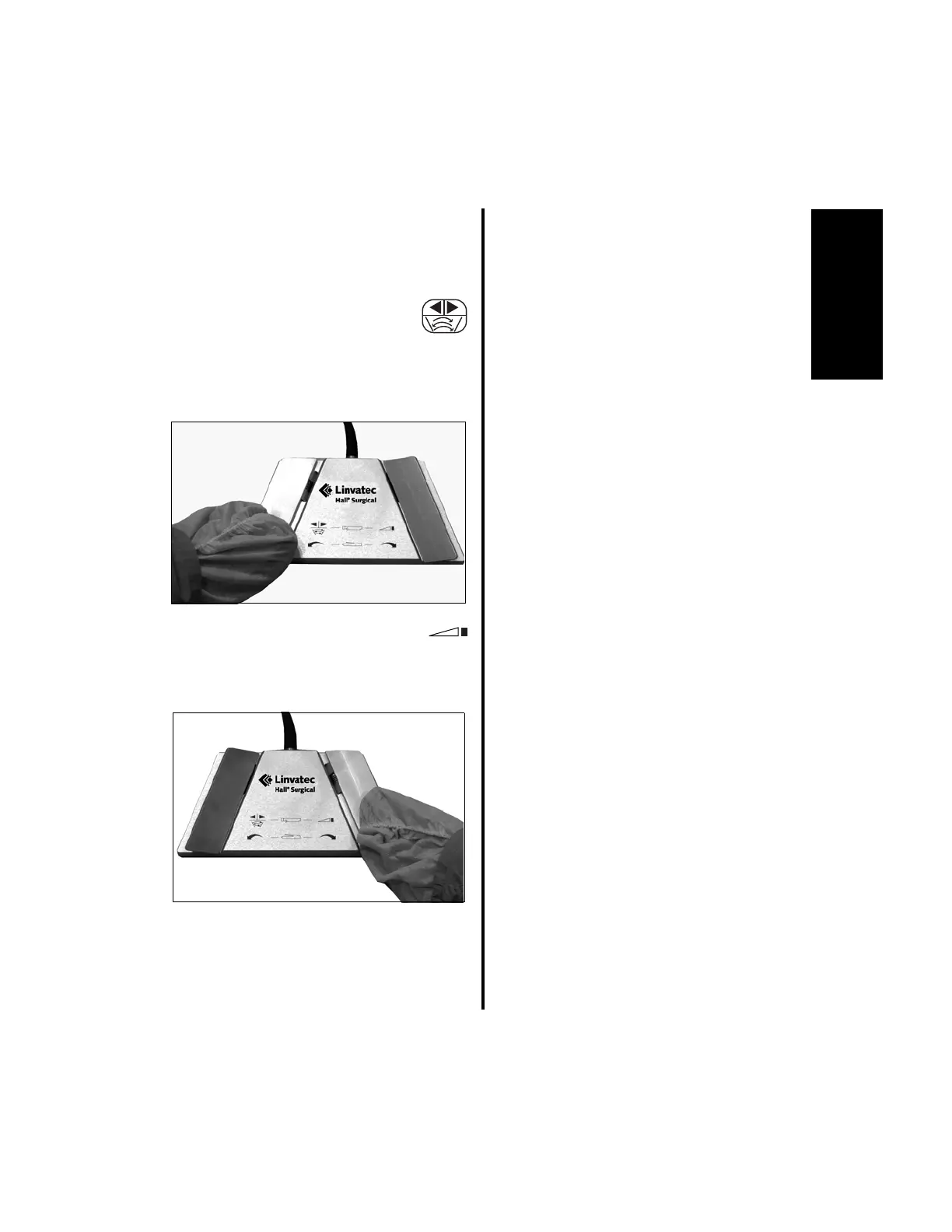
1. Set the desired direction (forward,
reverse or oscillate) by pressing
the left footswitch pedal. The
display will indicate the direction change
and a beep will sound every time the pedal
is pressed.
2. To operate the handpiece, depress
the right footswitch pedal. The
operating speed and direction arrow will
display on the controller.
3. If irrigation is being utilized, fluid flow will
begin when the right pedal is depressed.
Window Indexing:
When “Window Indexing” is enabled with DIP
Switch 5 on the E9000 controller or the top
section only of the Advantage console (see
“2.1.3.8 Switch 5 - Window Indexing” on
page 44) the footswitch right pedal is used to
“index” or position the blade cutting window so
that it stops in the same position each time the
blade stops, i.e., where it starts is where it stops.
NOTE: Window Indexing applies only to all
Group 3 handpieces and the E9005 High
Speed Shaver. When Window Indexing is
enabled the footswitch only operates in the
ON/OFF mode with the MC9840, C9840 and
E9005 handpieces. Variability is not
available. When using the MC9820, MC9828,
C9820, C9824, C9828, D9820, D9824, D9920,
and D9924 handpieces, this applies to shaver
blades only. All other handpieces will operate
as selected by DIP switch 2.
1. To set Window Indexing:
(a) Press the right pedal slowly until you
hear a single beep, then maintain pedal
position. The blade will rotate slowly.
When the cutting window is located at
the desired position, release the pedal.
NOTE: Once the blade starts to rotate you
can fully depress the pedal if desired.
(b) Press the pedal rapidly. The handpiece
will run at the set speed and stop at the
set location.















 To Next Page