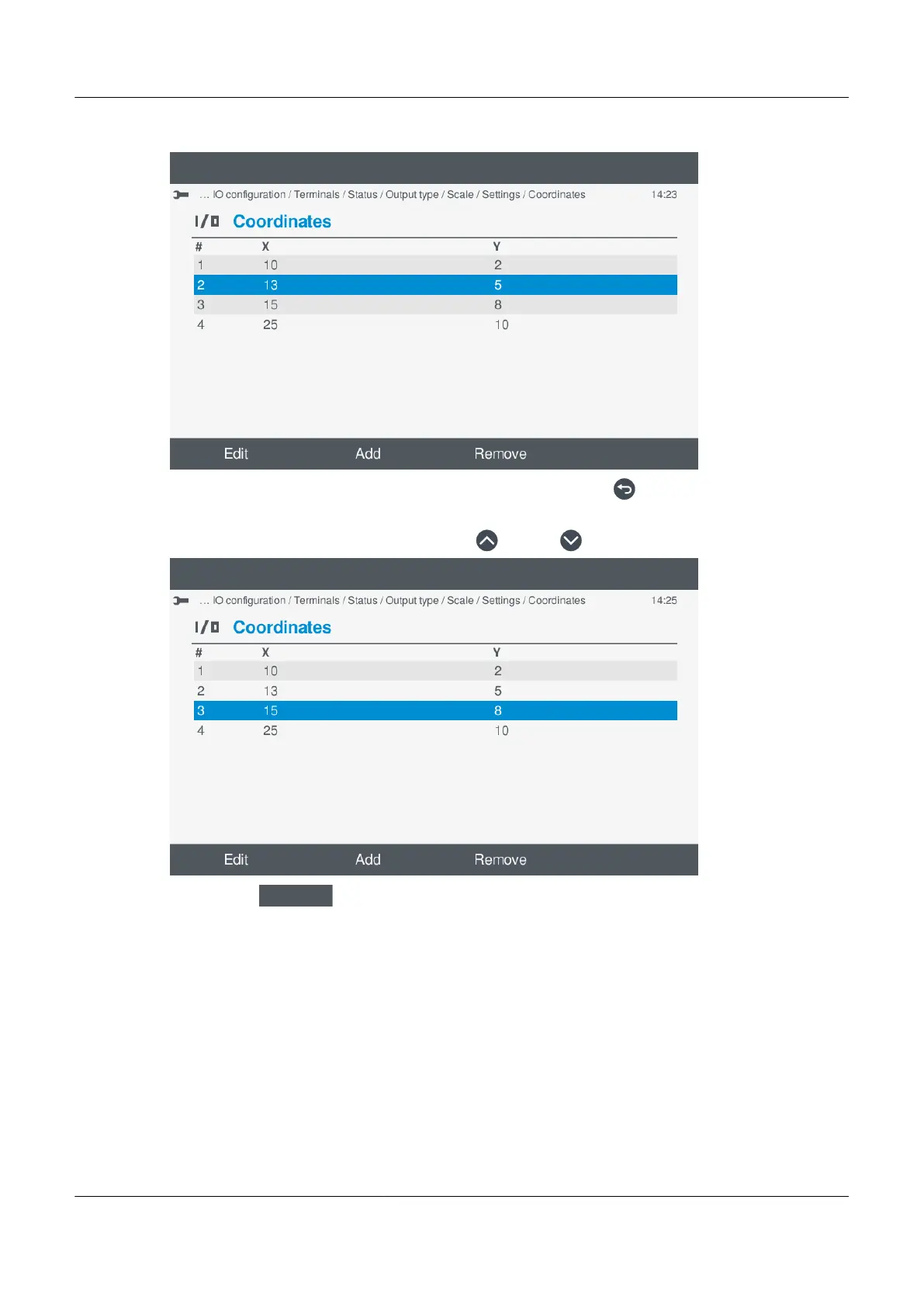
e. The x,y coordinates are updated in the list:
◦
f. When you have added/edited all the coordinates you require, press Back to return to the curve settings.
c. Remove coordinates:
a. Highlight the coordinate to remove, by pressing Up
or Down .
◦
b. Select Remove
.
◦ The coordinate is removed from the coordinate list:
PPM 300 Operator's manual 4189340910 UK



 To Next Page