◦
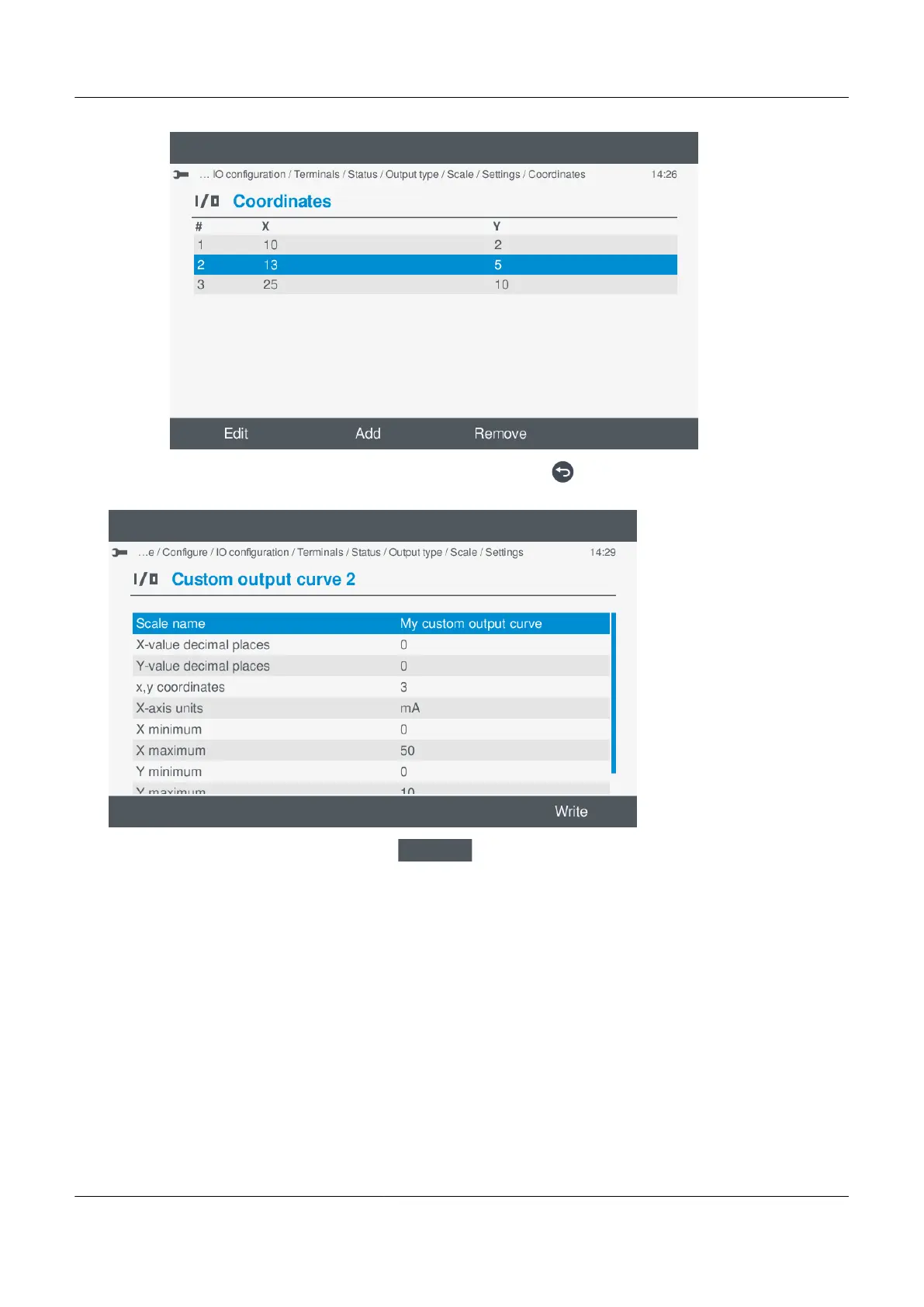
5. When you have added/edited all the coordinates you require, press Back to return to the curve settings.
• The custom settings are updated in the list:
•
6. Return to the curve selection, by selecting Write
.
• The custom curve is updated in the list:
PPM 300 Operator's manual 4189340910 UK
www.deif.com Page 115 of 157



 To Next Page