98 Connecting Your Printer
For more information on operator panel, see
"
Understanding the Printer
Menus.
"
For more information on Dell Printer Configuration Web Tool, see
"
Dell
Printer Configuration Web Tool.
"
1 Please Select Language
appears. Press button until the desired
language is highlighted, and then press the
(Set)
button.
2 Please Select Country
appears. Press button until the desired
country is highlighted, and then press the
(Set)
button.
The default time zone, paper size, and display format are automatically set
when you select a country.
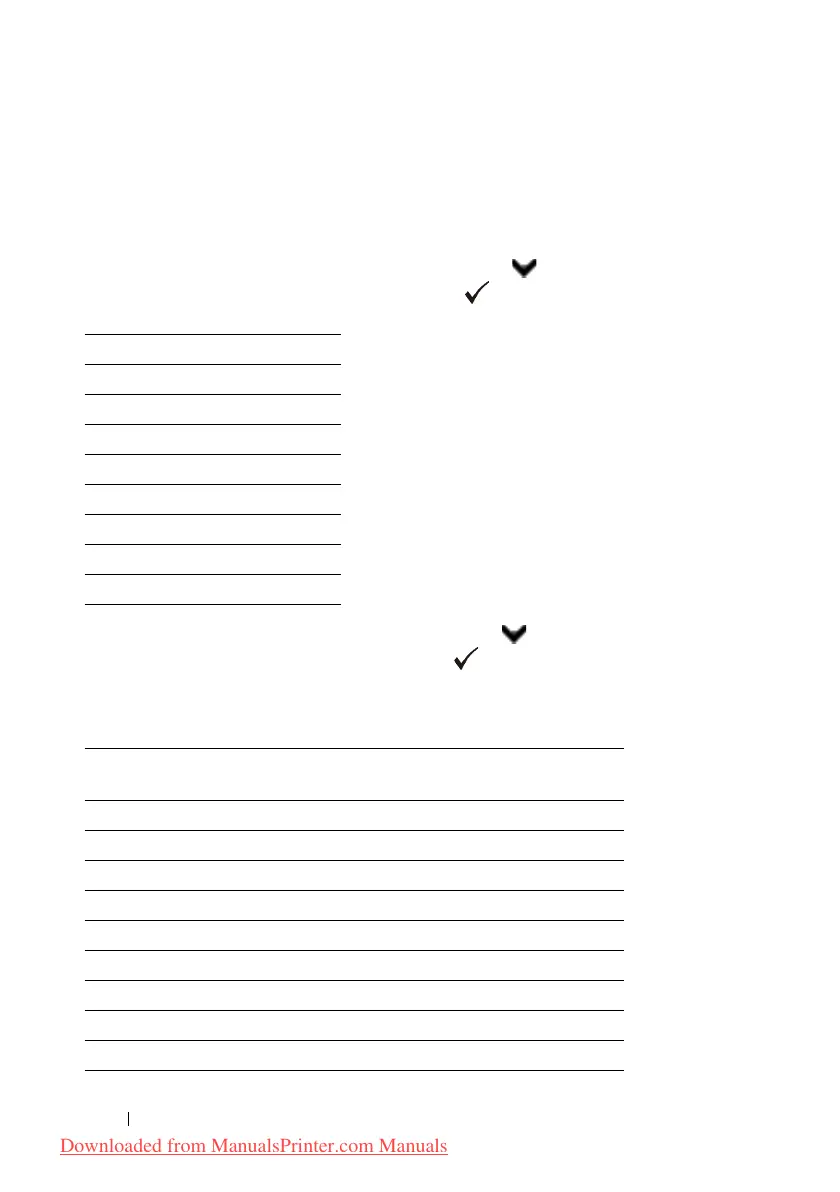
English
Français
Italiano
Deutsch
Español
Dansk
Nederlands
Norsk
Svenska
Country Default Time
Zone Setting
Default
Paper Size
Display Format
Algeria +1:00 A4 DD/MM/YY
Australia +10:00 A4 DD/MM/YY
Austria +1:00 A4 DD/MM/YY
Belgium +1:00 A4 DD/MM/YY
Bulgaria +2:00 A4 DD/MM/YY
Canada -5:00 Letter MM/DD/YY
Colombia -5:00 Letter DD/MM/YY
Costa Rica -6:00 Letter DD/MM/YY
Cyprus +2:00 A4 DD/MM/YY
Downloaded from ManualsPrinter.com Manuals











 To Next Page