654 Removing Options
FILE LOCATION: C:\Users\fxstdpc-
admin\Desktop\0630_UG??\Mioga_AIO_UG_FM\Mioga_AIO_UG_FM\section29.fm
DELL CONFIDENTIAL – PRELIMINARY 9/13/10 - FOR PROOF ONLY
NOTICE: Do not use excessive force on the tray. Doing so could damage the tray
or the inside of the printer.
6
Reconnect all cables including the power cable into the back of the printer
and turn on the printer.
Removing the Optional Wireless Adapter
CAUTION: When you remove the optional wireless adapter, be sure to turn off
the printer, unplug the power cable, and disconnect all cables from the back of the
printer before starting these tasks.
1
Ensure that the printer is turned off.
2
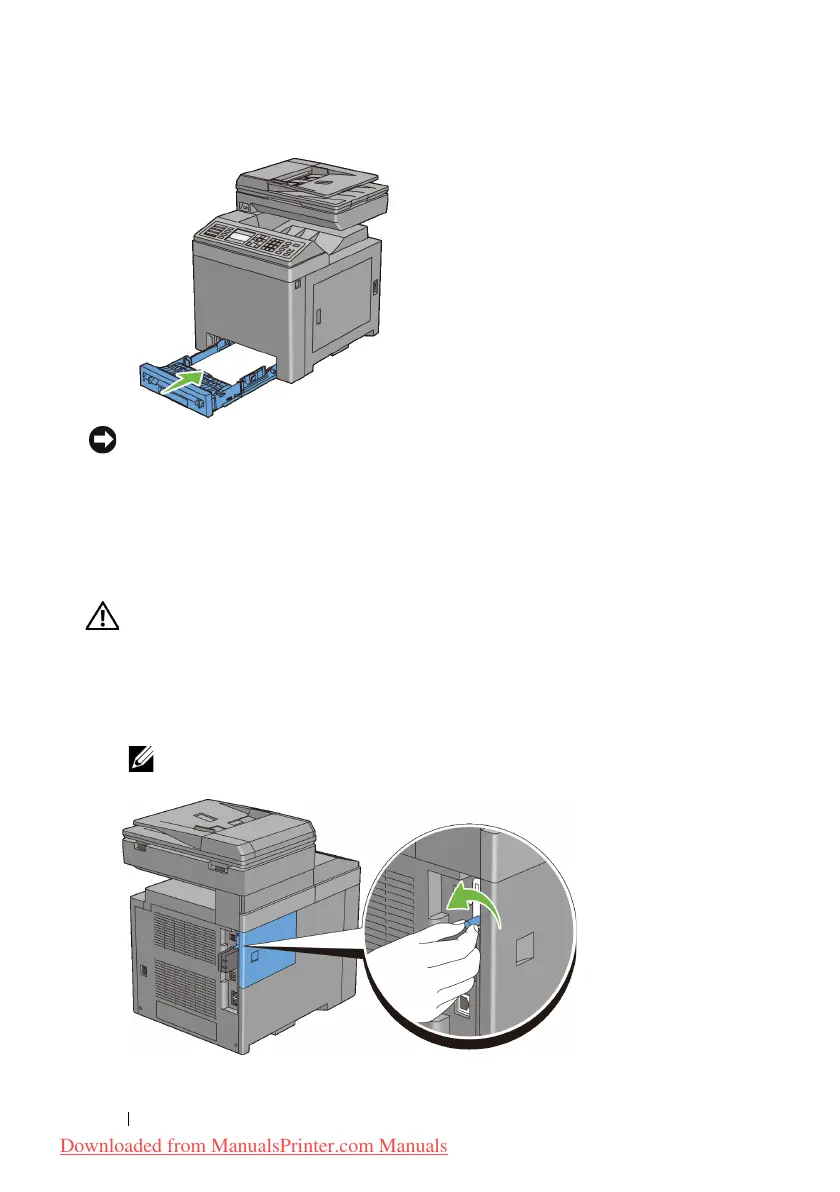
Turn the screw on the control board cover counterclockwise.
NOTE: Loosen the screw. You do not need to remove the screw.
Downloaded from ManualsPrinter.com Manuals











 To Next Page