616 Maintaining Your Printer
Removing the Toner Cartridge
1
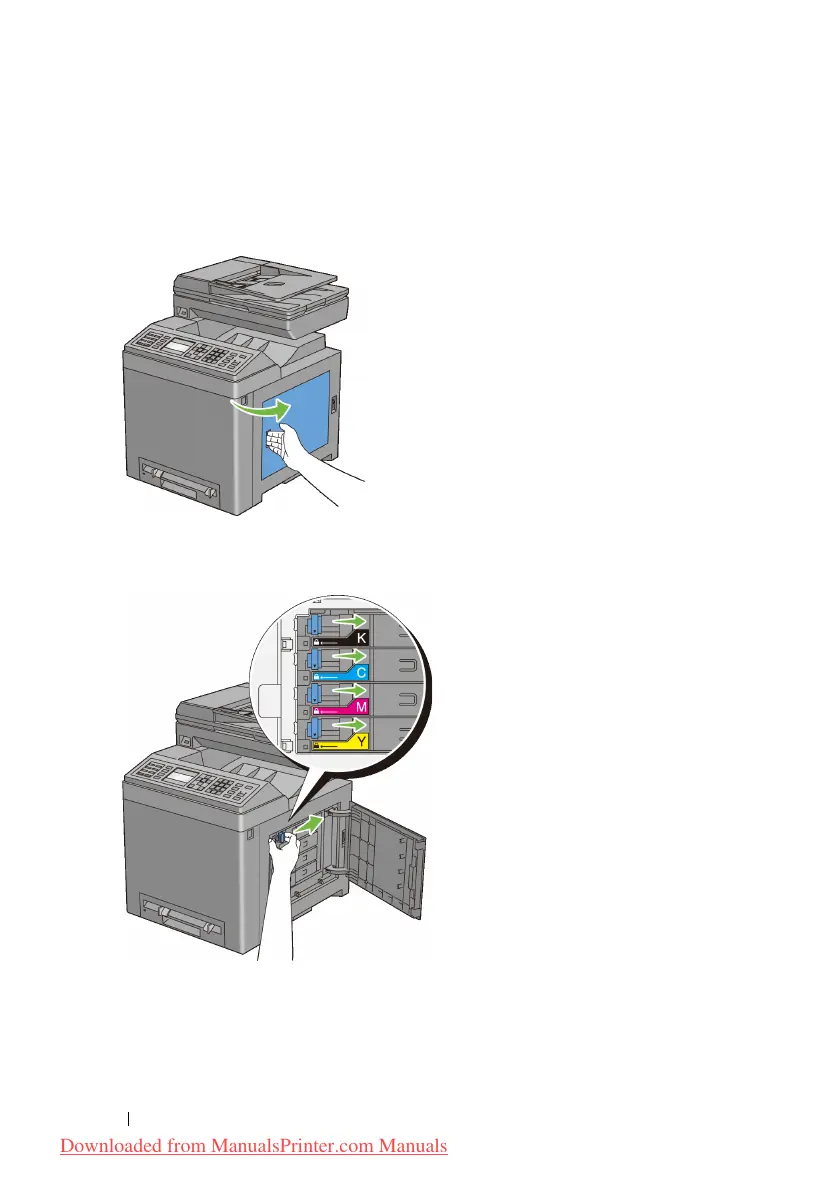
Open the toner access cover.
2
Push the latch(es) backwards to pop open the toner cartridge(s) that you want
to replace.
3
Pull the cartridge holder until it clicks, and then pull out the toner cartridge.
Downloaded from ManualsPrinter.com Manuals











 To Next Page