378 Faxing
FILE LOCATION: C:\Users\fxstdpc-
admin\Desktop\0630_UG??\Mioga_AIO_UG_FM\Mioga_AIO_UG_FM\section20.fm
DELL CONFIDENTIAL – PRELIMINARY 9/13/10 - FOR PROOF ONLY
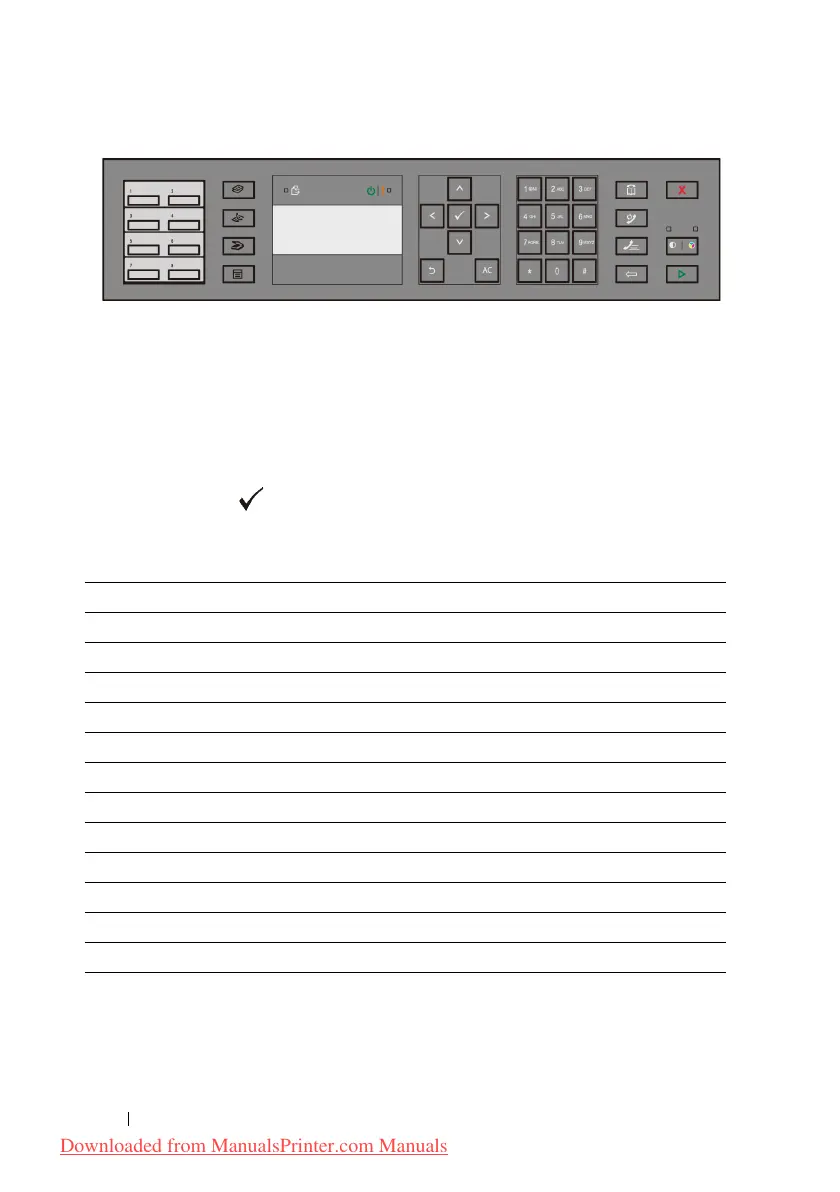
• When prompted to enter a letter, press the appropriate button until the correct
letter appears on the display.
For example, to enter the letter O, press 6:
– Each time you press 6, the display shows a different letter, M, N, O and
finally 6.
– To enter additional letters, repeat the first step.
– Press the
(Set)
button
when you are finished.
Keypad Letters and Numbers
Key Assigned numbers, letters or characters
1 1 @ . _ - (space) \ & ( ) ! " # $ % ' ~ ^ | ` ; : ? , + * / = [ ] { } < >
2 a b c A B C 2
3 d e f D E F 3
4 g h i G H I 4
5 j k l J K L 5
6 m n o M N O 6
7 p q r s P Q R S 7
8 t u v T U V 8
9 w x y z W X Y Z 9
00
*@ . _ -
# (space) \ & ( )
Downloaded from ManualsPrinter.com Manuals











 To Next Page