Understanding Fonts 583
FILE LOCATION: C:\Users\fxstdpc-
admin\Desktop\0630_UG??\Mioga_AIO_UG_FM\Mioga_AIO_UG_FM\section24.fm
DELL CONFIDENTIAL – PRELIMINARY 9/13/10 - FOR PROOF ONLY
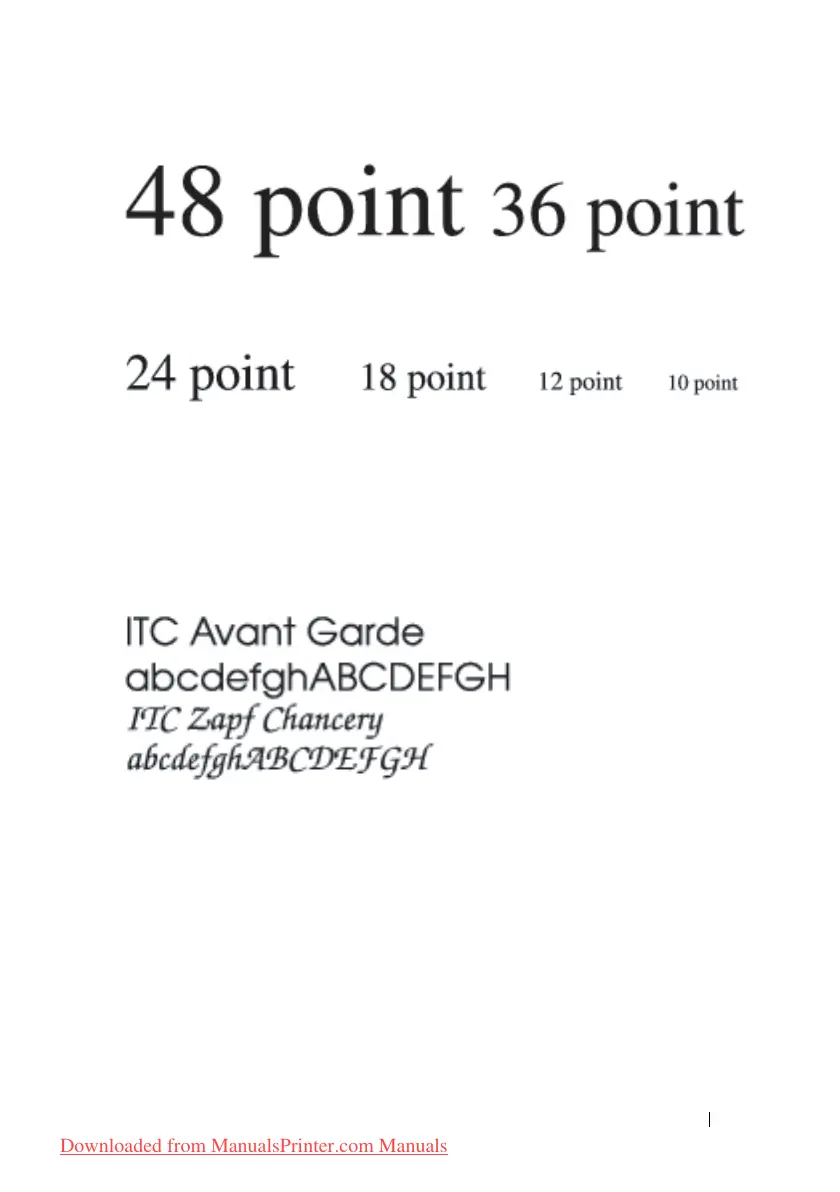
The point size of a font is defined as the distance from the top of the tallest
character in the font to the bottom of the lowest character in the font. Due to the
definition of point size, different fonts printed at the same point size may appear
quite different in size. This is because there are other font parameters that affect
how the font looks. However, the point size of a font is an excellent specification
of the relative size of a font. The following examples illustrate two very
different proportional fonts at 14 point:
Bitmapped and Scalable Fonts
The printer uses both bitmapped and scalable fonts.
Bitmapped fonts are stored in print memory as predefined patterns of bits that
represent a typeface at a specific size, style, and resolution. The following
illustration shows an example of a character from a bitmapped font.
Downloaded from ManualsPrinter.com Manuals











 To Next Page