Print Media Guidelines 271
FILE LOCATION: C:\Users\fxstdpc-
admin\Desktop\0630_UG??\Mioga_AIO_UG_FM\Mioga_AIO_UG_FM\section14.fm
DELL CONFIDENTIAL – PRELIMINARY 9/13/10 - FOR PROOF ONLY
Supported Paper Types
NOTE: For Plain and Label paper, you can set the paper density by selecting the
Paper Density (Light or Normal) under Printer Maintenance from the operator
panel, Tool Box, or Dell Configuration Web Tool. Once you set the Paper Density
settings, the printer uses the settings for Plain and Label paper.
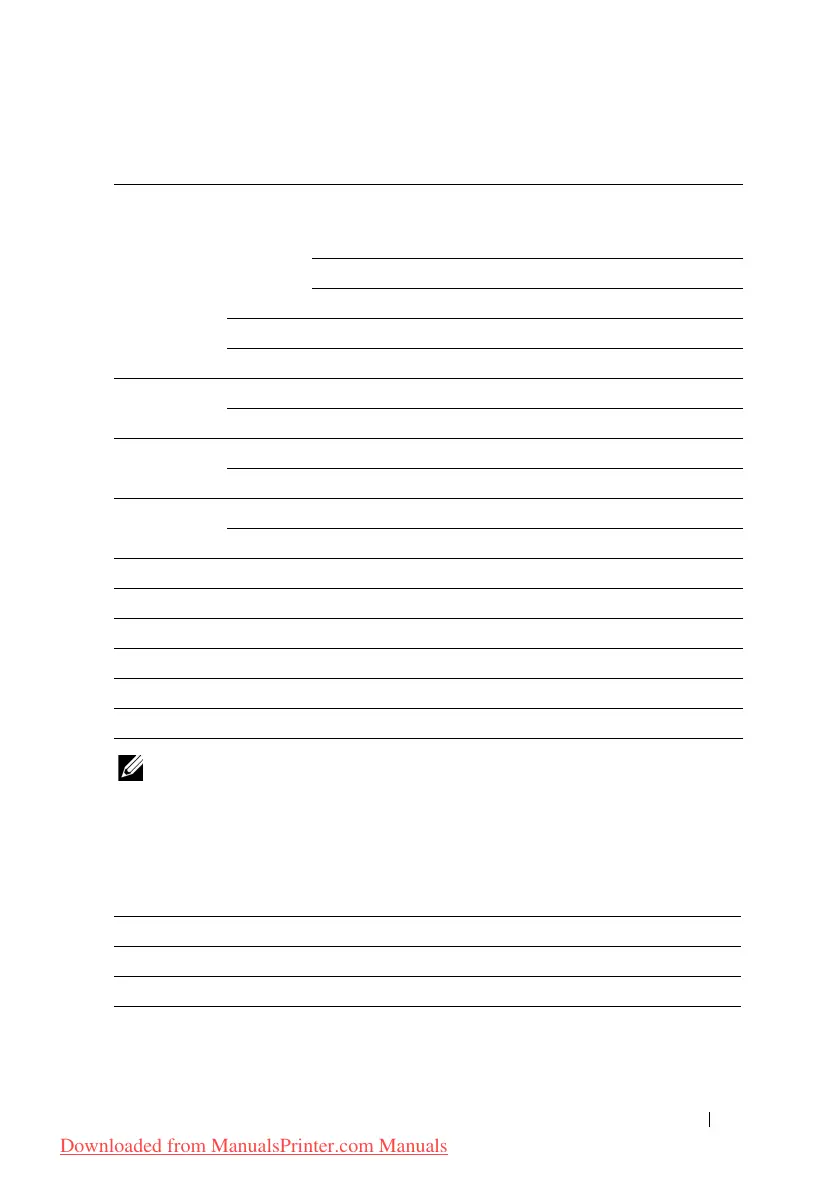
Paper Type Specifications
Paper type Single sheet
feeder
Standard
250-sheet
tray
Optional
250-sheet
feeder
Duplexer
Side 1Side 2Side 1Side 2Side 1Side 2Side 1Side 2
Plain Light YYYYYYYN
Normal YYYYYYYN
Thick YYYYYYYN
Covers Normal Y-Y-N-N-
Thick Y-Y-N-N-
Coated Normal Y-N-N-N-
Thick Y-N-N-N-
Label Normal N - Y - N - N -
Thick N-Y-N-N-
Envelope Y-Y-N-N-
Recycled YYYYYYYN
Letterhead Y-Y-Y-Y-
Preprinted Y-Y-Y-Y-
Prepunched Y-Y-Y-Y-
Color YYYYYYYN
Paper type Weight (g/m
2
) Remarks
Plain 60–90 -
Plain Thick 80/90–105 -
Recycled 60–105 -
Downloaded from ManualsPrinter.com Manuals











 To Next Page