372 Scanning
FILE LOCATION: C:\Users\fxstdpc-
admin\Desktop\0630_UG??\Mioga_AIO_UG_FM\Mioga_AIO_UG_FM\section19.fm
DELL CONFIDENTIAL – PRELIMINARY 9/13/10 - FOR PROOF ONLY
3
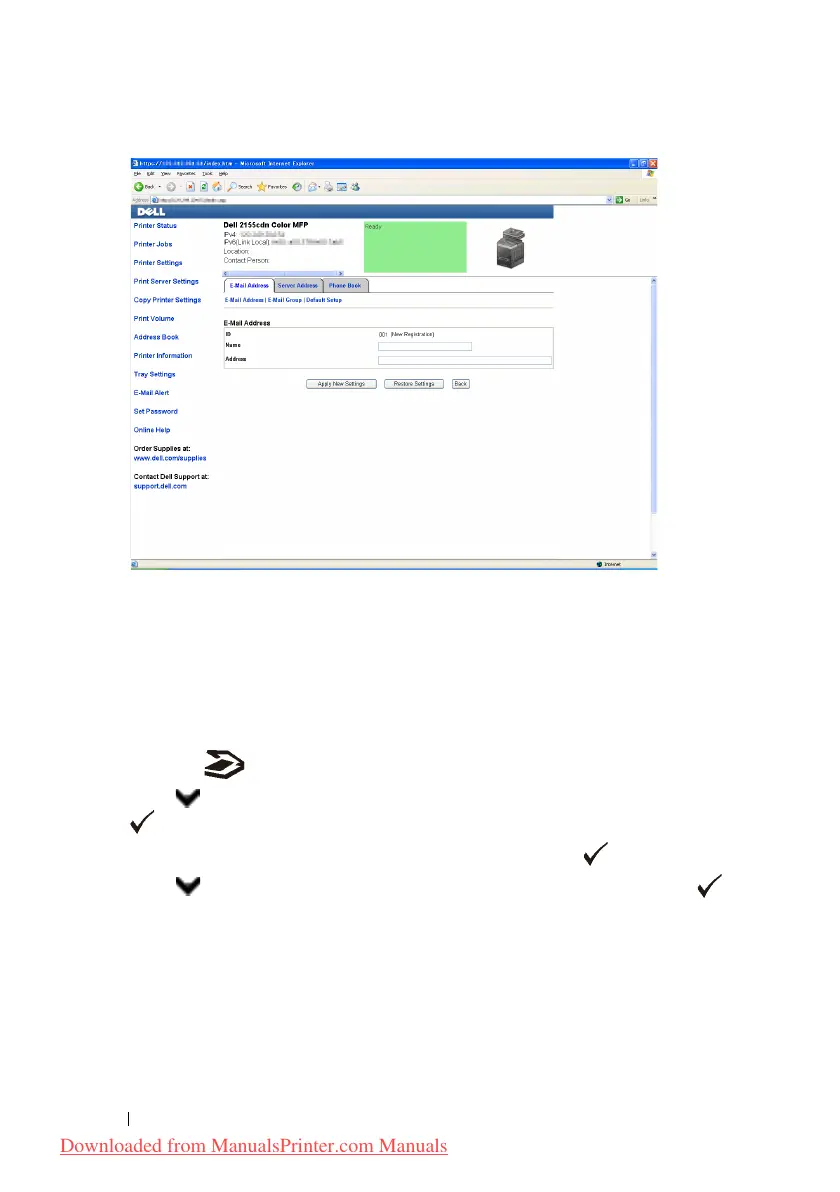
Enter the following:
•Name
• Address
4
Click the
Apply New Settings
button.
Sending an E-mail With the Scanned File
1
Press the
(Scan)
button.
2
Press button until
Scan to E-Mail
is highlighted, and then press the
(Set)
button.
3
Ensure that
Email to
is highlighted, and then press the
(Set)
button.
4
Press button until the desired menu is highlighted, and then press the
(Set)
button.
Keypad
: Enter an e-mail address directly.
Address Book
: Select an e-mail address registered in the address book.
Email Group
: Select a group of e-mails registered in the address book.
Downloaded from ManualsPrinter.com Manuals











 To Next Page