Copying 323
FILE LOCATION: C:\Users\fxstdpc-
admin\Desktop\0630_UG??\Mioga_AIO_UG_FM\Mioga_AIO_UG_FM\section18.fm
DELL CONFIDENTIAL – PRELIMINARY 9/13/10 - FOR PROOF ONLY
* Denotes the factory default setting.
5
Press the
(Start)
button to begin copying.
Original Type
To select the copy image quality:
1
Load the document(s) facing up with top edge in first into the ADF.
OR
Place a single document facing down on the document glass, and close the
document cover.
For details about loading a document, see "Making Copies From the
Document Glass" and "Making Copies From the ADF."
2
Press the
(Copy)
button.
3
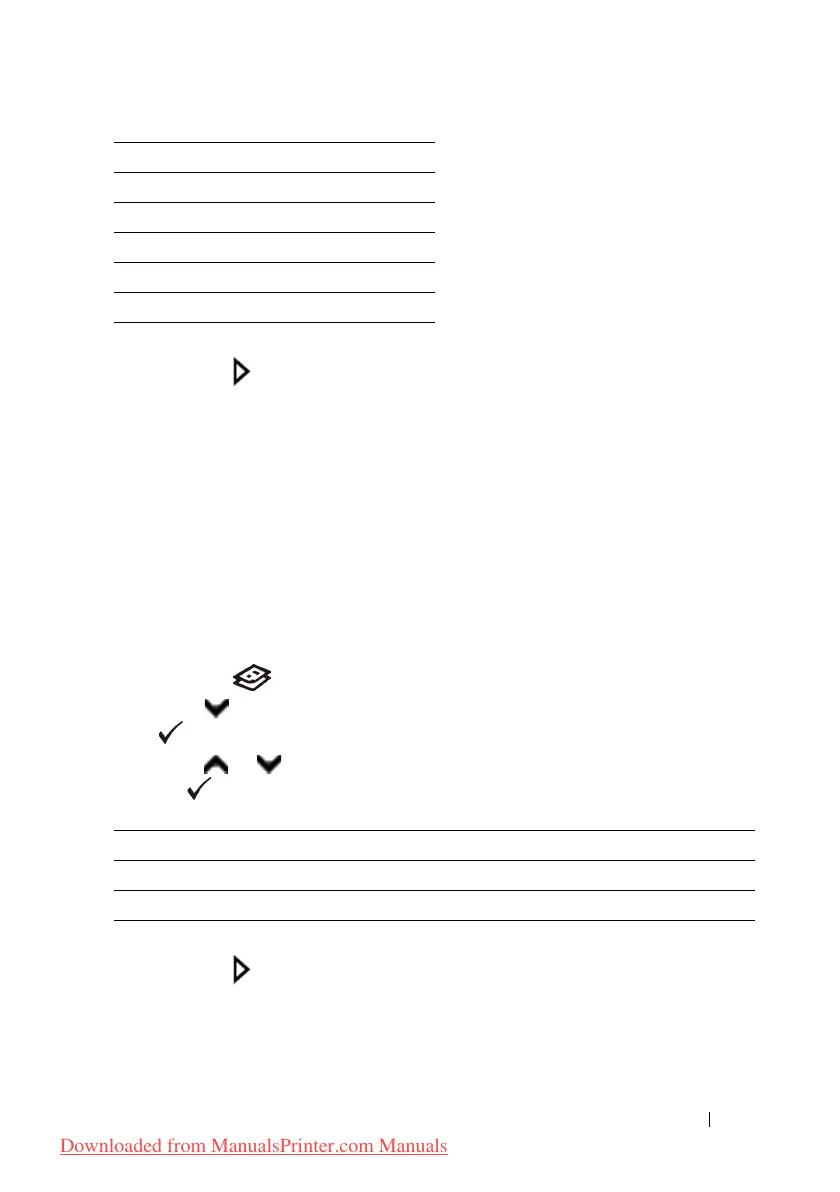
Press button until
Original Type
is highlighted, and then press the
(Set)
button.
4
Press or button until the desired setting is highlighted, and then press
the
(Set)
button.
* Denotes the factory default setting.
5
Press the
(Start)
button to begin copying.
Lighter/Darker
To adjust the contrast to make the copy lighter or darker than the original:
A5 (148 x 210mm)
B5 (182 x 257mm)
Letter (8.5 x 11")
Folio (8.5 x 13")
Legal (8.5 x 14")
Executive (7.3 x 10.5")
Text Used for documents with text.
Text & Photo* Used for documents with both text and photos.
Photo Used for documents with photos.
Downloaded from ManualsPrinter.com Manuals











 To Next Page