330 Copying
FILE LOCATION: C:\Users\fxstdpc-
admin\Desktop\0630_UG??\Mioga_AIO_UG_FM\Mioga_AIO_UG_FM\section18.fm
DELL CONFIDENTIAL – PRELIMINARY 9/13/10 - FOR PROOF ONLY
2
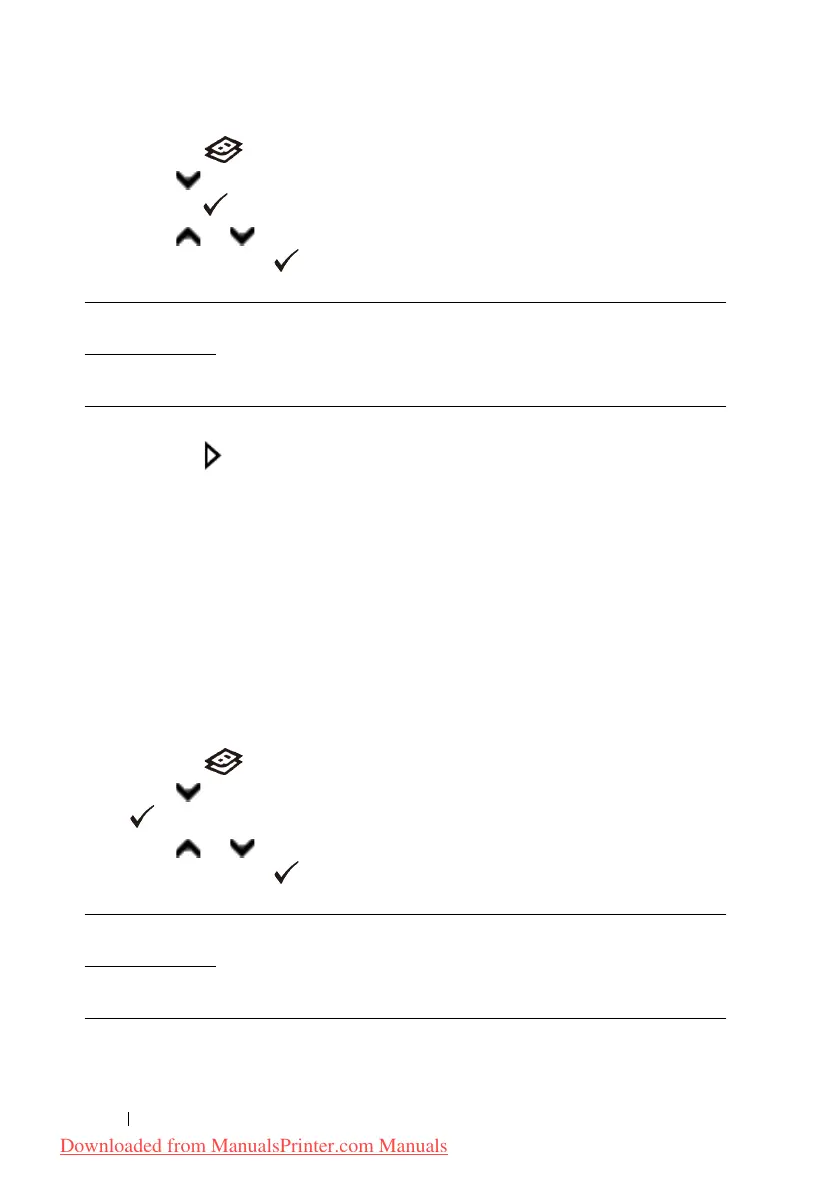
Press the
(Copy)
button.
3
Press button until
Margin Top/Bottom
is highlighted, and then
press the
(Set)
button.
4
Press or button or enter the desired value using the numeric keypad,
and then press the
(Set)
button.
* Denotes the factory default setting.
5
Press the
(Start)
button to begin copying.
Margin Left/Right
To specify the left and right margins of the copy:
1
Load the document(s) facing up with top edge in first into the ADF.
OR
Place a single document facing down on the document glass, and close the
document cover.
For details about loading a document, see "Making Copies From the
Document Glass" and "Making Copies From the ADF."
2
Press the
(Copy)
button.
3
Press until
Margin Left/Right
is highlighted, and then press the
(Set)
button.
4
Press or button or enter the desired value using the numeric keypad,
and then press the
(Set)
button.
* Denotes the factory default setting.
0.2 inch* (4
mm*)
Specify the value in increments of 0.1 inch (1 mm).
0.0–2.0 inch
(0–50 mm)
0.2 inch* (4
mm)
Specify the value in increments of 0.1 inch (1 mm).
0.0–2.0 inch
(0–50 mm)
Downloaded from ManualsPrinter.com Manuals











 To Next Page