Maintaining Your Printer 617
CAUTION: Do not shake the toner cartridge as it may cause toner spills.
Installing a Toner Cartridge
1
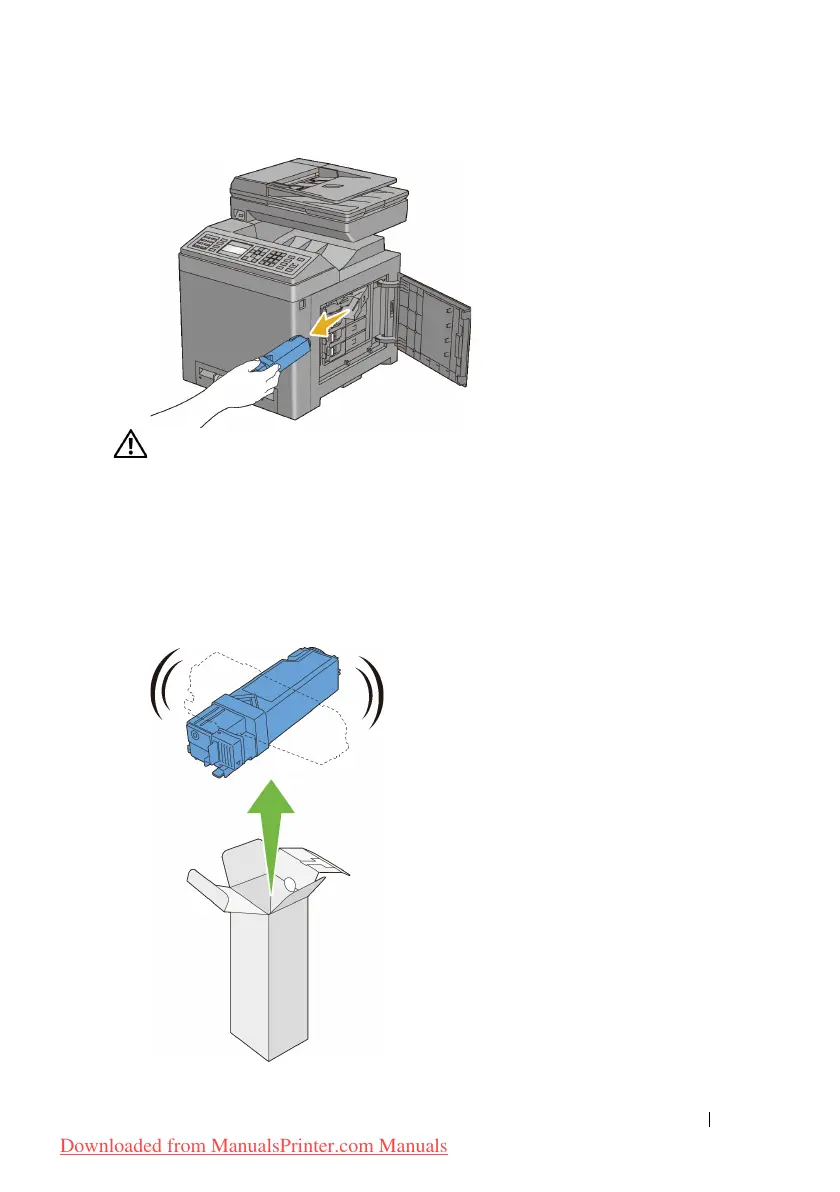
Ensure that the color of the new toner cartridge matches that on the handle
before replacing it. Shake the new toner cartridge five or six times to
distribute the toner evenly.
Downloaded from ManualsPrinter.com Manuals











 To Next Page