Loading Print Media 281
FILE LOCATION: C:\Users\fxstdpc-
admin\Desktop\0630_UG??\Mioga_AIO_UG_FM\Mioga_AIO_UG_FM\section15.fm
DELL CONFIDENTIAL – PRELIMINARY 9/13/10 - FOR PROOF ONLY
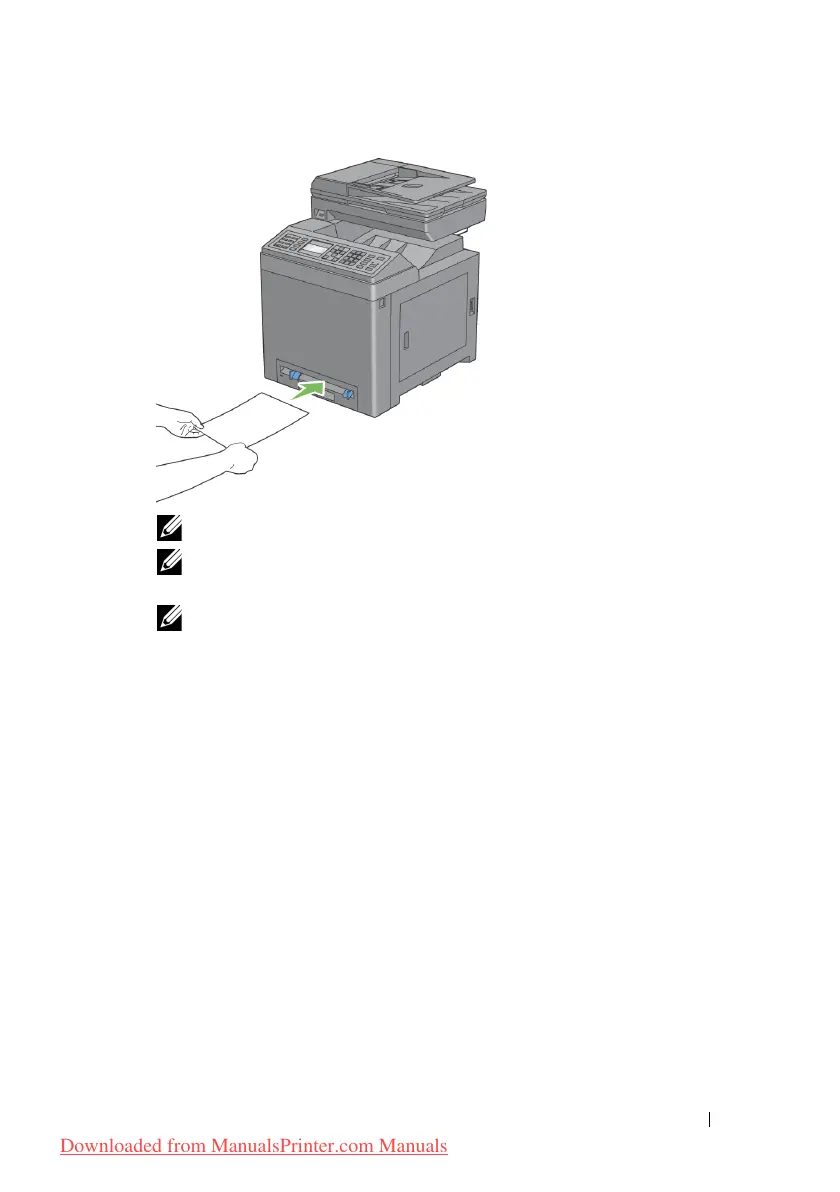
NOTE: Do not force the print media into the single sheet feeder.
NOTE: Load letterhead face-down, with the top of the sheet entering the
printer first.
NOTE: If you experience problems with paper feed, turn the paper around.
Loading an Envelope in the SSF
Envelope #10, Monarch, or DL
To load an envelope into the single sheet feeder, insert the envelope short edge
feed with the flap closed and the print side down. Ensure that the flap comes at
the right when you face towards the printer.
Downloaded from ManualsPrinter.com Manuals











 To Next Page