Troubleshooting Guide 709
FILE LOCATION: C:\Users\fxstdpc-
admin\Desktop\0630_UG??\Mioga_AIO_UG_FM\Mioga_AIO_UG_FM\section31.fm
DELL CONFIDENTIAL – PRELIMINARY 9/13/10 - FOR PROOF ONLY
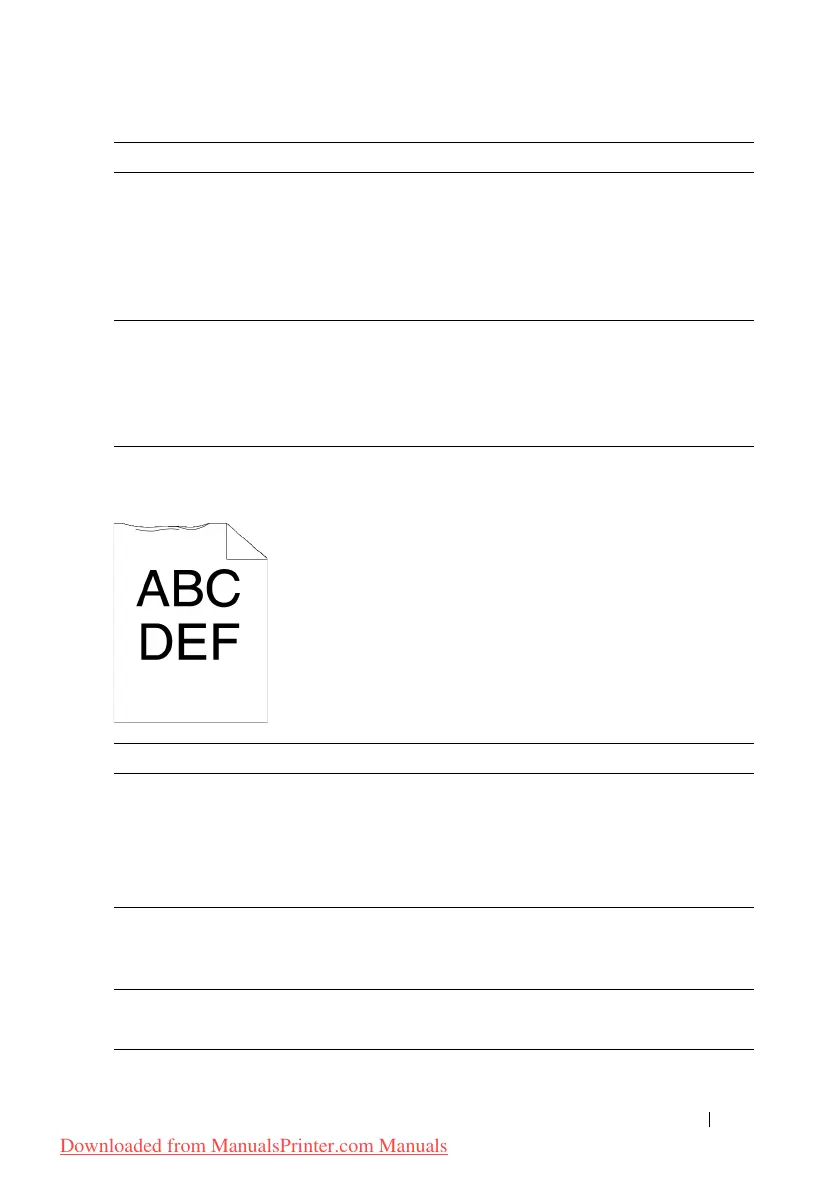
Damage on the leading edge of paper
3a Load the envelopes in the standard 250-sheet tray
in the short edge feed orientation with the flap
closed and print side up. For details, see
"Loading Envelopes in the Standard 250-Sheet
Tray and the Optional 250-Sheet Feeder."
Does this solve your problem?
The task is
complete.
Contact Dell.
3b Load the envelopes in the standard 250-sheet tray
in the long edge feed orientation with the flap
open and print side up. For details, see "Monarch
or DL."
Does this solve your problem?
The task is
complete.
Contact Dell.
Action Yes No
1 When you use the SSF, reverse the paper and
then try again.
When you use any of the trays, change the paper
and then try again.
Does this solve your problem?
The task is
complete.
(SSF)
Go to action 2.
(trays)
Contact Dell.
2 Change the paper with another one and then try
again.
Does this solve your problem?
The task is
complete.
Go to action 3.
3 Use any of other tray in place of the SSF.
Does this solve your problem?
The task is
complete.
Contact Dell.
Action Yes No
Downloaded from ManualsPrinter.com Manuals











 To Next Page