672 Clearing Jams
FILE LOCATION: C:\Users\fxstdpc-
admin\Desktop\0630_UG??\Mioga_AIO_UG_FM\Mioga_AIO_UG_FM\section30.fm
DELL CONFIDENTIAL – PRELIMINARY 9/13/10 - FOR PROOF ONLY
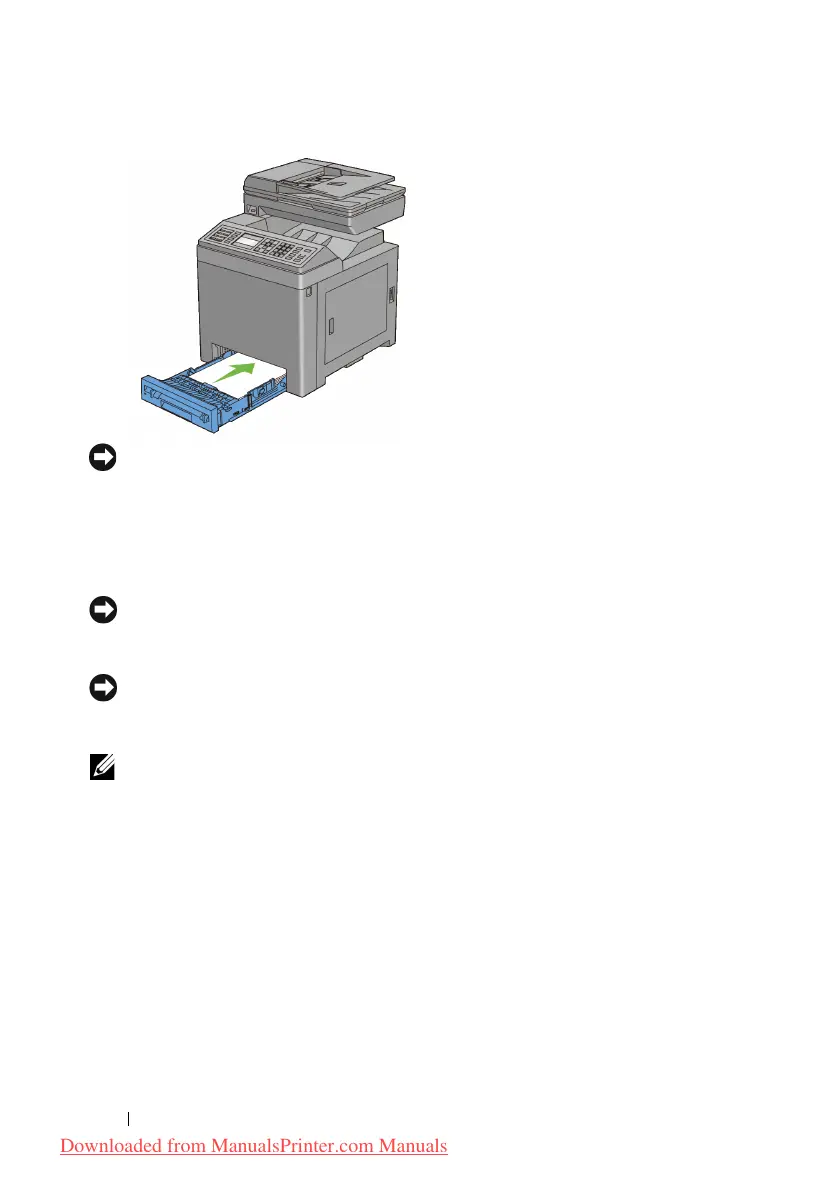
NOTICE: Do not use excessive force on the tray. Doing so could damage the tray
or the inside of the printer.
Clearing Paper Jams From the Fuser
NOTICE: Ensure nothing touches or scratches the surface (black-colored film) of
the belt unit. Scratches, dirt, or oil from your hands on the film of the belt unit may
reduce print quality.
NOTICE: Protect the drums of the Print Head Device (PHD) against bright light.
If the front cover remains open for more than three minutes, print quality may
deteriorate.
NOTE: To resolve the error displayed on the operator panel, you must clear all
print media from the print media path.
1
Turn off the printer and wait for 30 minutes.
2
Push the side button to open the front cover.
Downloaded from ManualsPrinter.com Manuals











 To Next Page