Clearing Jams 673
FILE LOCATION: C:\Users\fxstdpc-
admin\Desktop\0630_UG??\Mioga_AIO_UG_FM\Mioga_AIO_UG_FM\section30.fm
DELL CONFIDENTIAL – PRELIMINARY 9/13/10 - FOR PROOF ONLY
3
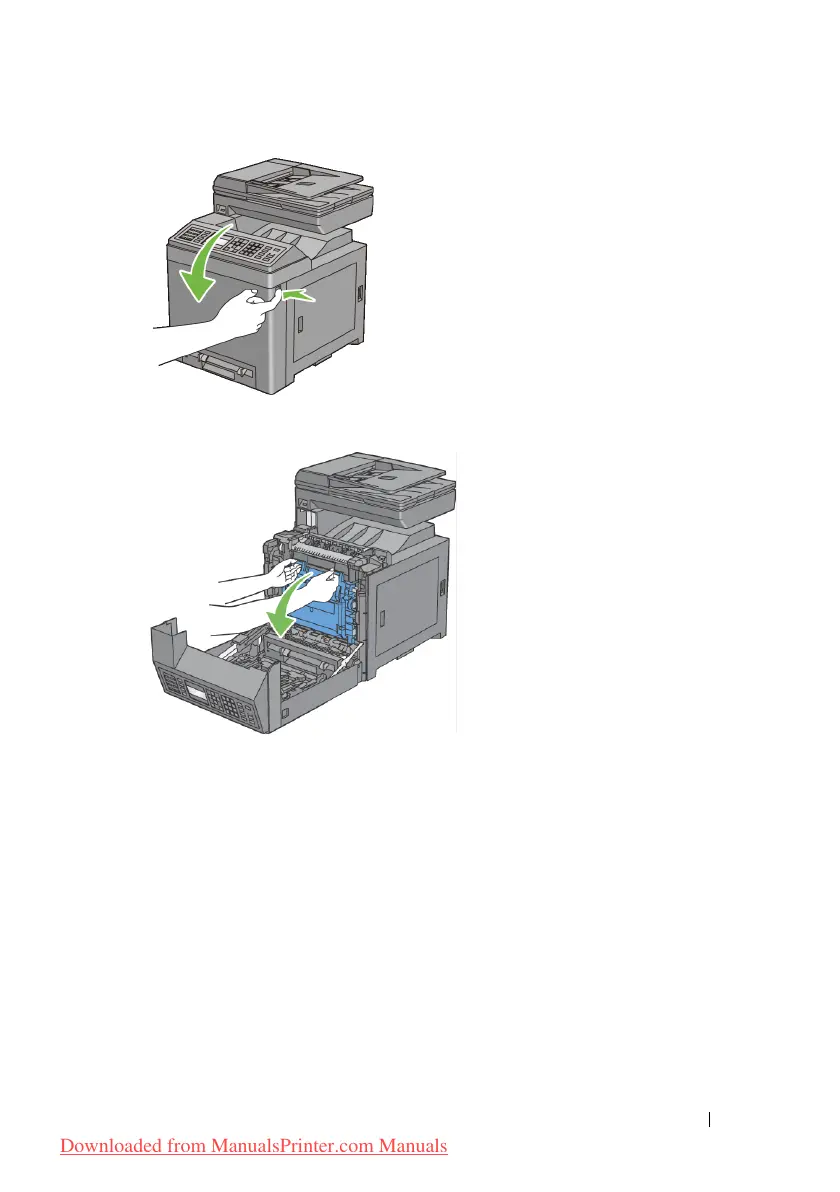
Open the belt unit.
4
Lift the levers at both ends of the fuser, and remove the jammed paper. If you
are still unable to remove the paper, go to the next step.
Downloaded from ManualsPrinter.com Manuals











 To Next Page