276 Loading Print Media
FILE LOCATION: C:\Users\fxstdpc-
admin\Desktop\0630_UG??\Mioga_AIO_UG_FM\Mioga_AIO_UG_FM\section15.fm
DELL CONFIDENTIAL – PRELIMINARY 9/13/10 - FOR PROOF ONLY
7
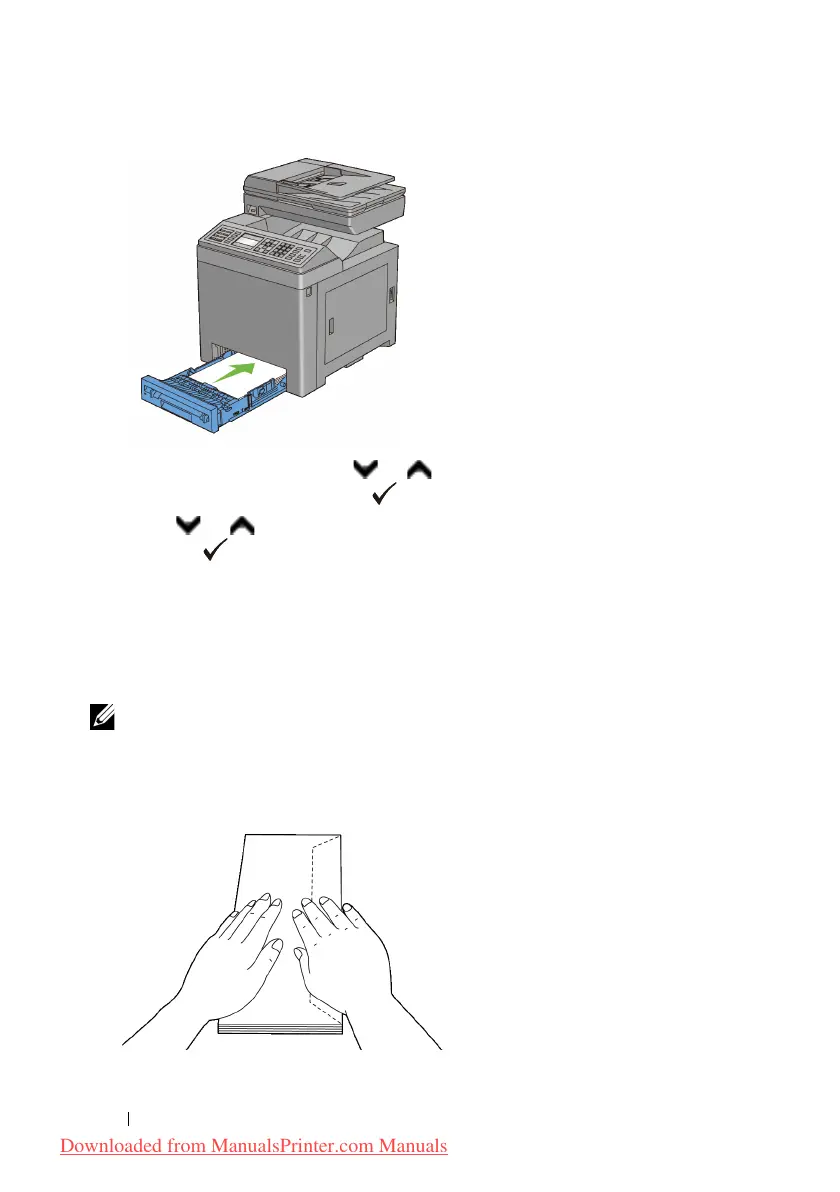
On the operator panel, press or button until the desired paper size is
highlighted, and then press the
(Set)
button.
8
Press or button until the desired paper type is highlighted, and then
press the
(Set)
button.
Loading Envelopes in the Standard 250-Sheet Tray and the Optional 250-
Sheet Feeder
Use the following guidelines when loading envelopes in the standard 250-sheet
tray and optional 250-sheet feeder:
NOTE: If you do not load envelopes in the standard 250-sheet tray and optional
250-sheet feeder right after they have been removed from the packaging, they may
bulge. To avoid jams, flatten them as shown below before loading the envelopes in
the tray.
Downloaded from ManualsPrinter.com Manuals











 To Next Page