Scanning 345
FILE LOCATION: C:\Users\fxstdpc-
admin\Desktop\0630_UG??\Mioga_AIO_UG_FM\Mioga_AIO_UG_FM\section19.fm
DELL CONFIDENTIAL – PRELIMINARY 9/13/10 - FOR PROOF ONLY
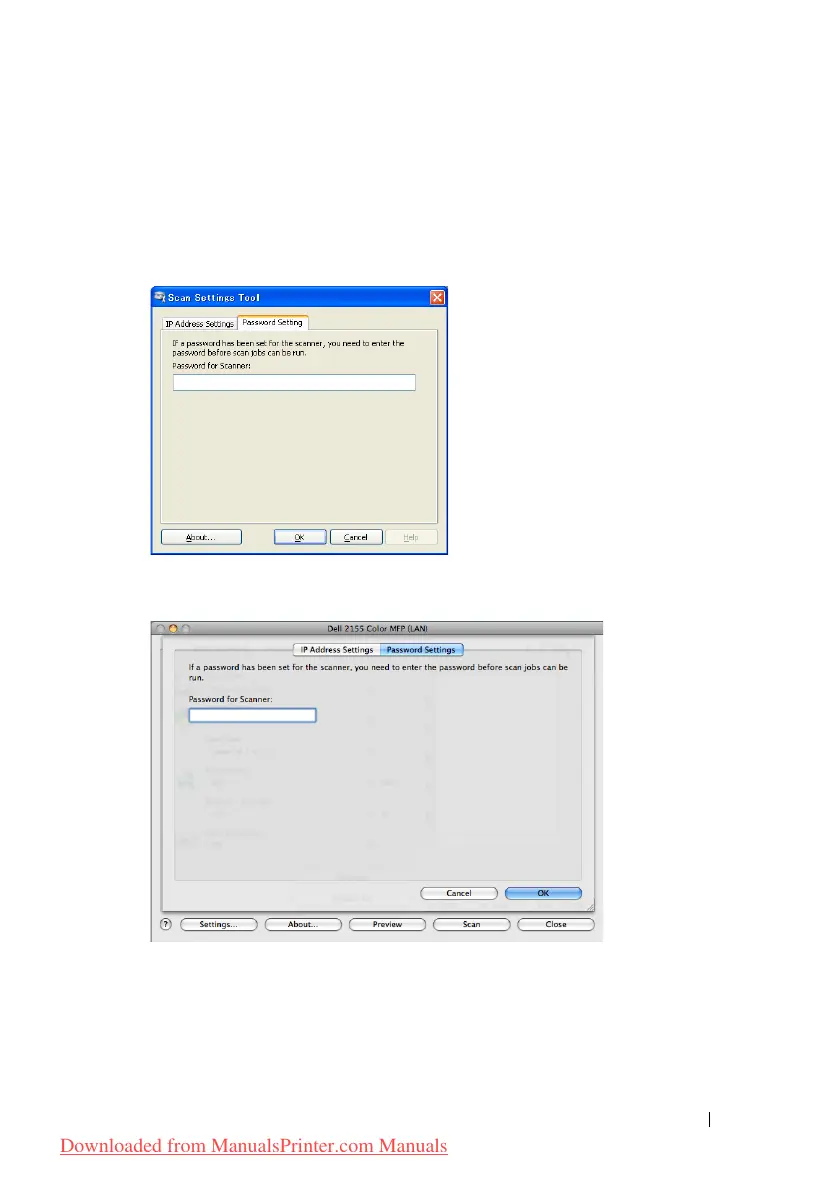
Password Setting
In the Password Setting tab, you can input the password that is set for your
scanner to access from your computer to the printer.
For Microsoft Windows:
For Apple Macintosh:
• Password for Scanner
Enter the password.
Downloaded from ManualsPrinter.com Manuals











 To Next Page