Maintaining Your Printer 631
Cleaning Inside the Printer
Cleaning the Feed Roller
Clean the feed roller inside the printer if print media does not feed correctly.
1
Ensure that the printer is turned off.
2
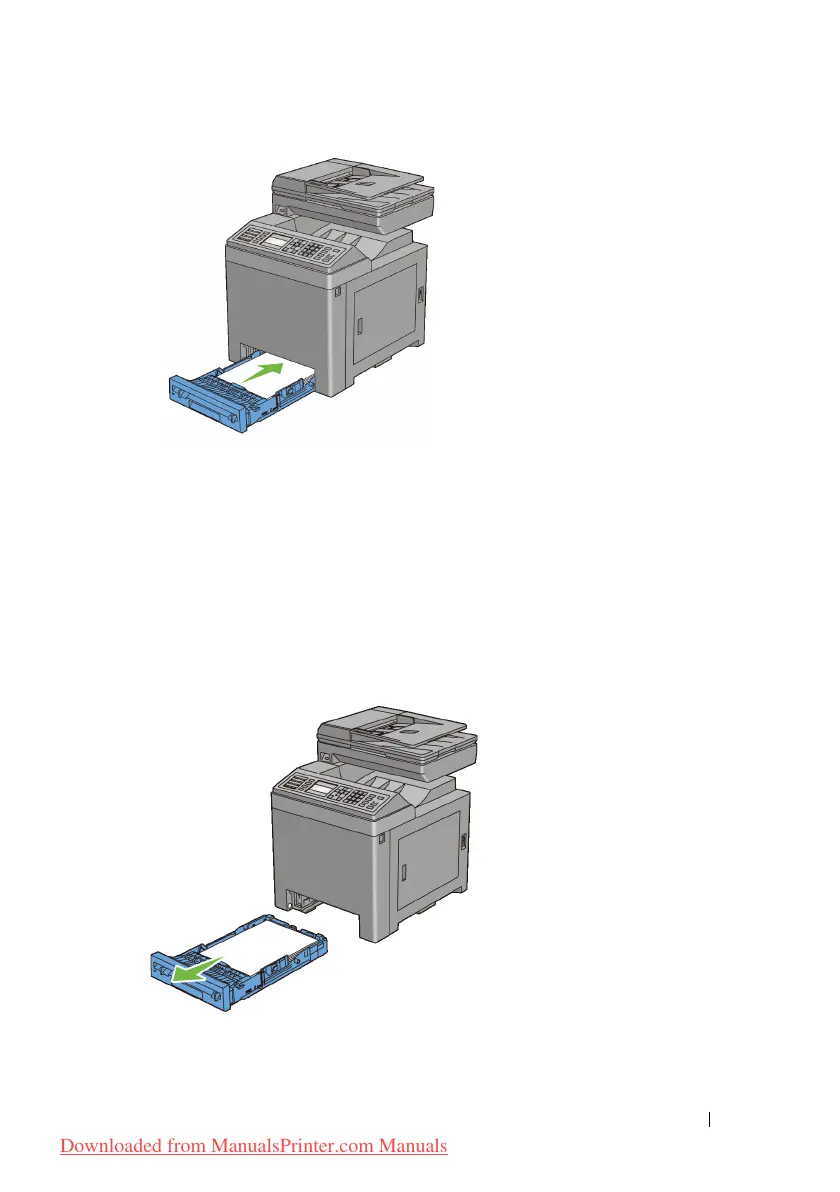
Pull the standard 250-sheet tray out of the printer about 200 mm. Hold the
standard 250-sheet tray with both hands, and remove it from the printer.
3
Push the side button to open the front cover.
Downloaded from ManualsPrinter.com Manuals











 To Next Page