286 Operator Panel
FILE LOCATION: C:\Users\fxstdpc-
admin\Desktop\0630_UG??\Mioga_AIO_UG_FM\Mioga_AIO_UG_FM\section16.fm
DELL CONFIDENTIAL – PRELIMINARY 9/13/10 - FOR PROOF ONLY
• Lights up when the printer is ready. (Ready LED)
• Lights up when the printer has an error. (Error LED)
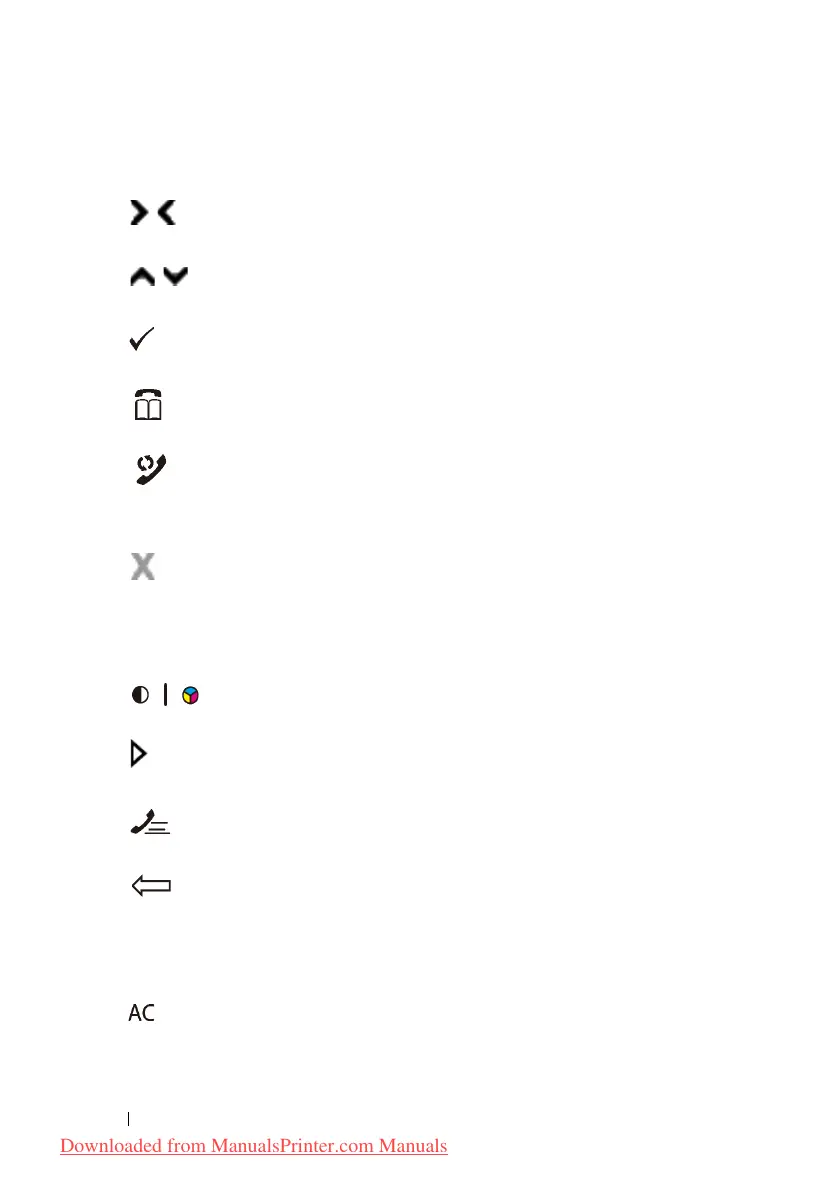
6
button
• Moves a cursor or highlight right or left.
7
button
• Moves a cursor or highlight up or down.
8
(Set)
button
• Confirms the entry of values.
9
(Contacts)
button
• Moves to the
Address Book
menu for the Fax and Scan services.
10
(Redial / Pause)
button
• Re-dials a telephone number.
• Inserts a pause into a telephone number.
11
(Cancel)
button
• Cancels the current processing or pending job.
12
B&W / Color LED
• Lights up to indicate which color mode is selected.
13
(Color Mode)
button
• Switches the color mode.
14 (Start) button
• Starts a job.
15
(Speed Dial)
button
• Calls up a stored telephone number.
16
(Backspace)
button
• Deletes characters and numbers.
17
Numeric keypad
• Enters characters and numbers.
18
(All Clear)
button
• Resets the current setting, and returns to the top menu.
Downloaded from ManualsPrinter.com Manuals











 To Next Page