Scanning 341
FILE LOCATION: C:\Users\fxstdpc-
admin\Desktop\0630_UG??\Mioga_AIO_UG_FM\Mioga_AIO_UG_FM\section19.fm
DELL CONFIDENTIAL – PRELIMINARY 9/13/10 - FOR PROOF ONLY
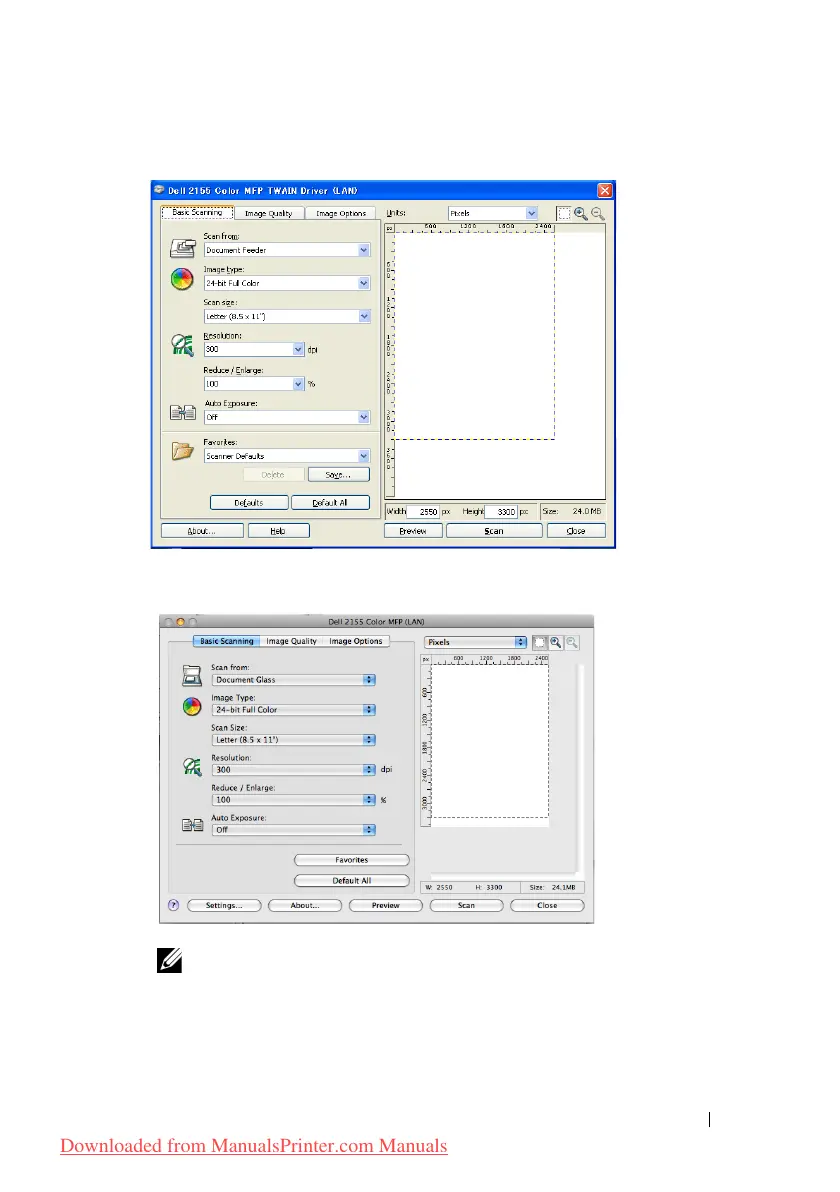
For Microsoft Windows:
For Apple Macintosh:
NOTE: The screen image may vary depending on the operating system.
7
In the
Basic Scanning
tab, set the desired preferences, and click
Preview
to
display the preview image.
8
Adjust the settings in the
Image Quality
and
Image Option
tabs.
Downloaded from ManualsPrinter.com Manuals











 To Next Page