Scanning 351
FILE LOCATION: C:\Users\fxstdpc-
admin\Desktop\0630_UG??\Mioga_AIO_UG_FM\Mioga_AIO_UG_FM\section19.fm
DELL CONFIDENTIAL – PRELIMINARY 9/13/10 - FOR PROOF ONLY
For Microsoft Windows:
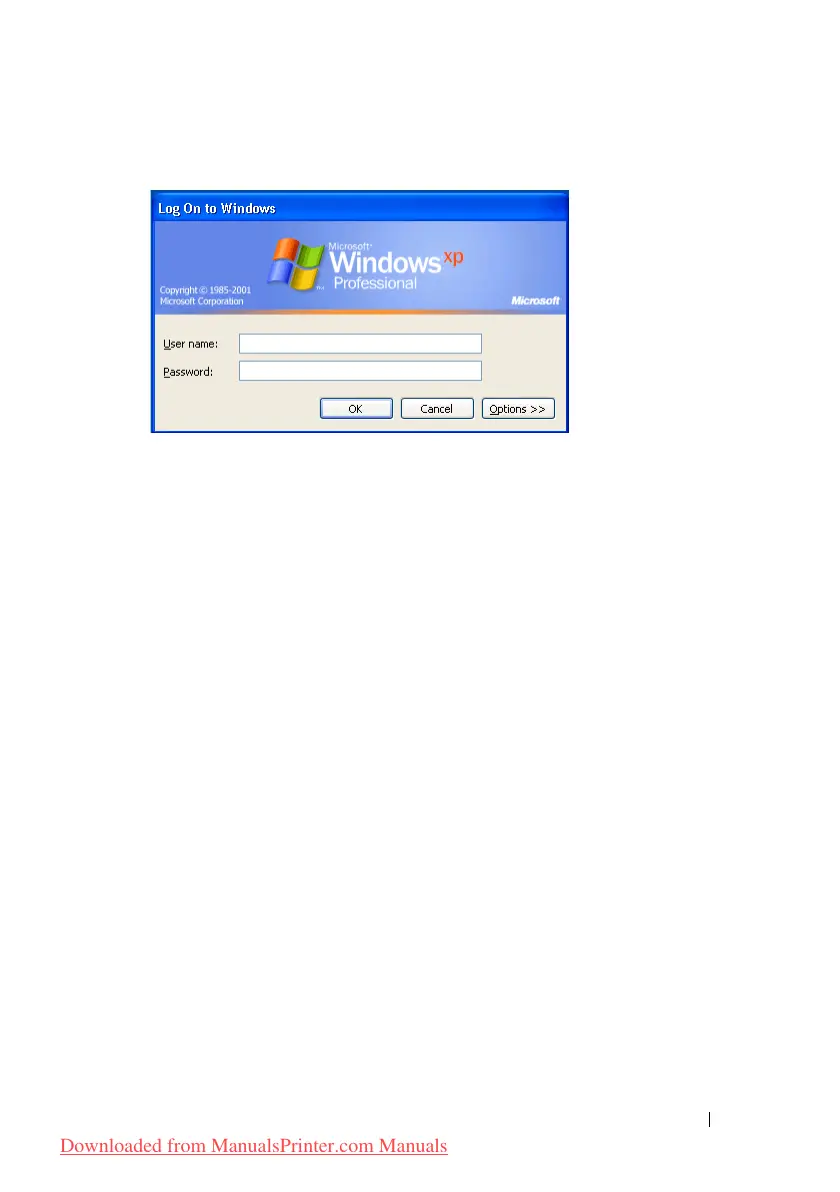
If you do not use a password for your user login, you need to create a password
on your User Login Account with the following procedure.
For Windows XP:
1
Click
start
Control Panel
User Accounts
.
2
Click
Change an account
.
3
Click
Create a password
and add in a password for your user login account.
For Windows Vista and Windows 7:
1
Click
Start
Control Panel
.
2
Click
User Accounts and Family Safety
.
3
Click
User Accounts
.
4
Click
Create a password for your account
and add in a password for your
user login account.
For Windows Server 2008:
1
Click
Start
Control Panel
.
2
Double-click
User Accounts
.
3
Click
Create a password for your account
and add in a password for your
user login account.
For Windows Server 2008 R2:
1
Click
Start
Control Panel
.
Downloaded from ManualsPrinter.com Manuals











 To Next Page