Product Features 37
FILE LOCATION: C:\Users\fxstdpc-
admin\Desktop\0630_UG??\Mioga_AIO_UG_FM\Mioga_AIO_UG_FM\section03.fm
DELL CONFIDENTIAL – PRELIMINARY 9/13/10 - FOR PROOF ONLY
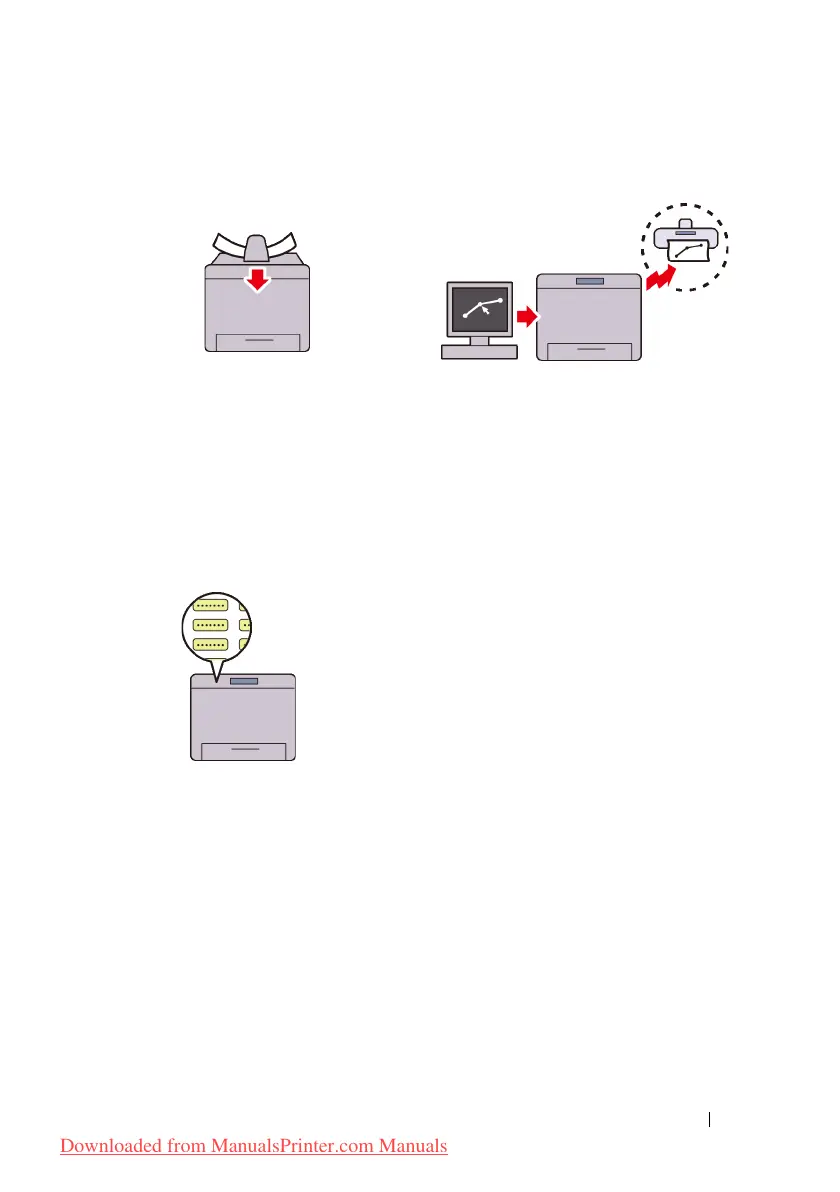
Making Copies From the ADF
(Scan From ADF)
You can scan pieces of unbound paper
using the ADF. When you scan
documents using the ADF, load them
facing up.
Sending a Fax from the Driver
(Direct Fax) (Direct Fax from PC)
You can directly send faxes from your
PC using the fax driver. You can
specify the fax settings like the normal
fax. Also, you can specify the
recipient's fax number from the
numeric keypad, or the address book
or phone book.
Address Books (Address Book)
Address Book simplifies the recipient
specification. You can use the address
book on the printer as well as on the
server. Select the desired address or
fax number from the address book
when using the Scan to E-mail or
Scan to SMB/FTP feature, or sending
faxes.
Downloaded from ManualsPrinter.com Manuals











 To Next Page